(Revised 2011-07-21) Page 110 of 158
Logical View
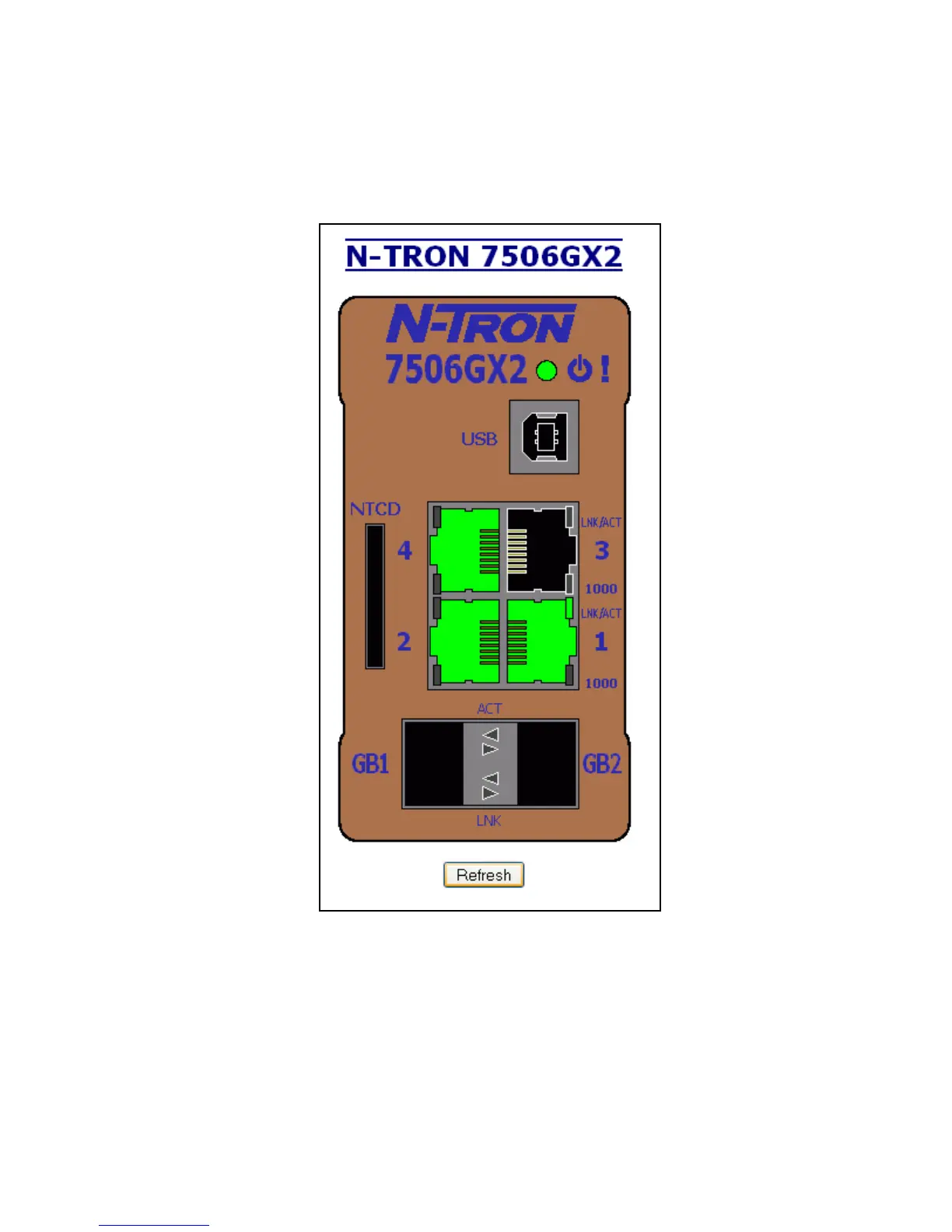
The N-Tron switch Web Management offers a logical view of the switch. Here a user or administrator can
see a graphical depiction of the N-Tron switch. Ports that are linked will appear in green, while ports that
are not linked will appear in black. The example below shows an N-Tron switch with ports 1 and 4 linked.
The other ports are currently in the down state (not being used). The Configuration Device is not installed.



 To Next Page
 Loading...







