VS1 Operations and Maintenance Manual Operating the transmitter
Page 2-102 Issue 3.1 2013-10-01
Configuring ARM Watchdog
From the front panel UI, you can enable or disable the ARM watchdog feature. This feature, when
enabled, monitors communication between the ARM processor and the DSP processor on the
exciter/control PWB within the controller module. If communication is lost for more than 30
seconds, the transmitter will initiate an alarm and reboot the ARM. To view the ARM Watchdog
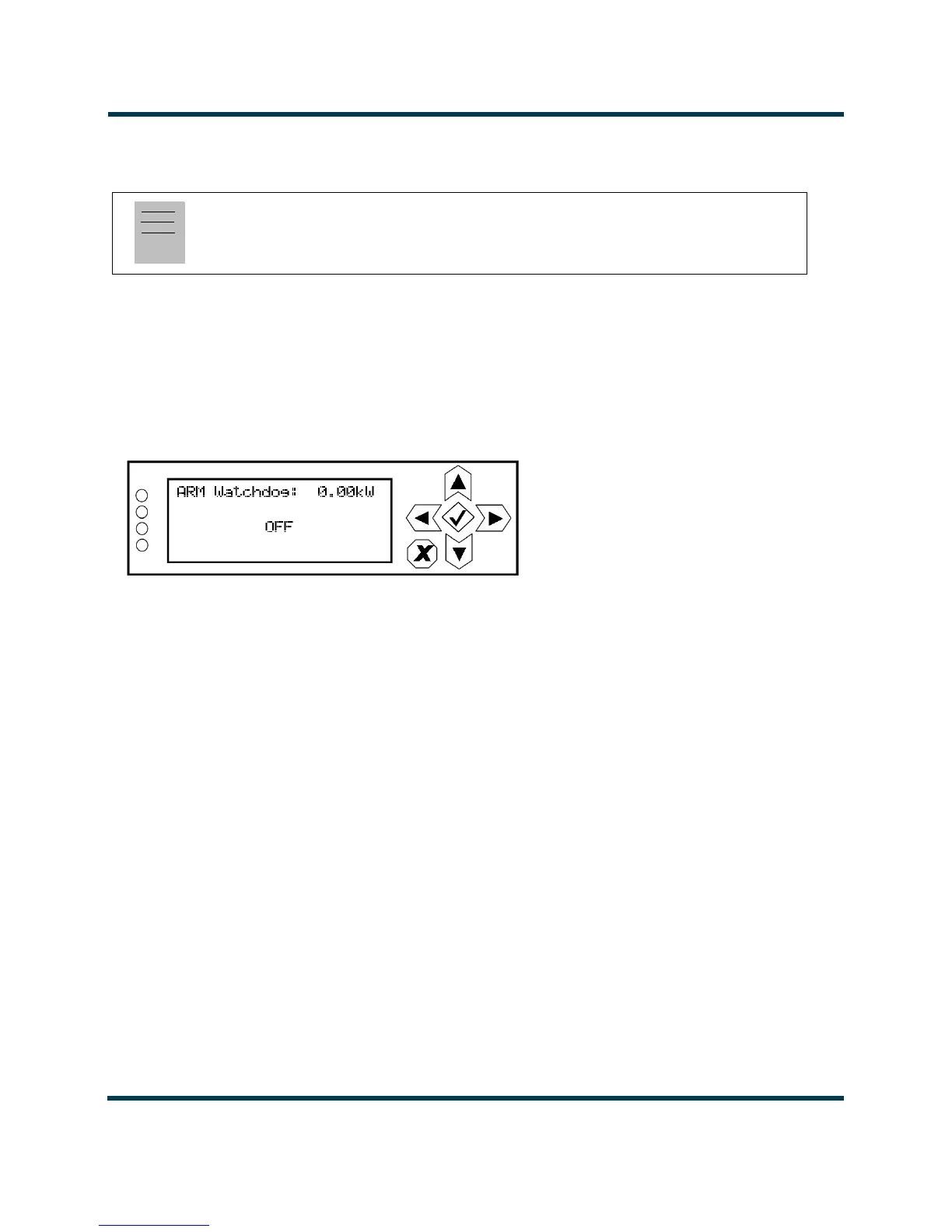
screen, select System Settings -> ARM Watchdog from the Main Menu (see Figure 2.89).
Figure 2.89: System Settings - ARM Watchdog Screen
Use the up and down buttons to toggle between OFF and ON. Press the accept (checkmark) button to
save the change. Press cancel (X) to discard changes and return to the previous menu.
Note:
ARM watchdog configuration is only available using the front panel display.


 To Next Page
 Loading...







