VS1 Operations and Maintenance Manual Operating the transmitter
Issue 3.1 2013-10-01 Page 2-103
Configuring RF drive source
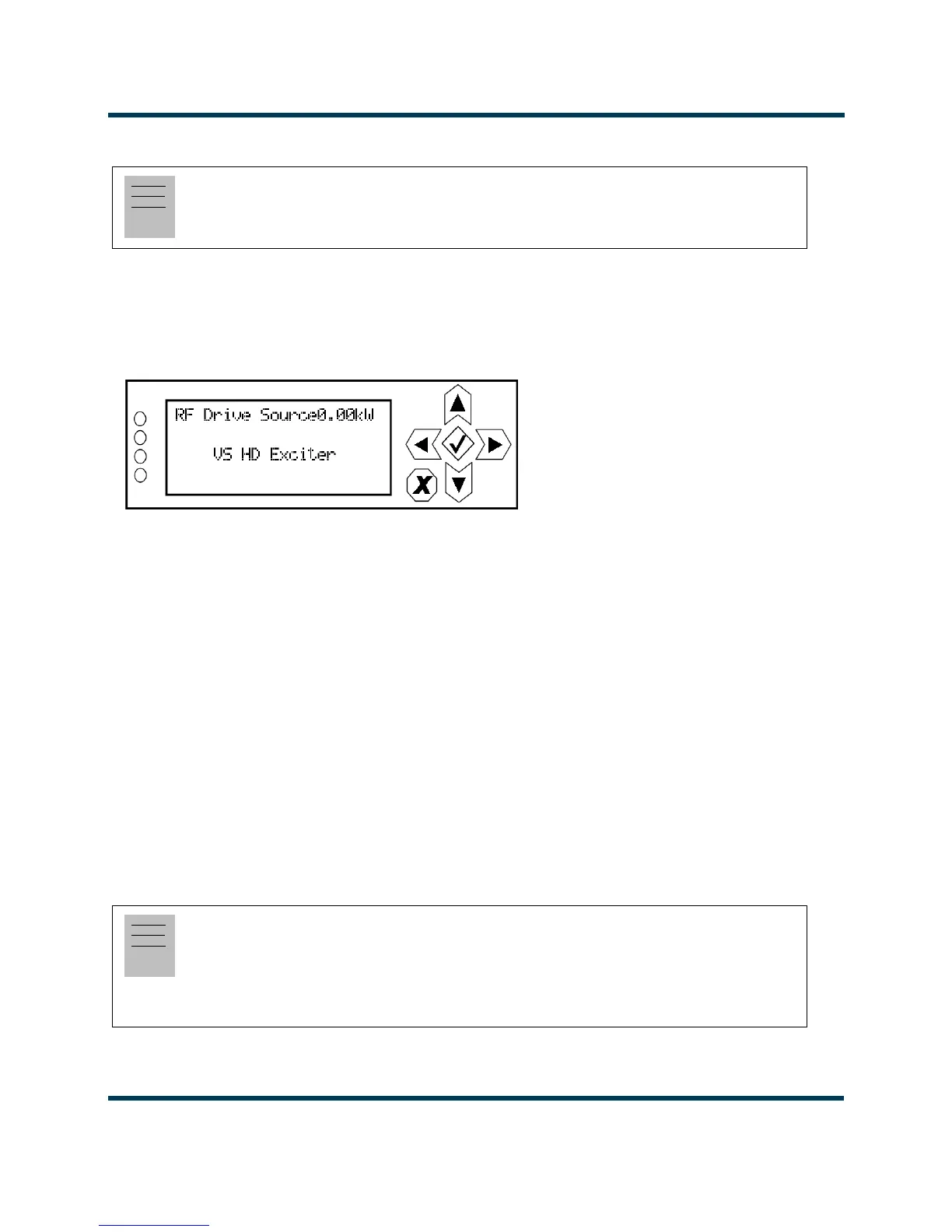
From the front panel UI, you can configure the source of the transmitter’s RF drive (internal or
external). To view the RF Drive Source screen, select System Settings -> RF Drive Source from the
Main Menu (see Figure 2.90).
Figure 2.90: System Settings - RF Drive Source
Use the up and down buttons to toggle between Internal VS Exciter, External FM Exciter and VS HD
Exciter
. Press the accept (checkmark) button to save the change. Press cancel (X) to discard changes
and return to the previous menu.
• If you select VS HD Exciter, make sure the associated VS transmitter has been physically
modified to operate with the VSHD exciter (if necessary, refer to the associated modification
document IS11004A to modify and configure the transmitter for operation with a VSHD
exciter).
ARM Reset
From the front panel UI, you can reset the ARM on the exciter/control PWB. To view the ARM
Reset
screen, select System Settings -> ARM Reset from the Main Menu (see Figure 2.91 on page
2-104).
Note:
Configuration of the RF drive source is only available using the front panel display.
Note:
An ARM reset is available using the front panel display. It can also be performed from the
remote AUI, using the Reboot AUI button on the Reset page (see Resetting the AUI or
Exciter - see page 2-94). Once the ARM is reset, all users that were remotely connected (logged
in) will be logged out.


 To Next Page
 Loading...







