VS1 Operations and Maintenance Manual Operating the transmitter
Issue 3.1 2013-10-01 Page 2-157
When Scheduler: ON appears, the transmitter will follow the Scheduler settings.
When Scheduler: OFF appears, the transmitter will stop following the schedule and the active preset
will be the preset that was operating when the scheduler was disabled.
Enabling the Scheduler - Front Panel
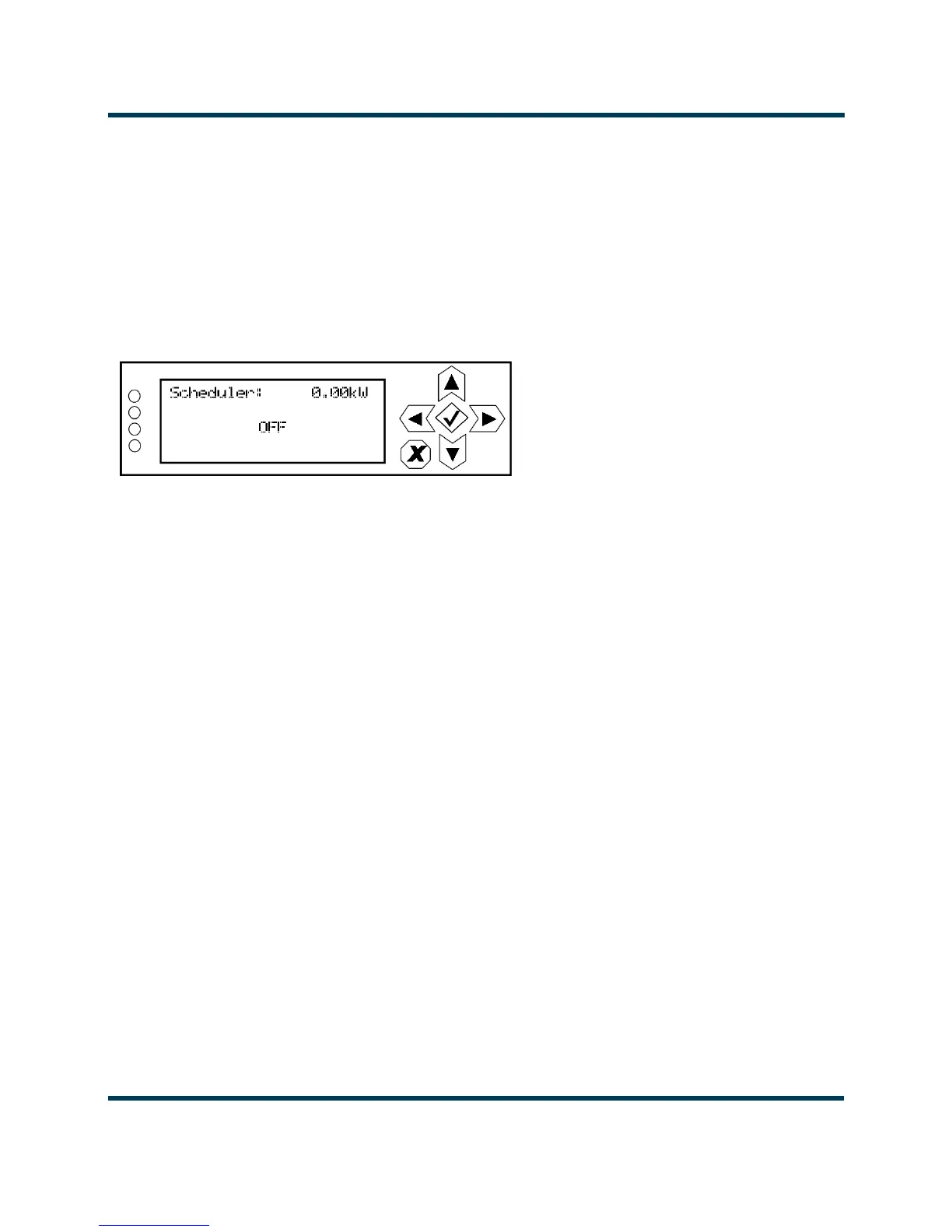
To view the Scheduler enable/disable screen (see Figure 2.141) on the front panel display, select
User Settings -> Scheduler from the Main Menu.
Figure 2.141: Enabling/disabling the scheduler - Front Panel
Use the up and down buttons to select ON (enable) or OFF (disable). The default setting is OFF. Press
cancel (X) to return to the previous menu.



 To Next Page