VS1 Operations and Maintenance Manual Operating the transmitter
Page 2-172 Issue 3.1 2013-10-01
See Figure 2.153 on page 2-170. Each control shows the current setting (in the middle of the control)
and the available range of settings. You can make adjustments either by clicking on the << or >>
buttons or by moving (click, hold and move mouse accordingly) the green slider bar, which indicates
the setting graphically.
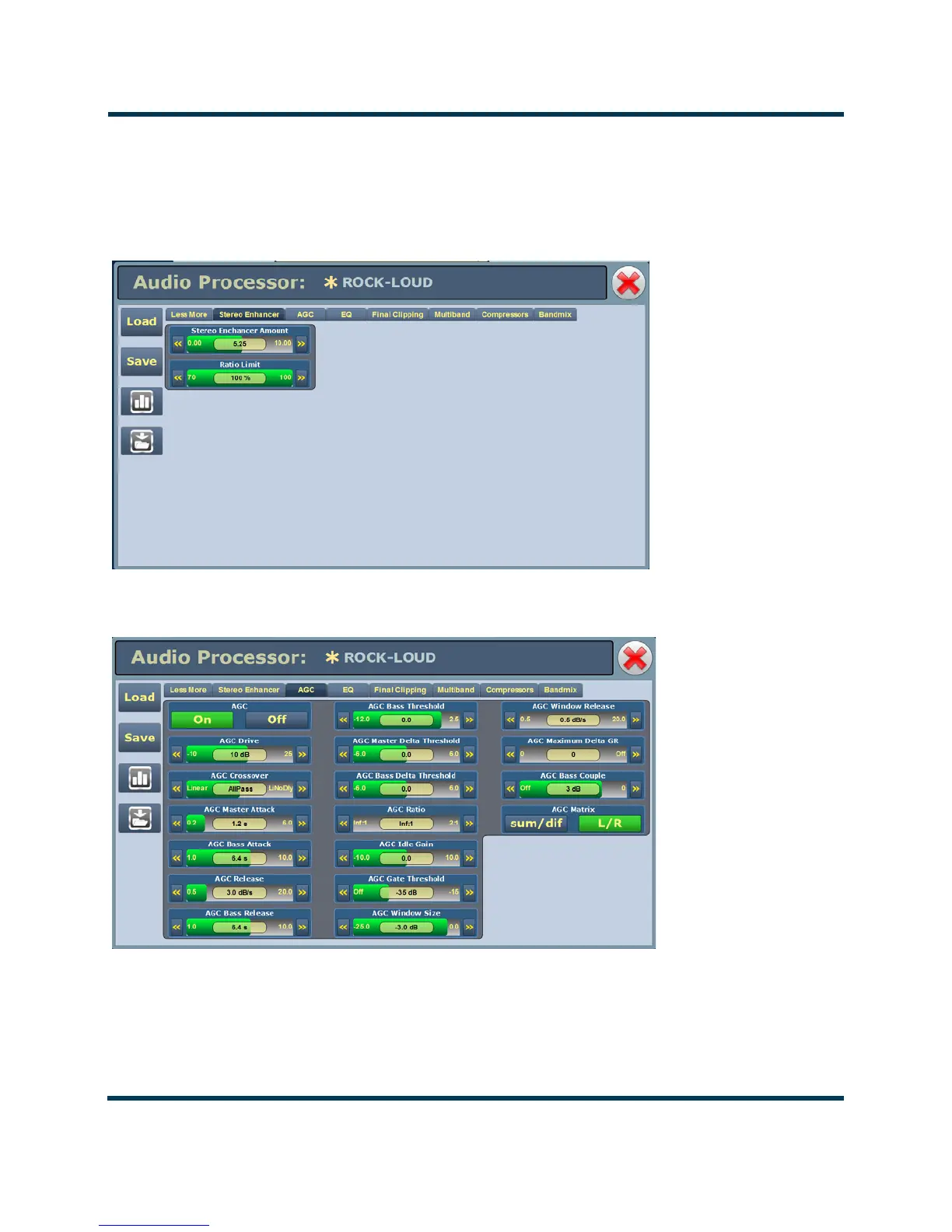
Figure 2.155: Audio Processor Menu - Stereo Enhancer tab
Figure 2.156: Audio Processor Menu - AGC tab



 To Next Page