VS1 Operations and Maintenance Manual Non-standard maintenance
Issue 3.1 2013-10-01 Page 4-7
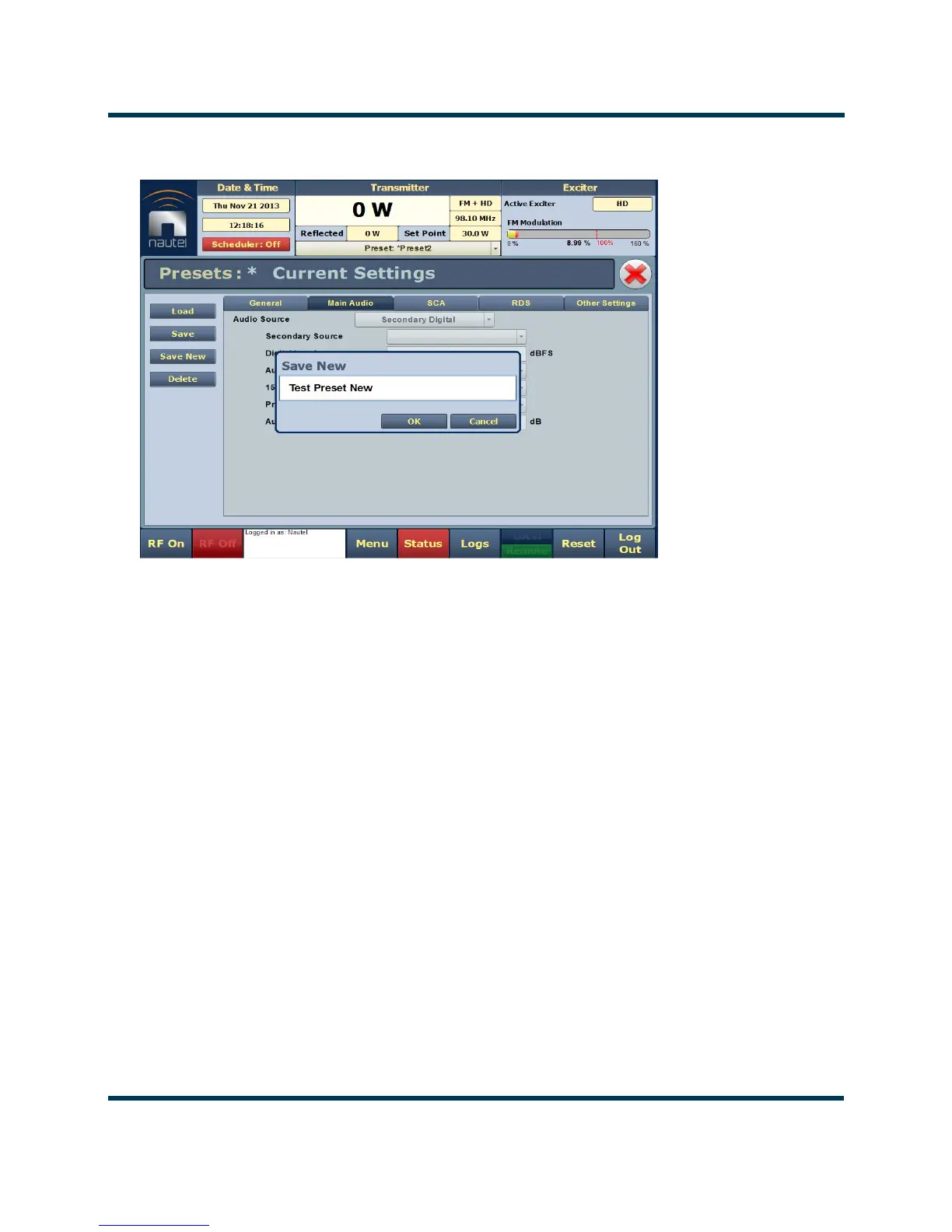
Figure 4.3: Saving the Backup Preset
Configuring the primary audio preset
1. Go to Menu/Presets/Load. The Load Preset window in Figure 4.1 shall display.
2. Select your primary or normal preset to allow editing of its audio loss parameters. Click Load.
3. The setup page for the selected preset should appear. Click the Other Settings tab (see
Figure 4.4 on page 4-8).
4. Open the
Mod Loss Timeout field’s drop-down menu. Select Yes. This will display five sub-
fields -
Action, Mod Loss Preset, Timeout Minutes, Timeout Seconds and Threshold.
– Open the
Action field’s drop-down menu. Select Change Preset.
– Open the
Mod Loss Preset field’s drop-down menu. Select the newly created backup
audio preset.
– Enter in the
Timeout Minutes and/or Timeout Seconds fields the desired delay
between the loss of audio and the action to change to the backup preset.
– Enter in the Threshold field the desired percentage level of audio at which the timeout
period begins. Typically, this is set to 10%.



 To Next Page