VS1 Operations and Maintenance Manual Operating the transmitter
Issue 3.1 2013-10-01 Page 2-19
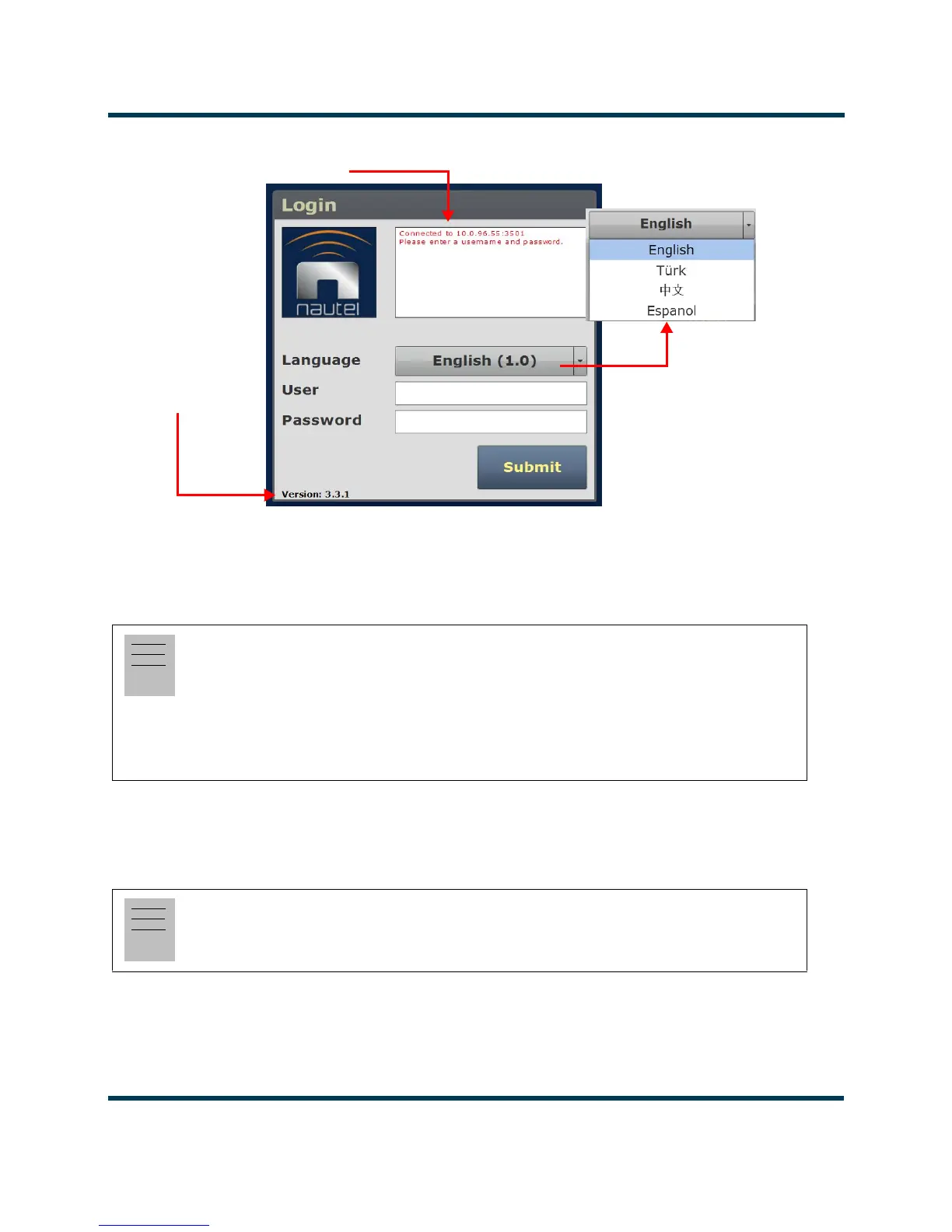
Figure 2.7: AUI Login Menu
• In the User field, enter the username. Default is “Nautel”.
• In the Password field, enter the password. Default is blank.
•Click Submit to accept your login parameters and display the AUI home page (Figure 2.6 on
page 2-16). Note: The opening screen (the
Home page) will have the layout from the previ-
ous login session.
Note:
The Nautel AUI is factory configured with a default login username and password. Nautel
recommends that you change the password to improve overall system security (see Changing the
Password on page 2-107). Also, you should change the OS (operating system) password, which was
a factory set, unique password that is referenced on page 2 of your Proof of Performance documents.
Note:
If you do not have a user account, it must be set up by an existing user with proper permissions.
See Adding an Account on page 2-107.
IP Address and login messages
Software version



 To Next Page