VS1 Operations and Maintenance Manual Operating the transmitter
Page 2-66 Issue 3.1 2013-10-01
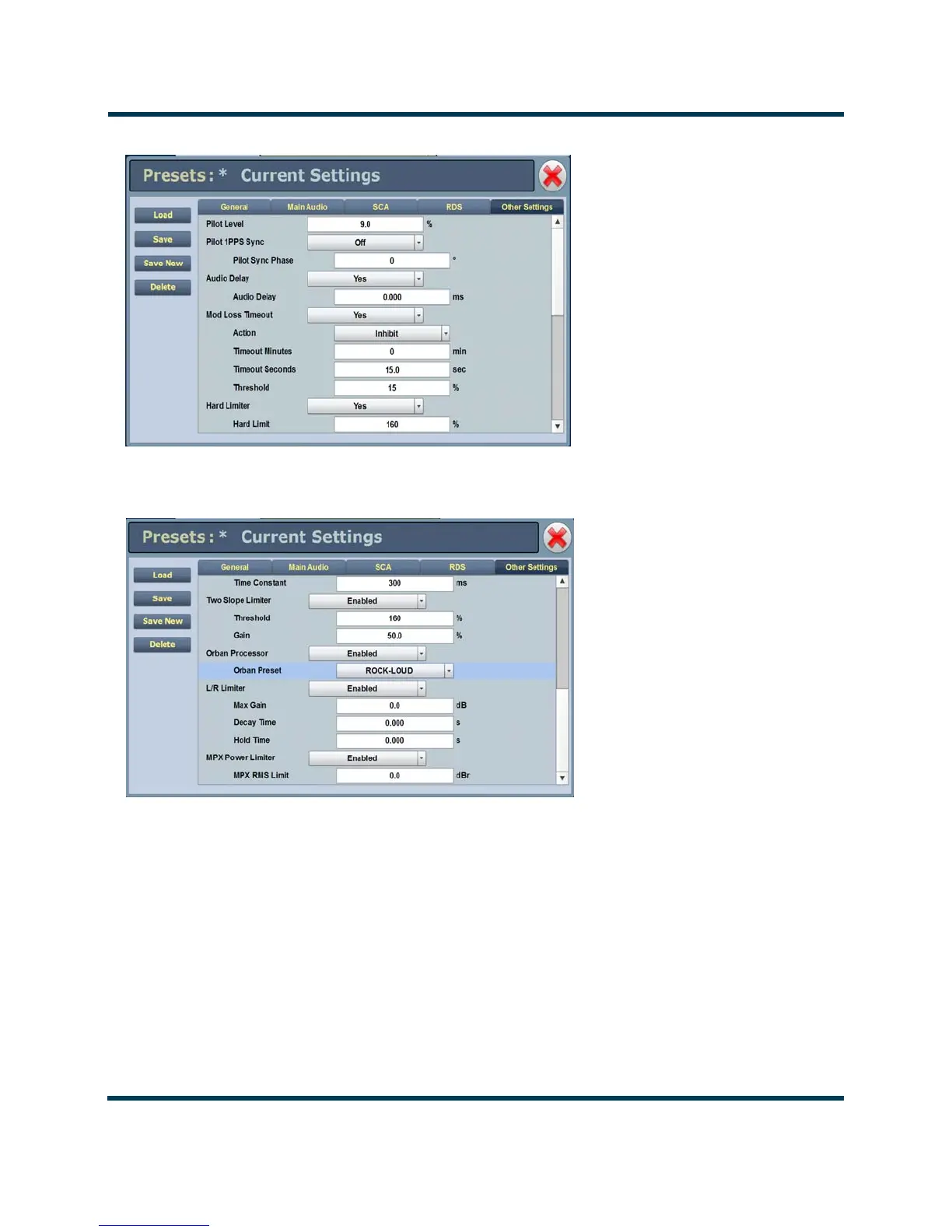
Figure 2.44: Presets - Other Audio Tab (1 of 2)
Figure 2.45: Presets - Other Audio Tab (2 of 2)
Saving presets. Click the Save button to save preset information.
Deleting presets. From the Presets page, click the Delete button. Highlight the preset you wish
to delete, noting you cannot delete an active (on-air) preset. Click the
Delete button to delete the
preset from the list. Click the
Cancel button or X to close this window and return to the Presets
page.



 To Next Page