Net.DO Lighting Control Equipment Co.,Ltd http://www.netdo.com.cn
FOX1024s Moving Light Controller. PAGE: 17
5.5 Other Setting
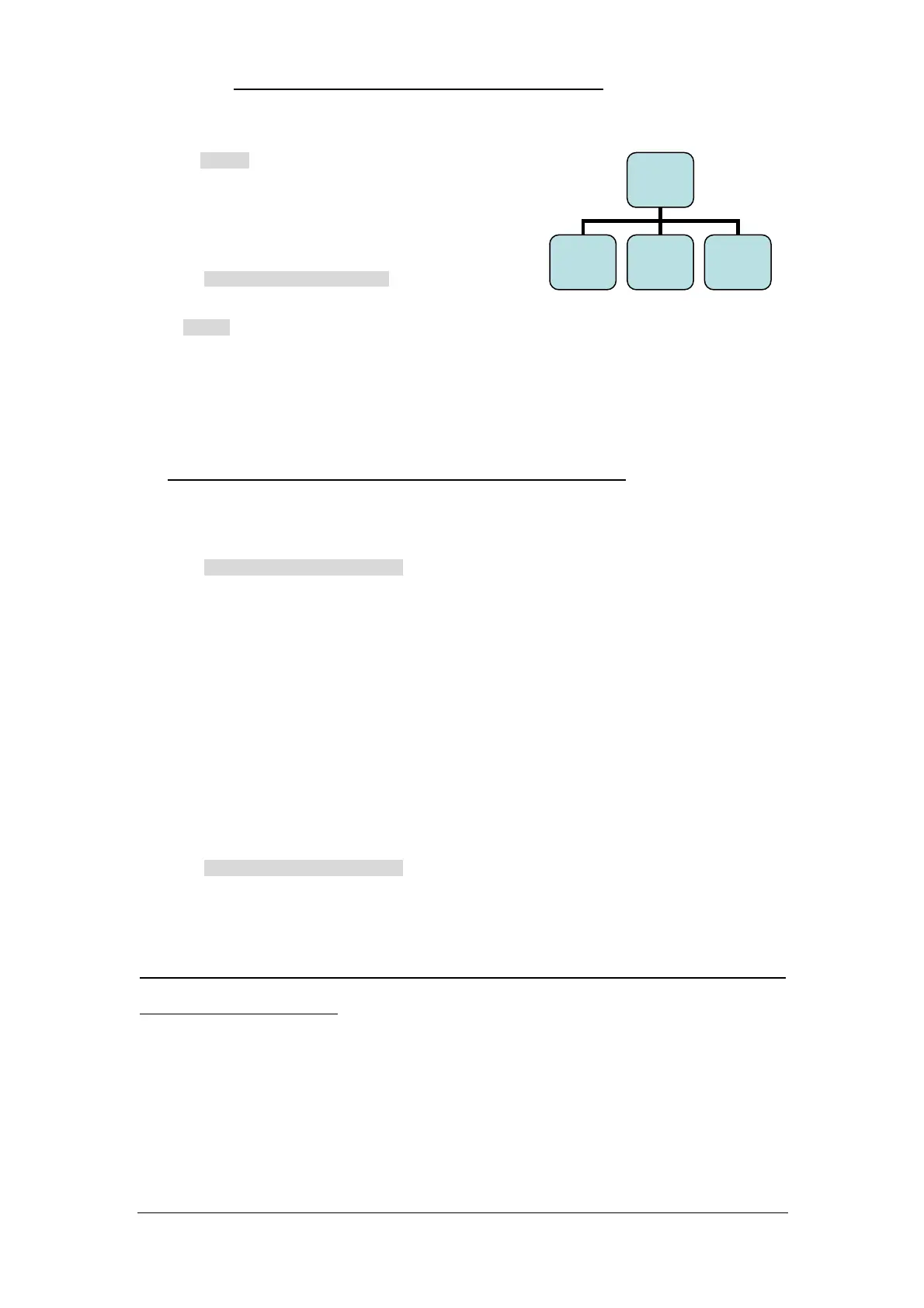
The Other… menu tree is shown on the right:
5.5.1 Data Initialized
Path: SETUP Other… Initial…
In Initial… menu, there are 4 soft keys as follows:
CLR PB soft key --- Press and hold for 2 seconds to clear all programs in the console.
CLR Scene soft key --- Press and hold for 2 seconds to clear all scenes in the console.
CLR Patch soft key --- Press and hold for 2 seconds to clear all fixture patches in the console.
Init All soft key --- Press and hold for 2 seconds to erase all data and restore factory settings.
Remark: Please notice to backup the useful data before data initialization.
5.5.2 Channel Fader Settings
Path: SETUP Other… CH Fader
There are 20 channel faders in the console, which can be set to 2 modes as follows:
attribute mode --- up to 40 attributes can be manually controlled (select fixture and modify
value).
There are totally 2 pages, 20 attributes each page, pages turned by P2 Key.
dimmer mode --- Change Fixture No.1~20 to dimming control (output as a separate dimmer
scene). Comply with “HTP”, same as the playback output.
5.5.3 MIDI Synchronize Setting
Path: SETUP Other… Midi Sync
Under Midi Sync menu, Master/Slave status can be set and MIDI channels (1~16) can be selected,
consoles can be connected in parallel or receive/send MIDI code to run/record “Light Show”.
*TIPS: Under “Slave” status, Playback Faders and Flash Keys of SCENE will be locked (except while
recording “One key light show”).
Other…
Initial…
(F1)
CH Fader
(F2)
Midi Sync
(F3)


 To Next Page