Net.DO Lighting Control Equipment Co.,Ltd http://www.netdo.com.cn
FOX1024s Moving Light Controller. PAGE: 21
6.9.1 Set “Reference Fixture”
For example, to set fixture No.0_05 in Page 0 to be the “Reference Fixture”, operation is as follow:
--- Press and hold Fixture Page Key 0-- Press Numeric Key 5; (its indicator will flash fast)
6.10 Attribute ALIGN function
Copy the attribute of “Reference Fixture” to other fixtures to make their value same as ”Reference
Fixture”.
There are 2 ways of Attribute ALIGN (firstly select fixtures and “Reference Fixture”)
Align all attribute: Press ALIGN key to align all attribute of selected fixtures to “Reference
Fixture”.
Align certain attribute: Press and hold ALIGN key Press Attribute Key Successively;
(Multiple attribute can be selected. For example: Dimmer Gobo …)
6.11 Lamp On / Lamp Off / Reset function
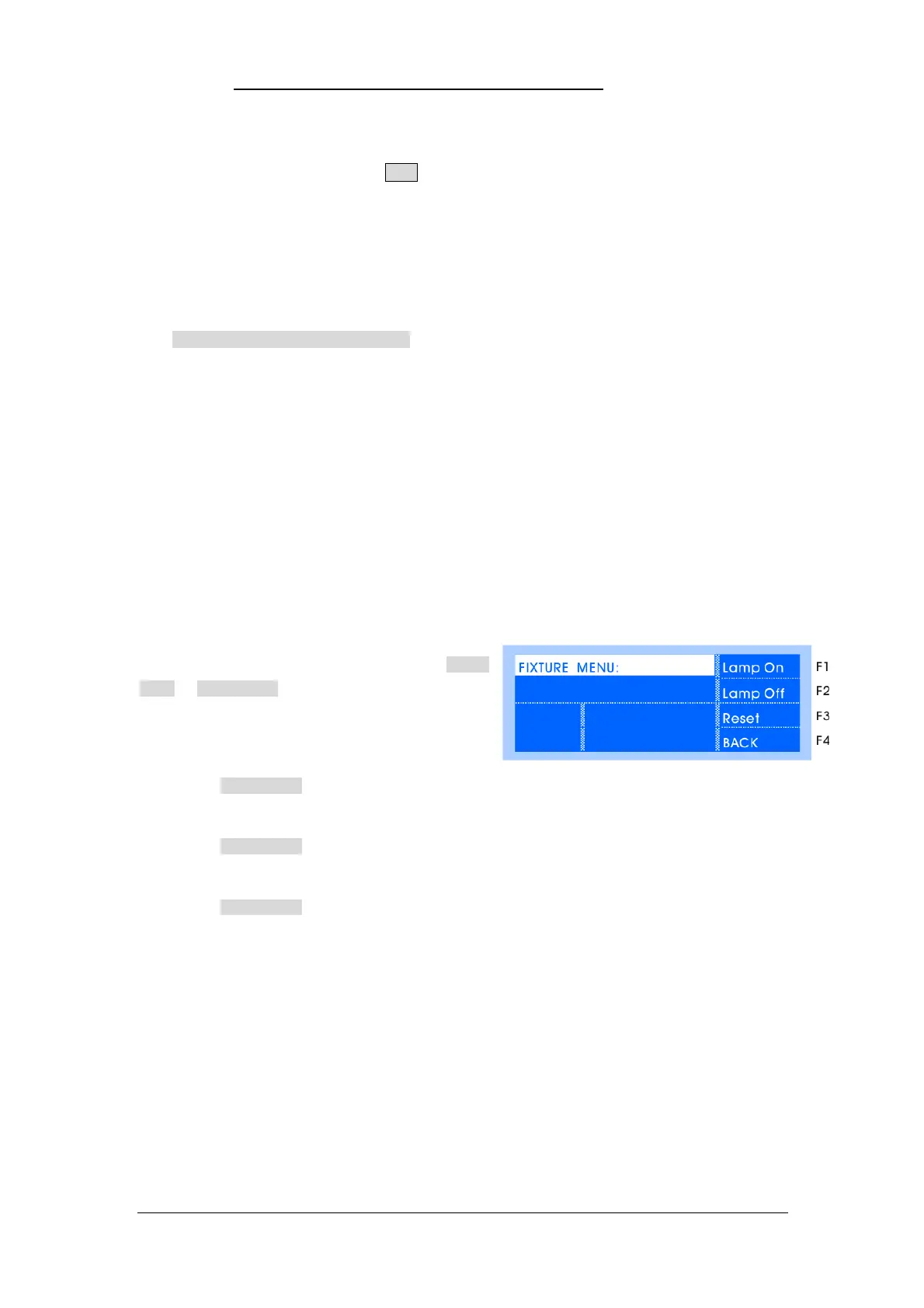
Certain fixtures require operation such as “Lamp On” to their bulbs before use. Operation:
Press LOCATE for 2 seconds to enter Fixture
Menu. In Fixture Menu, Lamp On/Lamp Off/Reset can be
operated. Press BACK key to exit.
Lamp On:
In Fixture Menu, select fixtures, press Lamp On soft key.
Lamp Off:
In Fixture Menu, press Lamp Off soft key.
Reset:
In Fixture Menu, press Reset soft key.
Notice: The corresponding library must contain the MACRO information of Lamp On/Lamp Off/
Reset.
Library can be customized by <NetDO Library Software> in PC or Android phone.


 To Next Page