Net.DO Lighting Control Equipment Co.,Ltd http://www.netdo.com.cn
FOX1024s Moving Light Controller. PAGE: 12
4. Quick Start
4.1 Examples
A simple demo is listed below for fast learning of the console’s operation. Take creating circle with 10
Martin intelligent fixtures as example (Model: MT2000PR). Procedure is as follows:
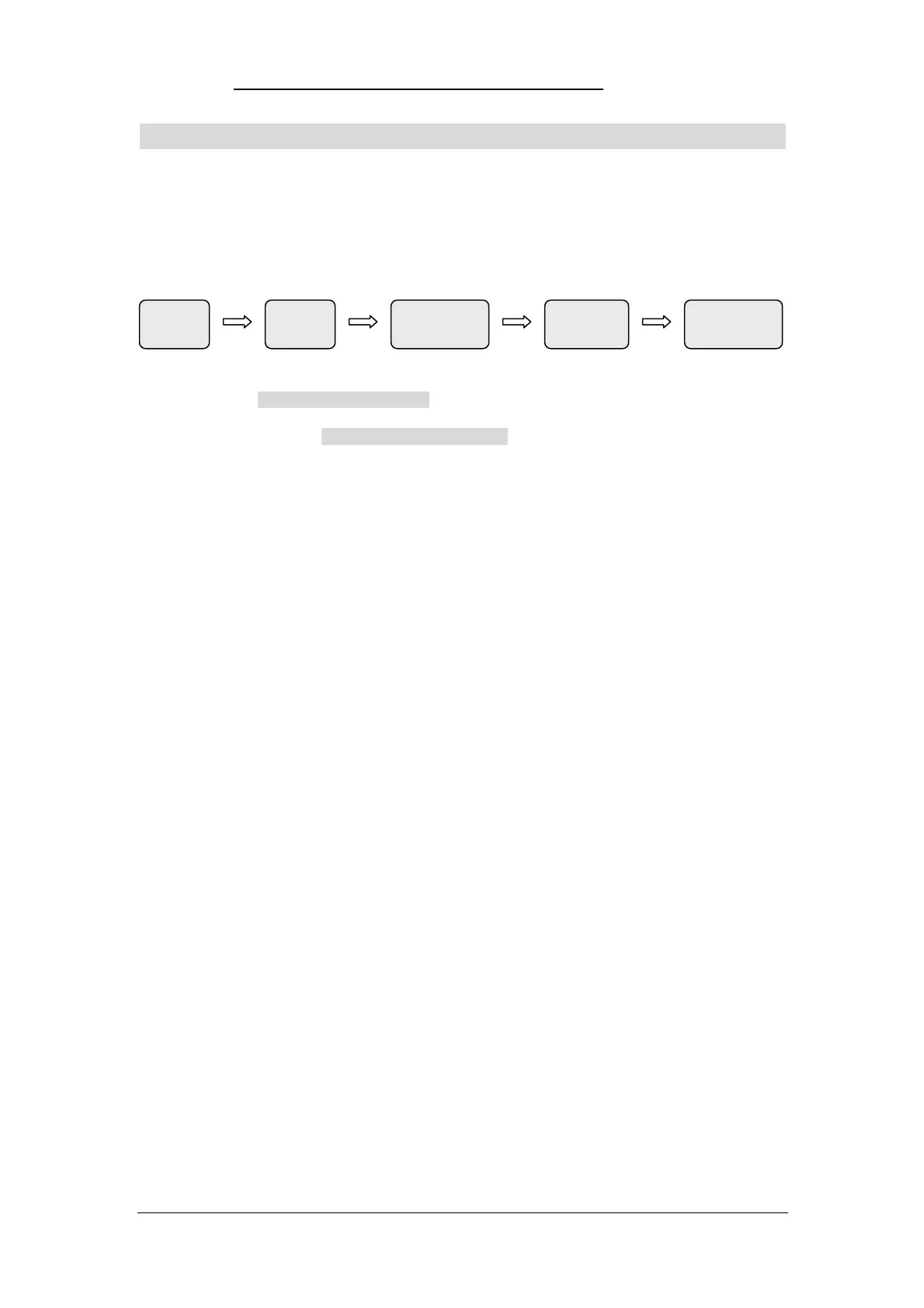
Load Patch Manual-Run Record Program
Library Fixture Fixture Program Playback
1) Load Library: Copy library “MT2000PR.R20” to the root directory of U-disk and connect it with console
Operation: SETUP Library Import, rotate Wheel to select “MT2000PR.R20” and confirm.
2) Patch Fixture: Operation: SETUP Fixture FixPatch, then press 0-- key to enter Fixture Page 0,
select No.1 fixture by Numeric Key 1; then set FixModel to “MT2000PR” and DmxAddr to
“A1”. Copy the settings of No.1 fixture to No.2~10 fixtures. Operation as follows:
(Press and hold COPY Press Fixture Numeric Key 1 Press Fixture Numeric Key 2~10).
3) Manual-Run Fixture:
Select No.1~10 fixtures;
Press LOCATE key to light up all the selected fixtures.
Press PLAY key to enter SHAPE menu Press Edit..(Soft key) Press key to select on
Rotate Wheel A/B to set the models of shape(circle), then the fixtures will run circle.
4) Record Program:
Press and hold RECORD Press Playback Key 1
Then the record of a “one-step-program” is finished (in Playback Page 1, Key 1, Program No.1.01)
5) Press CLEAR to clear all the data of manual-run fixtures.
6) Program Playback: Push Playback Key 1 in Page 1, the recorded “one-step-program” will be output
to the fixtures immediately.
*Above is just a simple demo for beginners to start learning the console, to understand the operation of
advanced functions, reading this manual carefully would be necessary.


 To Next Page