76 E2600 Controller-Drive Tray Installation Guide
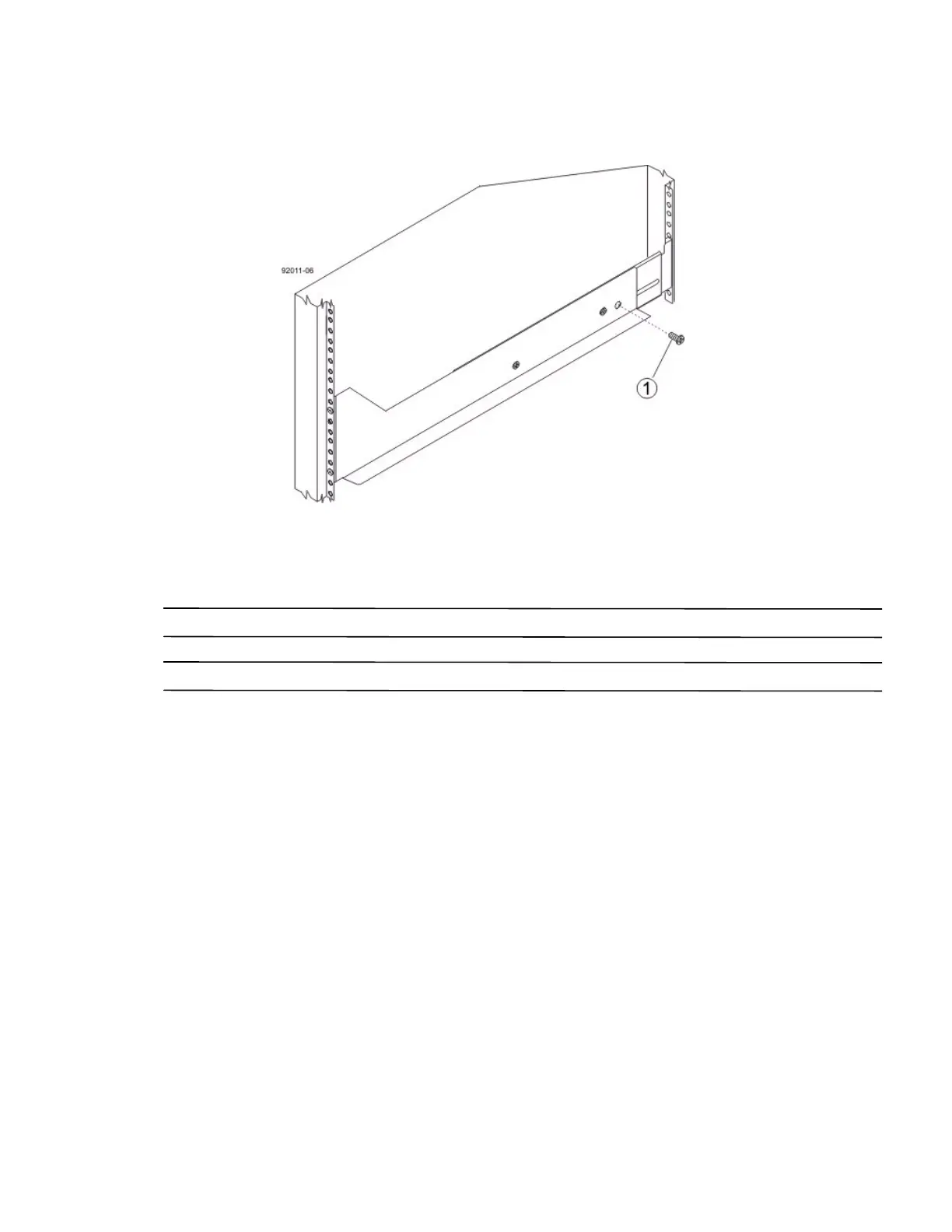
14. Secure the side of the drive tray to the mounting rails by performing these substeps:
Figure 69 Securing the Drive Tray to the Rails
1. 10-32 Screw
a. Insert a 10-32 screw through the side sheet metal of the drive tray into the captured nut on the side of
the mounting rail. Tighten the screws.
b. Repeat substep a for the other side.
NOTE After the drive tray is installed, there should be seven screws on each side (right and left) of the cabinet.
NOTE Make sure that each drive drawer in the drive tray is securely fastened to ensure proper air flow to the drives.



 To Next Page