Page Link
Configuration
Pages
25
GS716T and GS724T Gigabit Smart Switches
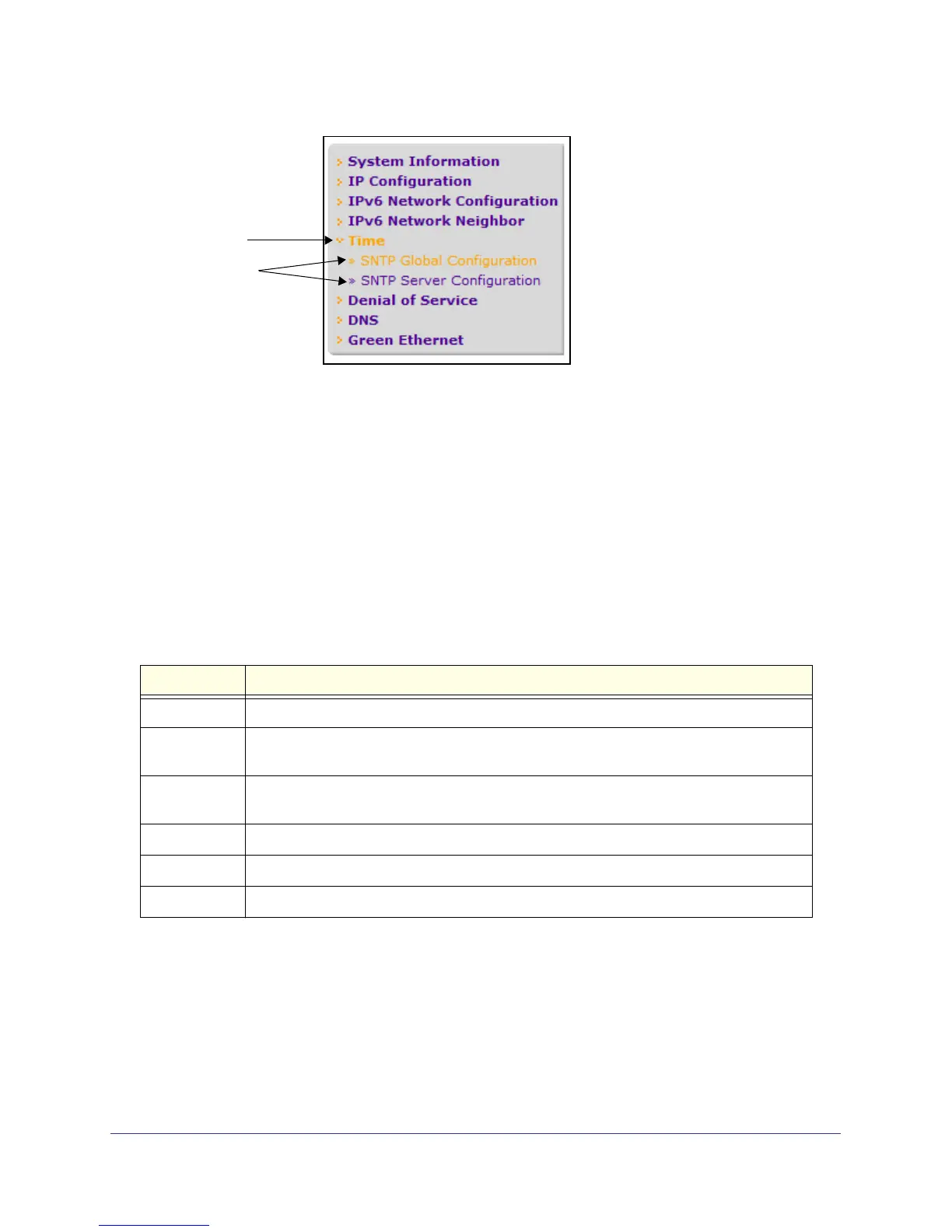
Figure 5. Menu Hierarchy
Configuration and Status Options
The area directly under the feature links and to the right of the page menu displays the
configuration information or status for the page you select. On pages that contain
configuration options, you can input information into fields or select options from drop-down
menus.
Each page contains access to the HTML-based help that explains the fields and
configuration options for the page. Each page also contains command buttons.
The following table shows the command buttons that are used throughout the pages in the
Web interface:
Button Function
Add Clicking Add adds the new item configured in the heading row of a table.
Apply Clicking the Apply button sends the updated configuration to the switch. Configuration
changes take effect immediately.
Cancel Clicking Cancel cancels the configuration on the screen and resets the data on the screen
to the latest value of the switch.
Delete Clicking Delete removes the selected item.
Refresh Clicking the Refresh button refreshes the page with the latest information from the device.
Logout Clicking the Logout button ends the session.


 To Next Page
 Loading...