Hardware Setup
9
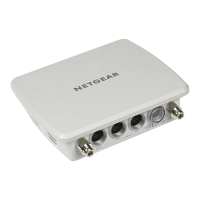
Outdoor High Power Wireless N Access Point
2. If a DHCP server is not connected to your network, configure a computer with a static IP
address of 192.168.0.210 and a subnet mask of 255.255.255.0.
3. Connect an Ethernet cable from a LAN port on the access point to a LAN port on the
computer.
4. Check the LEDs to verify that the access point is set up correctly.


 To Next Page