13
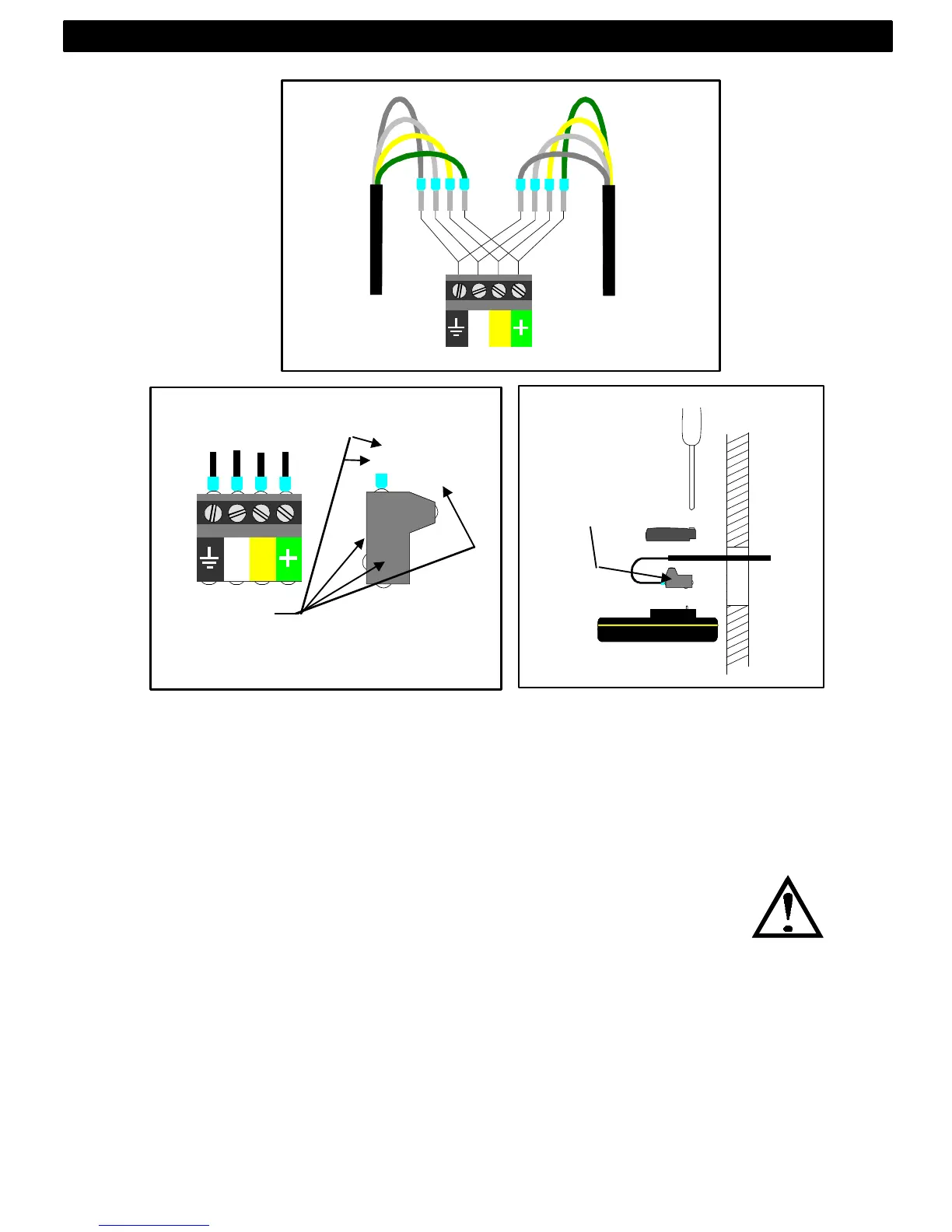
• Apply silicon paste to the instrument connection pins at the
back of the instrument. Press the jack plug onto the instrument
pins. Press down the cable in the cable leads. Mount the
connection back cover with the 1 screw.
• Mount the instrument in the pre-drilled position.
Note! Use all 4 screws, and tighten the screws (in cross
pattern) so the gasket will be evenly compressed to 1/3 of its
original thickness.
Very important for a correct sealing to avoid leakage!
• Press on the 4 rubber caps to seal and hide the mounting
screws.
Your instrument installation is done!
Silicon paste
Silicon paste
INSTALLATION



 To Next Page