38
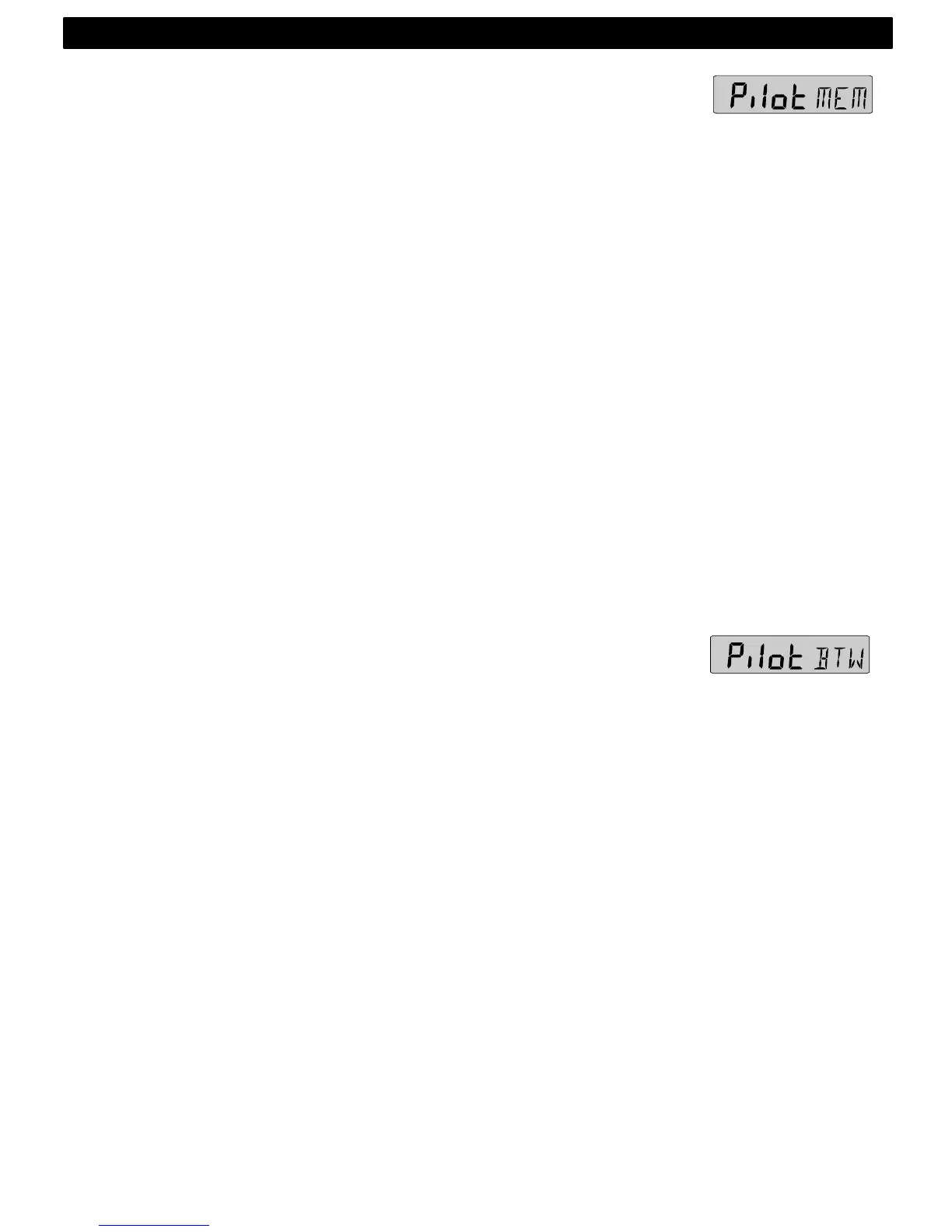
8.3.2 Steer reference (MEM)
This function requires the Nexus or NMEA compass transducer.
The function is semi automatic, i.e. when activated, present
compass heading is copied to memory. You can later change the
value manually.
Select sub-function (Pilot), press KEY.
The text (OFF) or the last selected steer reference function
flashes.
To select steer reference (MEM), press UP.
To activate the function, press KEY. MEM is shown on the display.
The sub-function (STR) automatically displays the stored (MEM)
value.
The text (MEM) and (STR) is alternating.
If you want to change the steer reference value, press KEY.
The first digit flashes.
To set the new value press DOWN, UP and MODE as required.
To store the value, press KEY.
Note: Steer reference heading value (MEM) can also be selected
directly from the optional trim button, without first selecting (MEM)
in (Pilot OFF) function. (Available from Server software version
1.9.)
8.3.3 Steer reference (BTW)
This function requires the Nexus or NMEA compass transducer and
a Nexus GPS or NMEA navigator.
When selected, the function displays (BTW) and the analogue
steer pilot instrument displays the difference between the
compass heading and the bearing to waypoint (BTW).
The function can only be displayed if the connected navigator is
navigating towards a waypoint.
Since the displayed value it is controlled by the navigator, the
value can not be altered.
Select sub-function (Pilot), press KEY.
The text (OFF) or the last selected steer reference function
flashes.
To select steer reference (BTW), press UP.
To activate the function, press KEY. WP is shown on the display.
The sub-function (STR) automatically displays the stored (BTW)
value.
NAVIGATION FUNCTIONS



 To Next Page