3.5 Basic Operations
DF1906
3.5 Basic Operations
3.5.1 Display
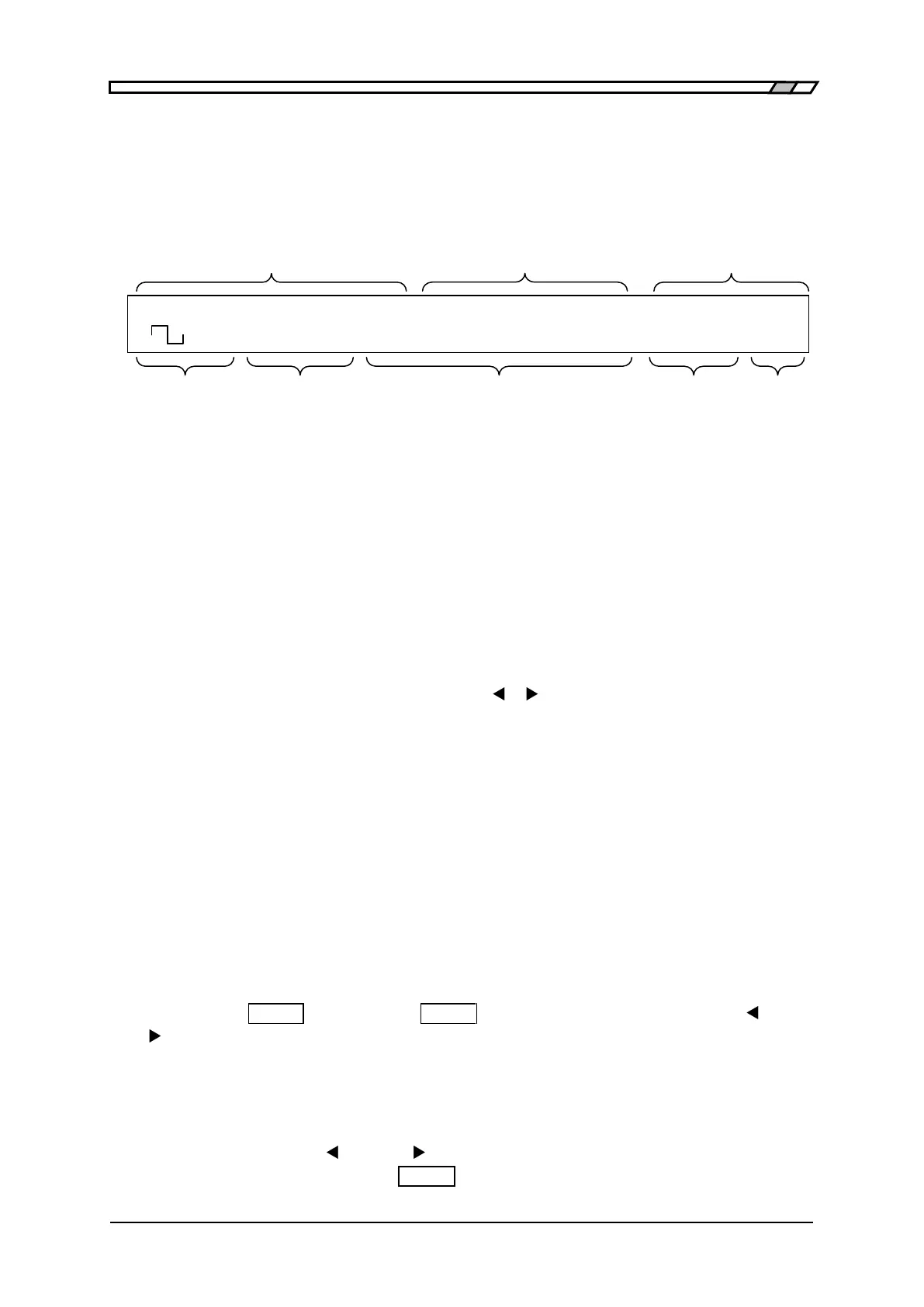
The display panel of the DF
1906 is a 40-digit, two-line LCD and displays the items as shown in
the figure below.
Frequency Amplitude (High Level) DC Offset ( Lo w Leve l)
Waveform Oscillation Mode Related items and Special Menu Load Selection Output
On/Off
Figure 3-6 Display Panel
The contrast of the display can be adjusted by turning CONTRAST control in the lower right of
the display panel.
3.5.2 Set Numeric Value
■ Cursor
The number in a particular digit position flashes in items where a numeric value is set, such as
frequency and amplitude. This is called a cursor.
The cursor can be moved left and right using the [
▲
]/[
▼
] keys (cursor movement keys) in items
where a numeric value is set. These keys have an auto-repeat function.
In addition, there are some items, where the cursor can be moved to subunits (such as M, k, or m)
and units (Vp-p or Vrms).
■ Modify
When you turn the [MODIF Y] dial, the numer ic value in the digit position where the cursor is
displayed increases/decreases.
However, you cannot specify a value outside the setting range.
When the cursor is displayed on a subunit or unit position, that subunit or unit can be changed.
■ Clear Numeric Value
When the cursor is located in the value position in an item where a numeric value is set and when
you press the [ CLEAR ] key ( [TRIG / CLEAR ] key) while holding down either the [
▲
] key or
[
▼
] key, the left/right of the digit position where the cursor is located is cleared to zero.
First, the cursor moves by one digit and the value, including the digit where the new cursor is
displayed, is cleared. If the cursor is located at the end of the line from the beginning, the cursor
does not move and the digit where the cursor is located is cleared.
If the cursor is not located on the value position, the numeric value cannot be cleared.
If you keep pressing the [
▲
] key or [
▼
] key, auto repeat works. When you want to clear the
numeric value, press and release the [ CLEAR ] key quickly.
F 500.0000000kHz A 8.000Vp-p O -1.000V
<CONT> Duty 50.0% /OPEN OFF



 To Next Page