4.2 Oscillation Mode-related Settings
DF1906
4.2.3 Select SYNC OUT Function
When any of the burst oscillation/trigger oscillation/gate oscillation is selected in the oscillation mode,
the SYNC OUT function can be changed. When you press oscillation mode select key [MODE] several
times, "SyncOut" is displayed in the center of the lower line and the cursor moves to the top of it.
When you turn the [MODIFY] dial in this state, the SYNC OUT output function can be selected.
When "PHASE" is selected for the function, SYNC OUT connector outputs a signal synchronized with
the waveform.
When "STATE" is selected for the function, SYNC OUT connector outputs a signal synchronized with
the oscillation/stop state.
SYNC OUT Function Details
"Synchronous Output (SYNC OUT)" in "3.3.1 Output Connector"
4.2.4 Set Phase
When any of the burst oscillation/trigger oscillation/gate oscillation is selected in the oscillation mode,
the phase can be changed. When you press oscillation mode select key [MODE] several times, "Phase"
is displayed in the center of the lower line and the cursor moves to the phase setting value.
When you turn the [MODIFY] dial in this state, the phase setting can be changed.
You can move the cursor position left and right using cursor movement keys ([
▲
]/[
▼
] keys) and you
can select the digit where the setting is changed using the [MODIFY] dial.
Setting range: -180゜to +180゜, resolution: 0.1゜.
The phase set here is held in the oscillation stop state and the oscillation starts with this phase.
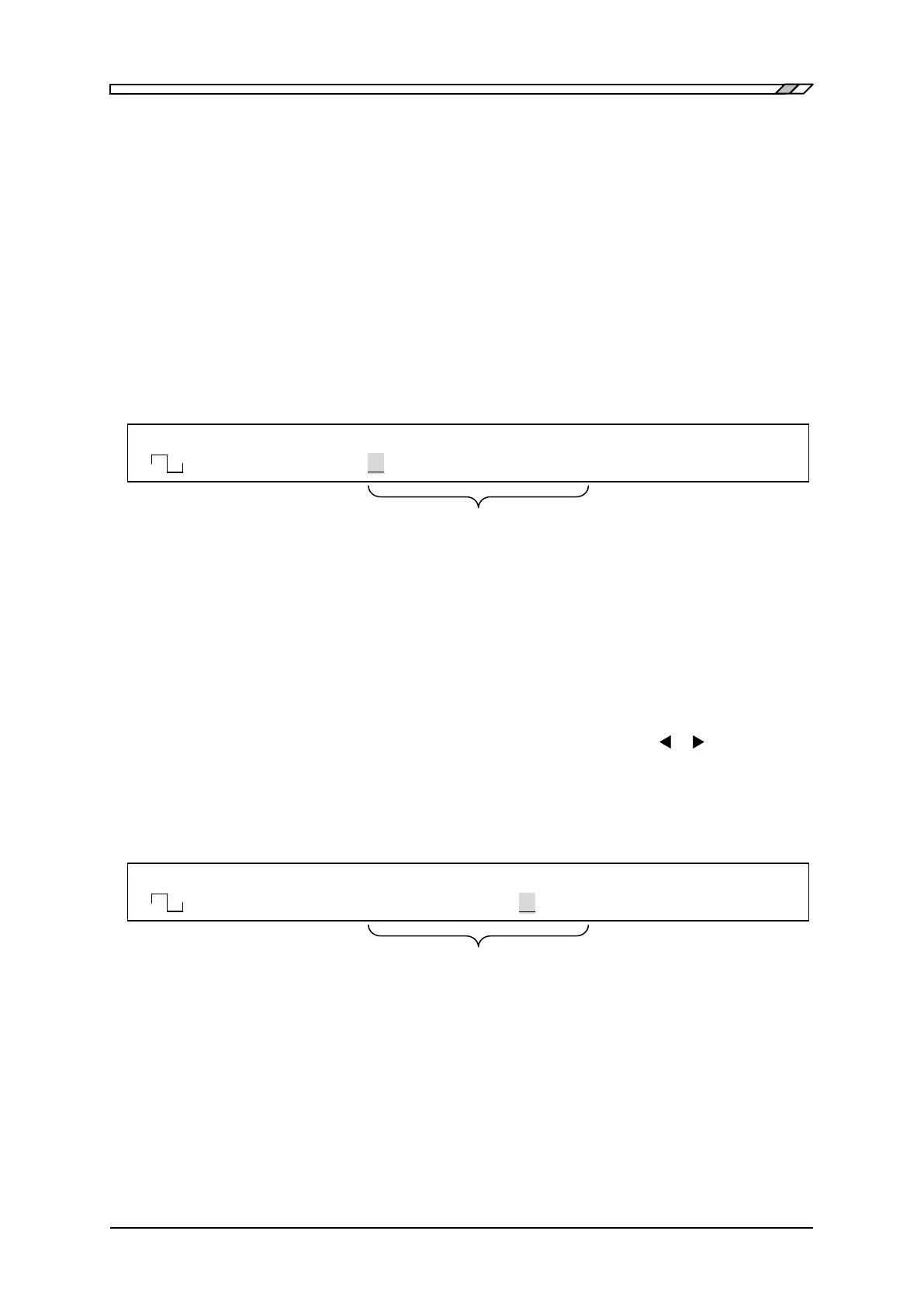
F 50.0000000kHz A 8.000Vp-p O -1.000V
<BRST> SyncOut PHASE /OPEN OFF
When oscillation is burst/trigger/Gate,
SYNC OUT function is displayed/selected
F 50.0000000kHz A 8.000Vp-p O -1.000V
<TRIG> Phase -180.0゜ /OPEN OFF
When oscillation is burst/trigger/gate,
Oscillation start/stop phase is displayed/set



 To Next Page