4.2 Oscillation Mode-related Settings
DF1906
4.2.5 Select TRIG IN Effective Polarity (Trigger Oscillation)
When the trigger oscillation is selected in the oscillation mode, the effective polarity of the TRIG IN
input connector can be changed. When you press oscillation mode select key [MODE] several times,
"TrigSlope" is displayed in the center of the lower line and the cursor moves to the top of this display.
When you turn the [MODIFY] dial in this state, the effective polarity of the TRIG IN input connector
can be selected.
When "↓" is selected for the function, the trigger oscillation starts with the falling edge of a signal that
is input to the TRIG IN connector.
When "↑" is selected for the function, the trigger oscillation starts with the rising edge of a signal that is
input to the TRIG IN connector.
4.2.6 Select TRIG IN Effective Polarity (Gate Oscillation)
When the gate oscillation is selected in the oscillation mode, the effective polarity of the the TRIG IN
input connector can be changed. When you press oscillation mode select key [MODE] several times,
"Gate" is displayed in the center of the lower line and the cursor moves to the top of this display.
When you turn the [MODIFY] dial in this state, the effective polarity of the TRIG IN input connector
can be selected.
When "Lo" is selected for the function, the oscillation starts when the signal that is input to the
TRIG IN connector is at a low level, and the oscillation stops when it is at a high level.
When "Hi" is selected for the function, the oscillation starts when the signal that is input to the
TRIG IN connector is at a high level, and the oscillation stops when it is at a low level.
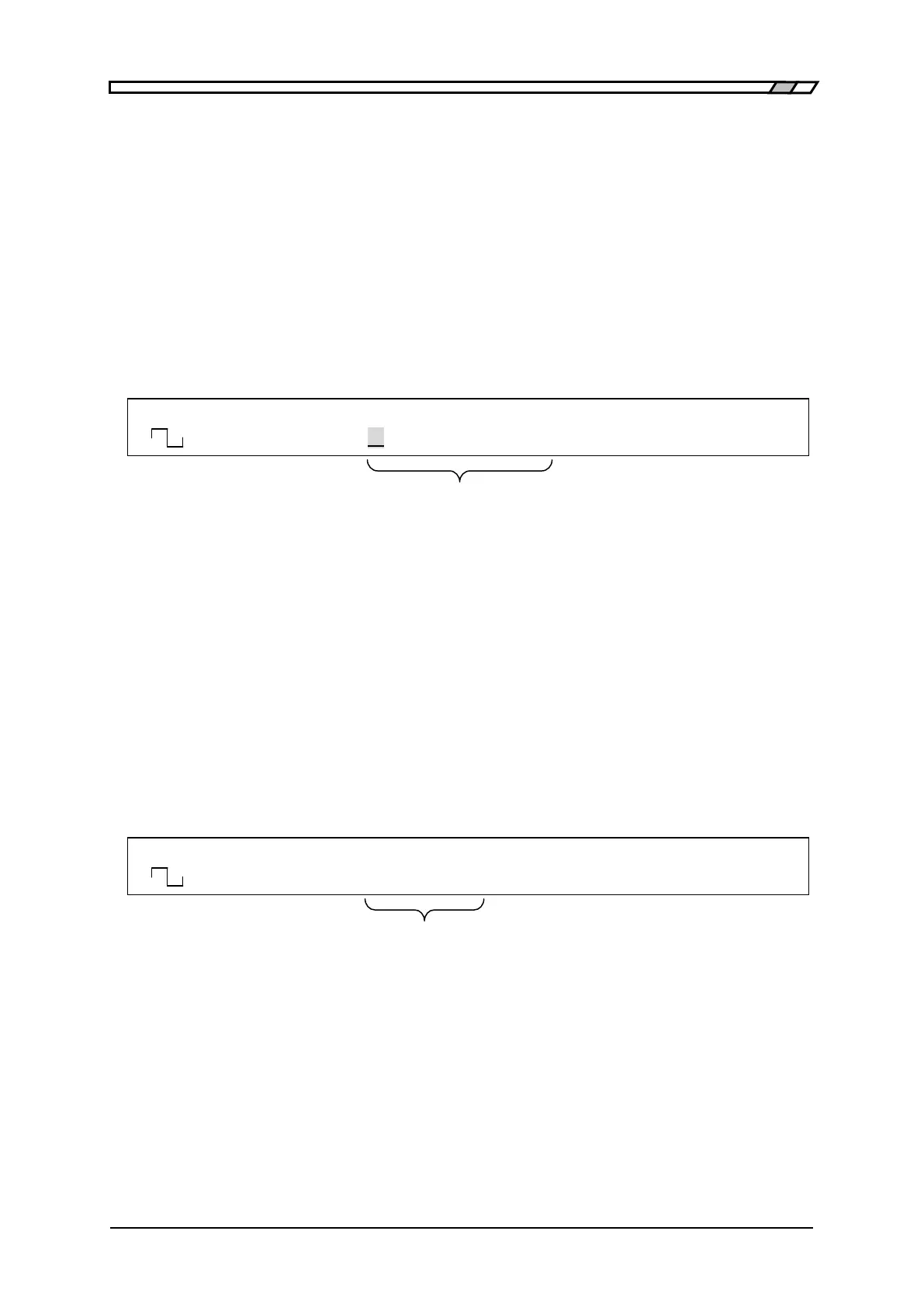
F 50.0000000kHz A 8.000Vp-p O -1.000V
<TRIG> TrigSlope ↓ /OPEN OFF
When trigger oscillation is selected,
the effective polarity of the TRIG IN connector is displayed/selected
F 50.0000000kHz A 8.000Vp-p O -1.000V
<GATE> Gate Hi /OPEN OFF
When gate oscillation is selected,
the effective polarity of the TRIG IN connector is displayed/selected



 To Next Page