3.5. Basic Operations
DF1906
The burst/trigger/gate oscillation stops in the set phase when the oscillation is stopped.
Set Phase
"4.2.4 Set Phase"
The oscillation wave number (mark wave number) can be set for burst/trigger oscillation.
Set Oscillation Wave Number
"4.2.1 Set Mark Wave Number"
The stop wave number (space wave number) can be set for burst oscillation.
Set Stop Wave Number
"4.2.2 Set Space Wave Number"
The SYNC OUT function can be selected for burst/tr igger/gate oscillation.
Select SYNC OUT Function
"4.2.3 Select SYNC OUT Function"
The effective polarity for a signal that is input to the TRIG IN connector can be selected for trigger/gate
oscillation.
Select TRIG IN Polar ity
"4.2.5 Select TRIG IN Effective Polarity
(Trigger Oscillation)",
"4.2.6 Select TRIG IN Effective Polarity
(Gate Oscillation)"
3.5.8 Select Output On/Off
To switch the output between on and off, press output on/off key [OUTPUT].
This key performs toggle operation. Press the key to toggle between on and off.
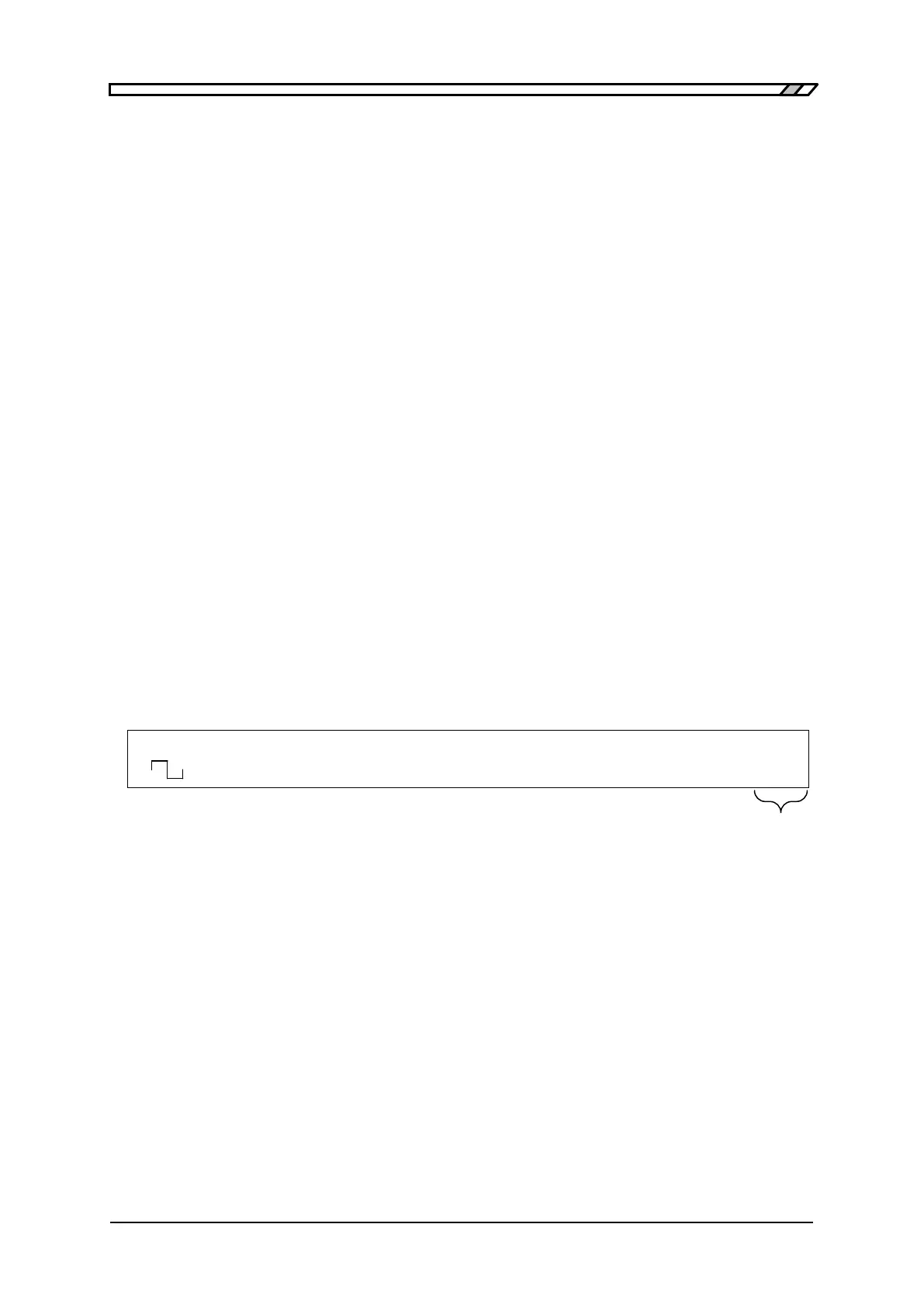
The current state "ON" or "OFF" is displayed on the right end of the second line of the display panel.
When "ON" is displayed, a signal is output from FUNCTION OUT and SYNC OUT connectors.
When "OFF" is displayed, no signal is output. At this point, the signal line of the BNC connector for
FUNCTION OUT is held open by a mechanical relay. SYNC OUT connector is held in high
impedance state by a logic IC.
F 500.0000000kHz A 8.000Vp-p O -1.000V
<CONT> Duty 50.0% /OPEN OFF



 To Next Page