4.2 Oscillation Mode-related Settings
DF1906
4.2 Oscillation Mode-related Settings
4.2.1 Set Mark Wave Number
When the burst oscillation or trigger oscillation is selected in the oscillation mode, the mark wave
number can be changed. Mark wave number refers to the "oscillation wave number" for burst
oscillation and trigger oscillation. When you press oscillation mode select key [MODE] several times,
the cursor moves to the mark wave number setting value.
When you turn the [MODIFY] dial in this state, the mark wave number can be changed.
You can move the cursor position left and right using cursor movement keys ([
▲
]/[
▼
] keys) and you
can select the digit where the setting is changed using the [MODIFY] dial.
The mark wave number setting range and resolution for burst oscillation are related to the space wave
number.
When the space wave number is
*
.5, the setting range is 0.5 to 128.0, and the wave number can be set in
increments of 0.5.
When the space wave number is
*
.0 or trigger oscillation is selected, the setting range is 0.5 to 256, and
the wave number can be set in increments of 0.5 for less than 128, and in increments of 1 for 128 or
more.
4.2.2 Set Space Wave Number
When the burst oscillation is selected in the oscillation mode, the space wave number can be changed.
Space wave number refers to the "stop wave number" for burst oscillation. When you press oscillation
mode select key [MODE] several times, the cursor moves to the space wave number setting value.
When you turn the [MODIFY] dial in this state, the space wave number setting can be changed.
You can move the cursor position left and right using cursor movement keys ([
▲
]/[
▼
] keys) and you
can select the digit where the setting is changed using the [MODIFY] dial.
The setting range and resolution are related to the mark wave number.
When the mark wave number is
*
.5, the setting range is 0.5 to 128.0, and the wave number can be set in
increments of 0.5.
When the mark wave number is
*
.0, the setting range is 0.5 to 256, and the wave number can be set in
increments of 0.5 for less than 128, and in increments of 1 for 128 or more.
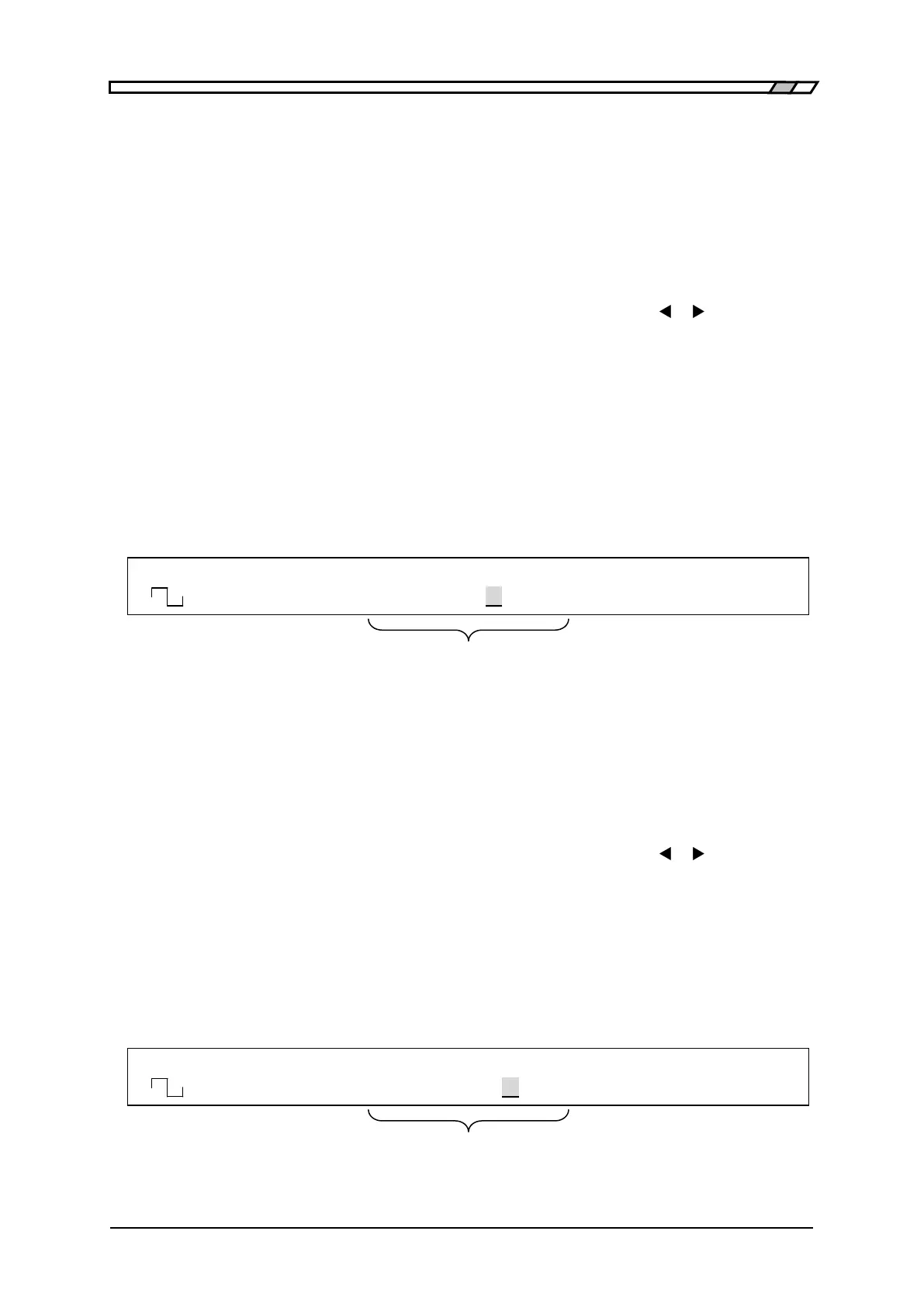
F 50.0000000kHz A 8.000Vp-p O -1.000V
<TRIG> Mark 100.0 /OPEN OFF
When oscillation is burst/trigger,
oscillation wave number is displayed/set
F 50.0000000kHz A 8.000Vp-p O -1.000V
<BRST> Space 100.0 /OPEN OFF
burst, stop wave number is displayed/set



 To Next Page