4.3 Special Menu
DF1906
4.3.4 Set by High Level/Low Level
The output voltage can be set by high level/low level, in addition to by amplitude/DC offset, to make it
easy to set various logic levels, etc.
Press special menu key [SPECIAL] to enter the output voltage setting method selection mode
("AmpHi/Lo" is displayed in the center of the lower line).
When you turn the [MODIFY] dial in this state, the output voltage setting method can be selected.
・ OFF → Set/display the output voltage by amplitude/DC offset.
・ ON → Set/display the output voltage by high level/low level.
In other than the voltage setting selection mode, you can know which is selected by the display of the
output voltage in the upper line.
・ A / O → Set/display the output voltage by amplitude/DC offset.
・ H / L → Set/display the output voltage by high level/low level.
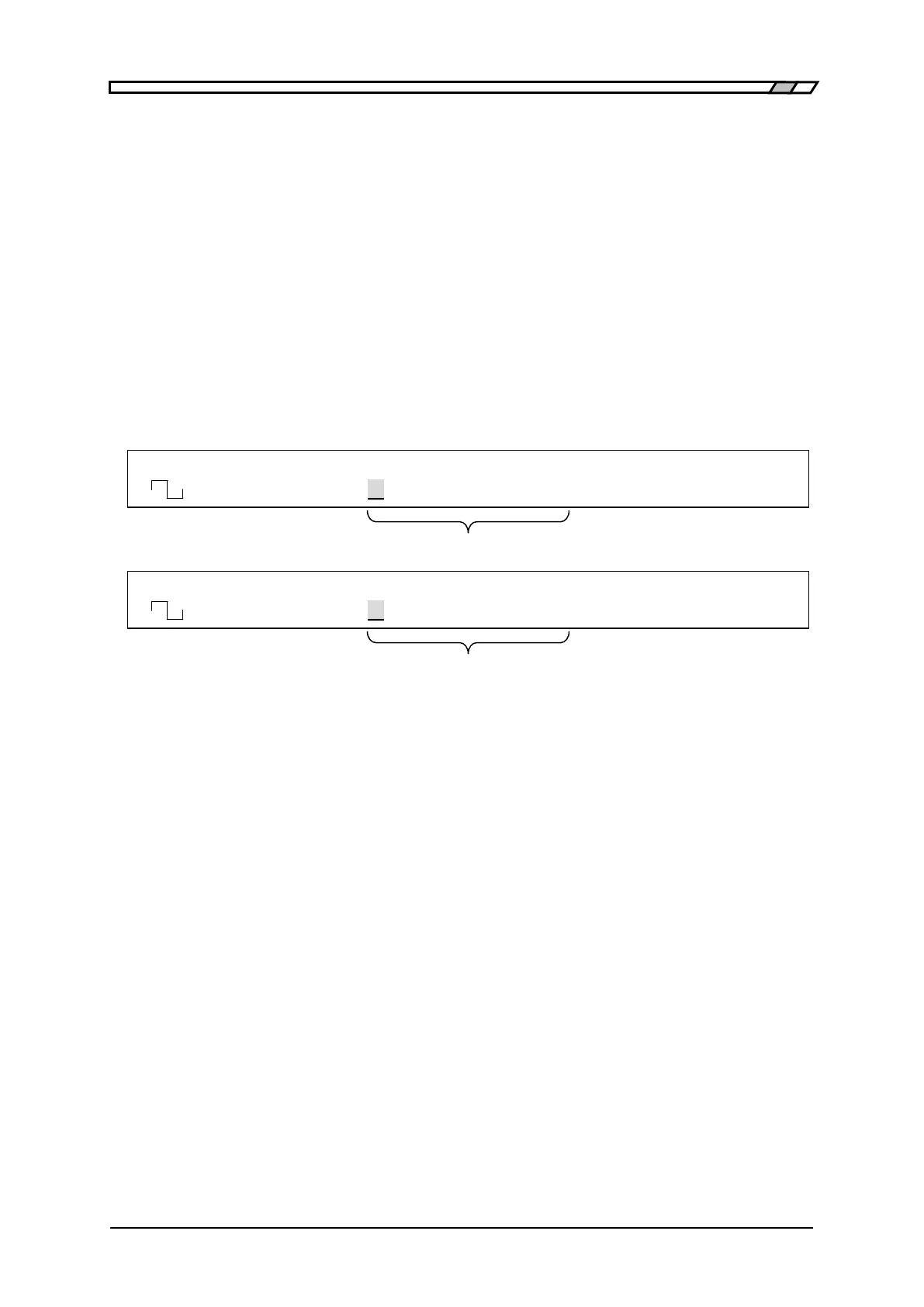
F 500.0000000kHz A 5.000Vp-p O 2.500V
<CONT> AmpHi/Lo OFF /OPEN OFF
Amplitude/DC offset or high level/low level is displayed/selected.
F 500.0000000kHz H 5.000V L 0.000V
<CONT> AmpHi/Lo ON /OPEN OFF
When high level/low level is selected, the result is displayed like this.



 To Next Page