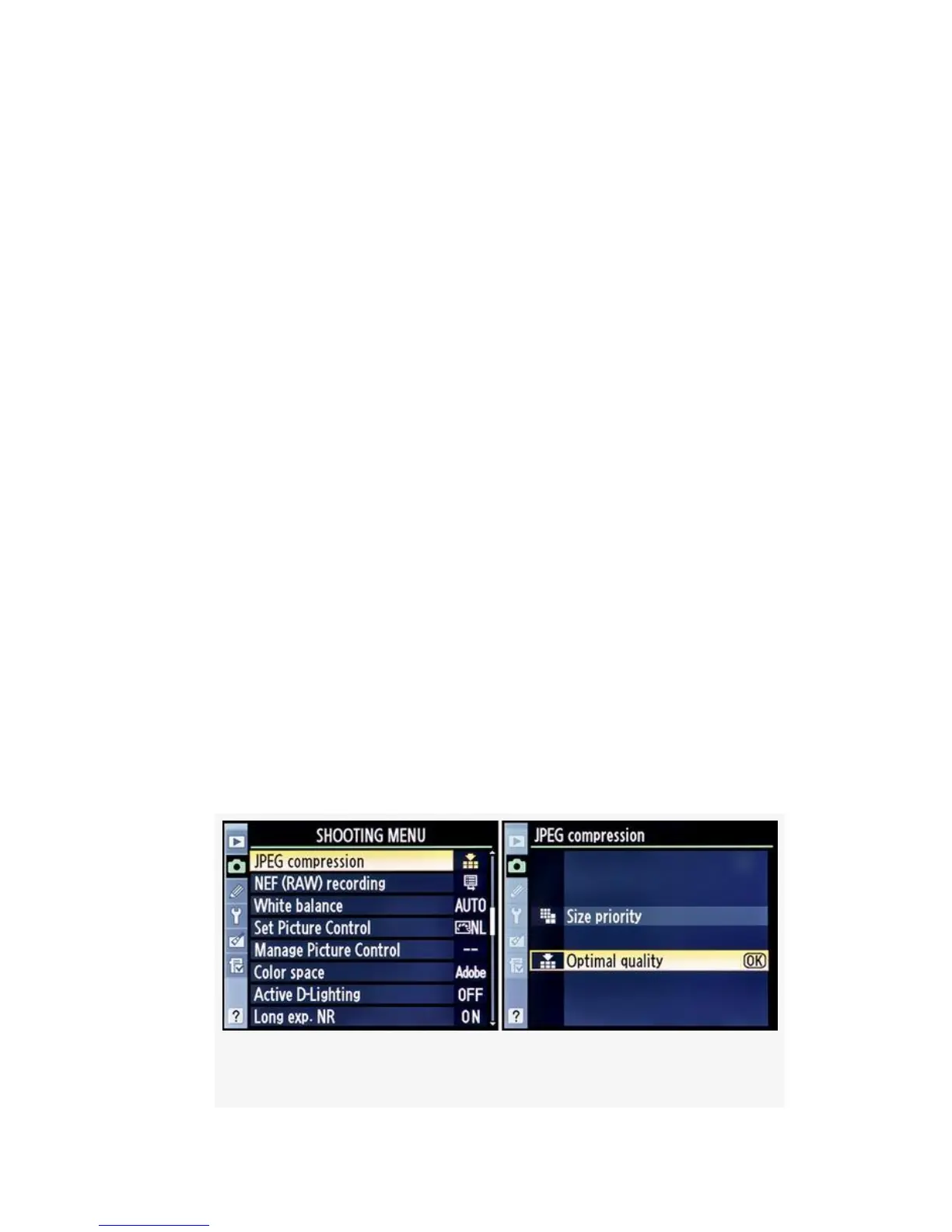
▪ Optimal quality – This setting really doesn’t do
anything extra to your images; the camera simply uses
less compression on complex subjects.
In effect, you are telling the camera to go ahead and vary
the file size so that image quality will be good for any
subject, complex or plain.
Instead of increasing compression to make an image of a
complex nature scene fit a certain file size—like Size
priority does—the camera only compresses the image to
the standard compression level based on the Image
quality you selected (JPEG fine, normal, or basic).
In other words, the camera tries to preserve image
quality by limiting compression of complex images. Less
image data is thrown away, so the image quality is
higher. However, file size will vary depending on the
complexity of the subject.
Here are the screens and steps to choose a JPEG compression
type (see Figure 3-13):
1. Select JPEG compression from the Shooting Menu and
scroll to the right.
Figure 3-13. JPEG compression
141



 To Next Page