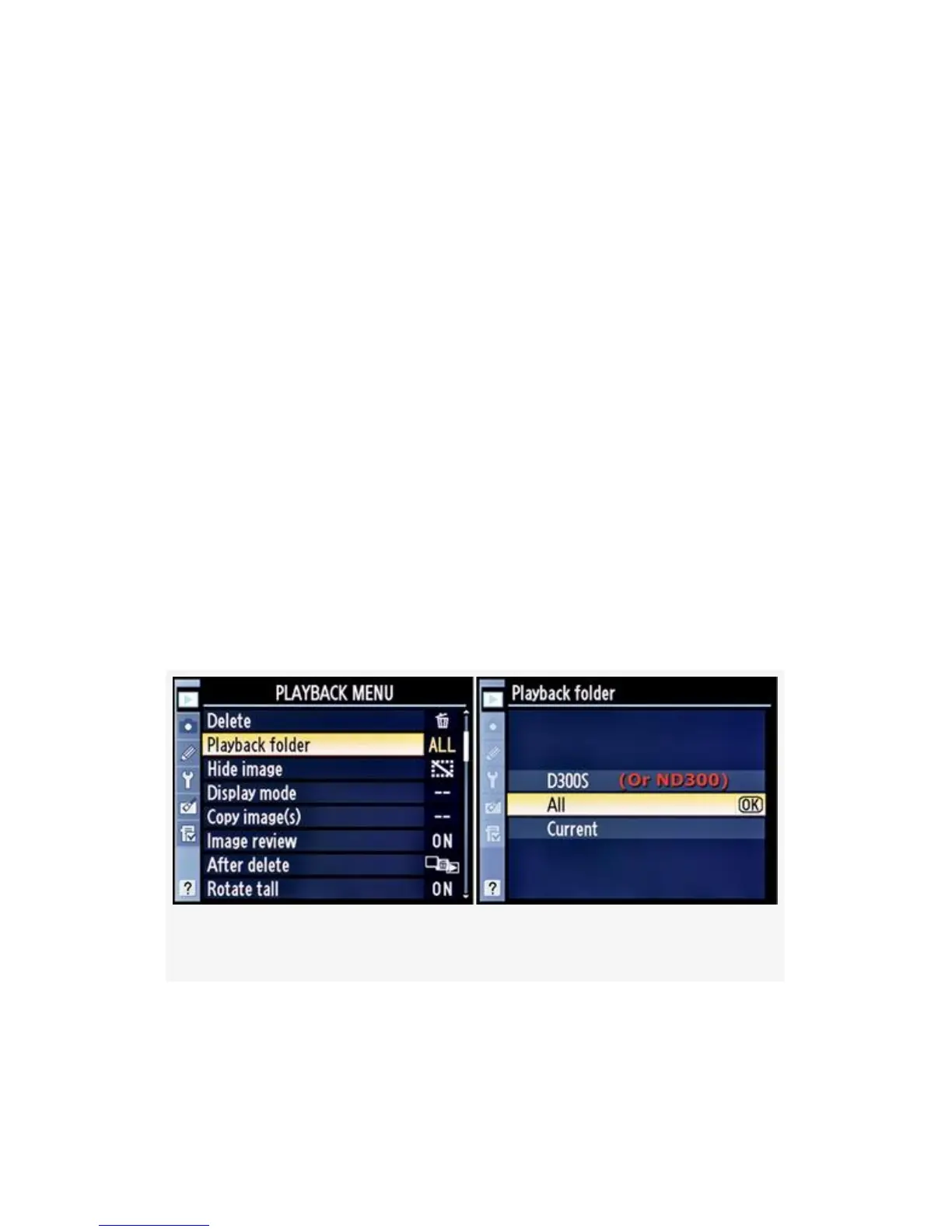
Playback Folder
(User’s Manual: D300S page 245; D300 page 249)
If you regularly use your memory card(s) in multiple cameras
like I do and sometimes forget to transfer images, adjusting
the Playback folder setting is a good idea.
I use a D300S and a D2X on a fairly regular basis. Often, I’ll
grab an 8- or 16-gigabyte card out of one camera and stick it
in another for a few shots. Later, if I’m not careful, I’ll
transfer the images from one camera and forget that I have
one or more folders on the CF card created by the other
camera. It’s usually only after I have pressed the format
buttons that I remember the D2X images on the memory card.
The camera comes to my rescue with its Playback folder >
All function.
Figure 2-4. Playback folder screens
Let’s look at how the Playback folder function works by first
looking at the screens in Figure 2-4.
44



 To Next Page