Color Temperature
(User’s Manual – D300S page 133; D300 page 127)
The D300(S) WB range can vary from a very cool 2500K to a
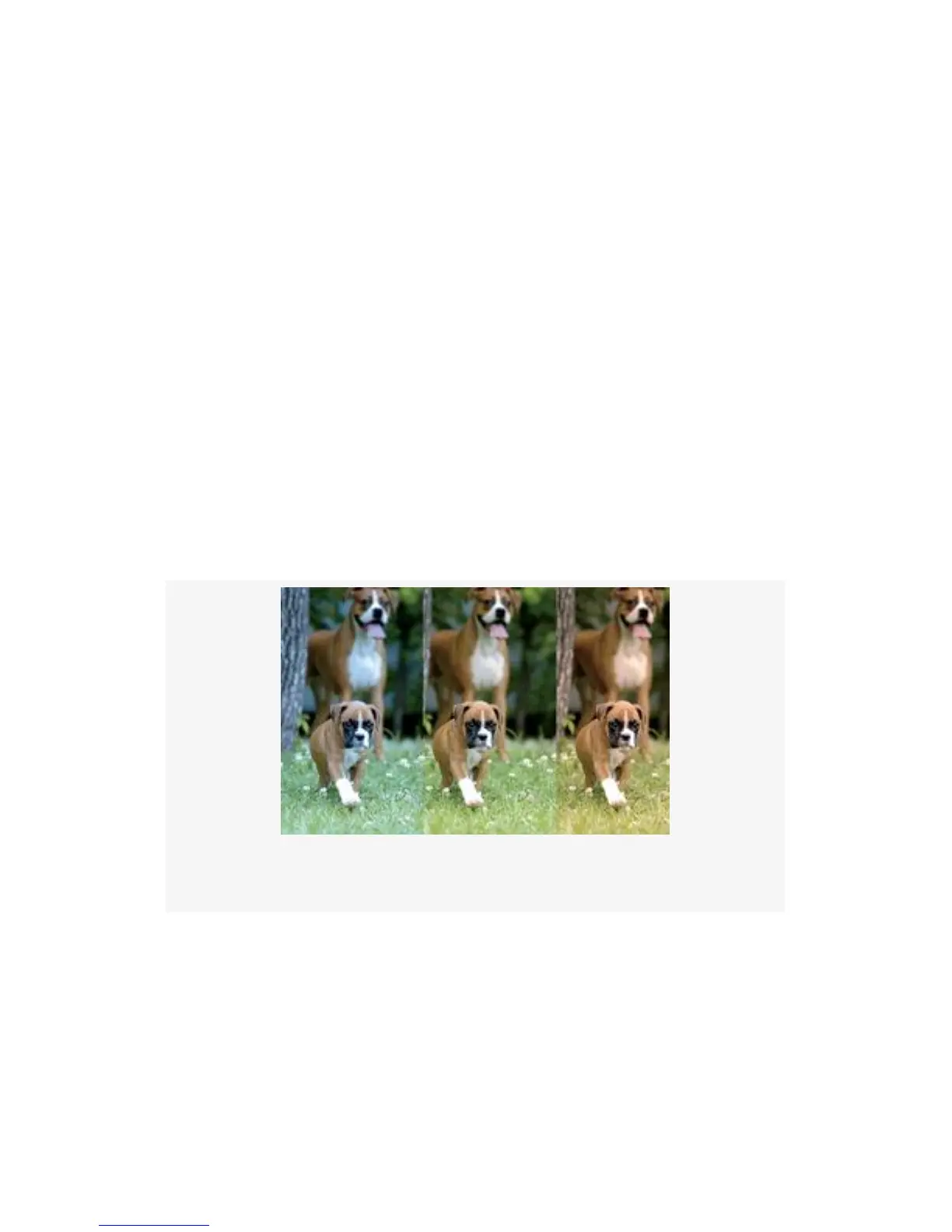
very warm 10,000K. Figure 10-1 shows the same picture
adjusted in Photoshop, with the use of Photo Filters, to three
WB settings. Notice how the image in the center is about
right, while the images to the left and right are cooler (blue
cast) or warmer (orange cast).
The same adjustments we made with film and filters can now
be achieved with the White balance settings built into the
D300(S).
Figure 10-1. Same image with different WB settings
To achieve the same effect as daylight film and a warming
filter, simply select the Cloudy White balance setting while
shooting in normal daylight. This sets the D300(S) to balance
at about 6000K, which makes nice warm-looking images. If
you want to really warm the image up, set the controls to
Shade, which sets the camera to 8000K.
678



 To Next Page