If there is only one folder on the current memory card, this
setting will have little effect, except to display the one folder.
You cannot choose a memory card with no folders on it; the
selection for that card slot will be grayed out. The same
applies if you try to select a memory card slot with no card in
the slot.
Choose folder (D300)
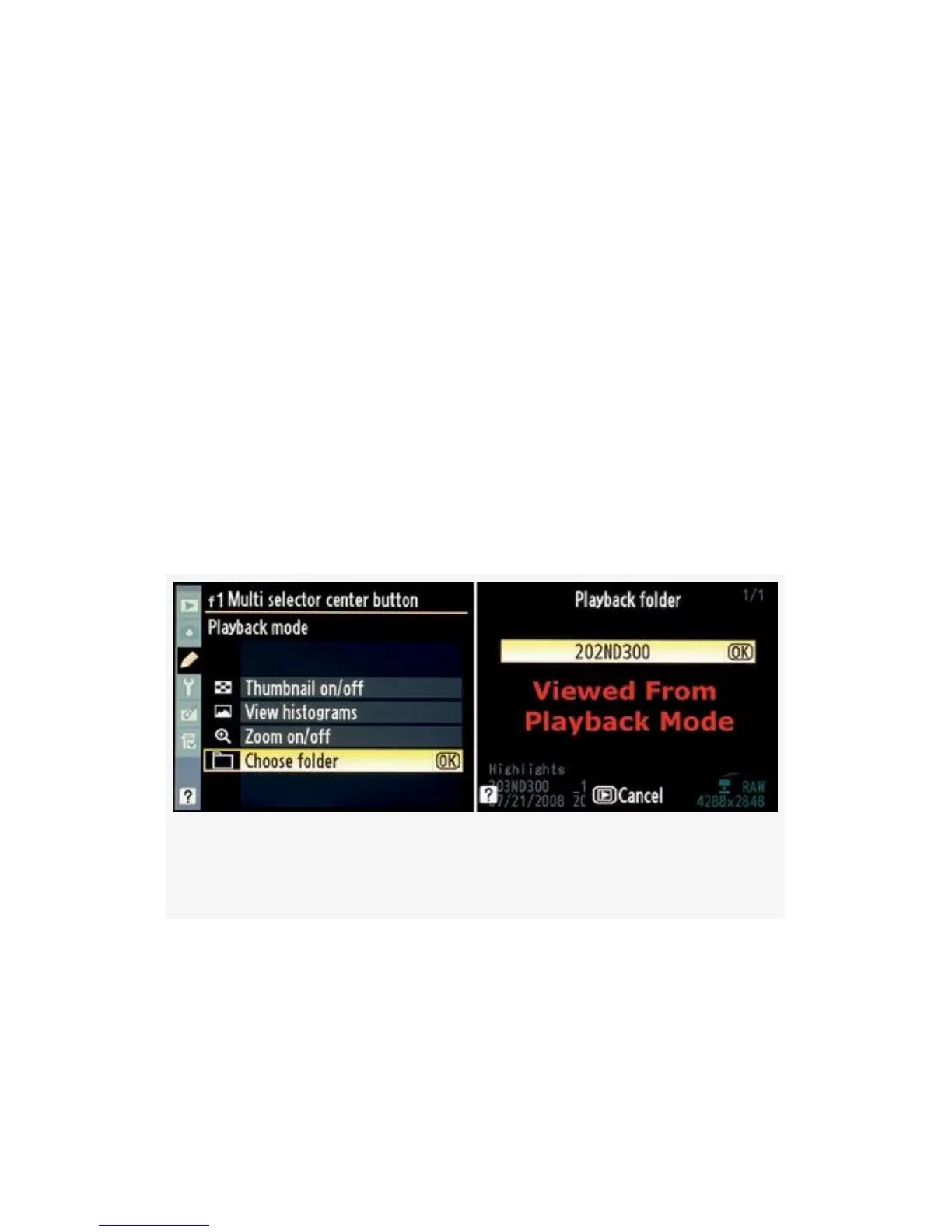
When you select Choose folder you’ll have an extra screen
available when you are examining an image in Playback
mode. You get to it by pressing the Multi Selector center
button.
Here is a look at the screen (see Figure 4-69, image 2).
Figure 4-69. Multi selector center button (Choose folder –
D300)
As you can see in Figure 4-69, when you’ve selected Choose
folder there is an additional screen available that lets you
switch between the camera’s folders on the memory card.
You can only get to this extra screen by pressing the Multi
selector center button when a picture is on the Monitor.
393



 To Next Page