Color Space
(User’s Manual: D300S page 166; D300 page 169)
Color spaces are an interesting and important part of digital
photography. They help your images fit into a much broader
range of imaging devices. Software, printers, monitors, and
other devices recognize which Color space is attached to your
image and use it, along with other color profiles, to help
balance the image to the correct output colors for the device
in use. The two color spaces available on the Nikon D300(S)
have different gamuts, or ranges of color.
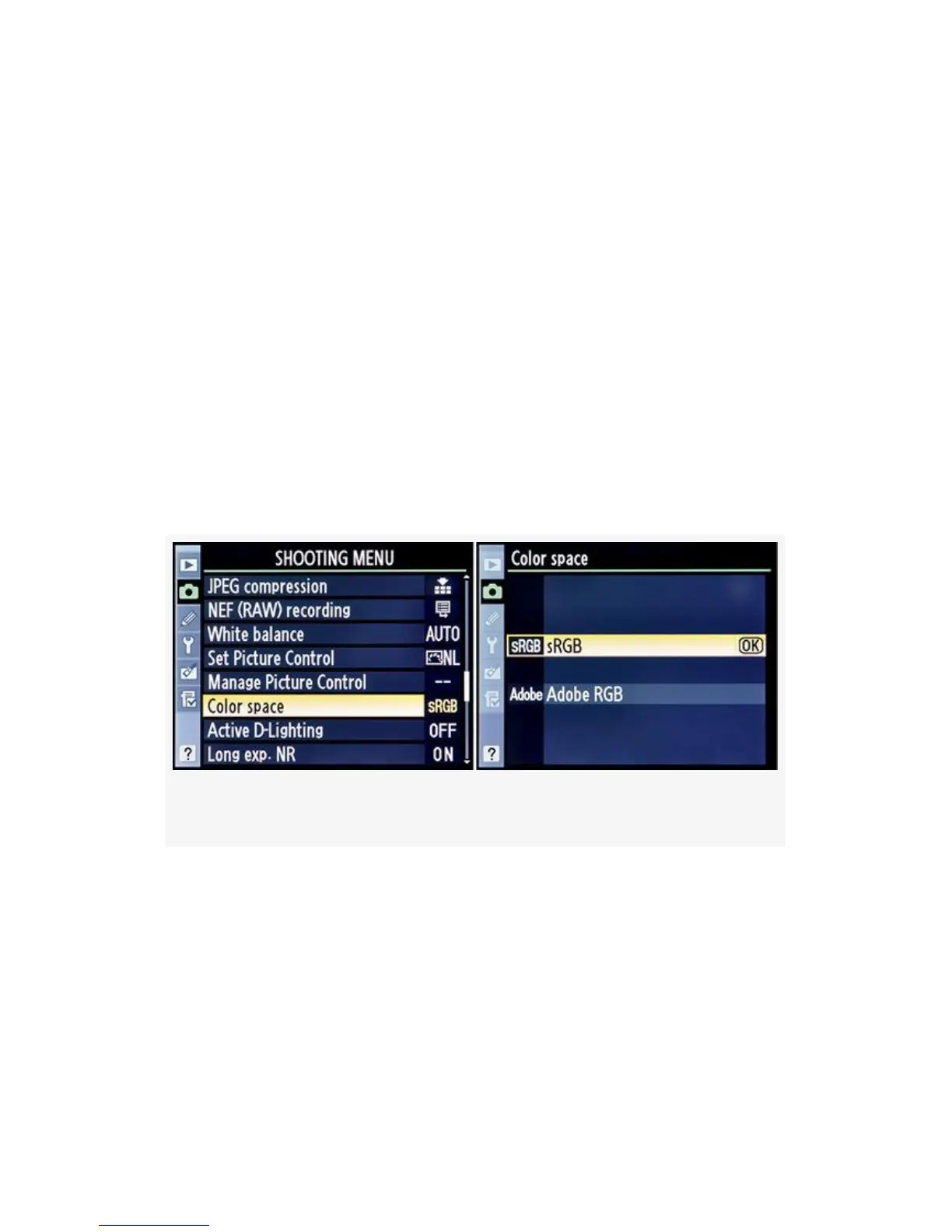
Figure 3-37. Choosing a Color space
The Nikon D300(S) offers these two color spaces: sRGB and
Adobe RGB. Here’s how to select your favorite color space
(see Figure 3-37 and Figure 3-38):
1. Choose Color space from the Shooting Menu and scroll
to the right.
2. Select the Color space that you want to use, keeping in
mind that Adobe RGB has a larger color gamut.
190



 To Next Page