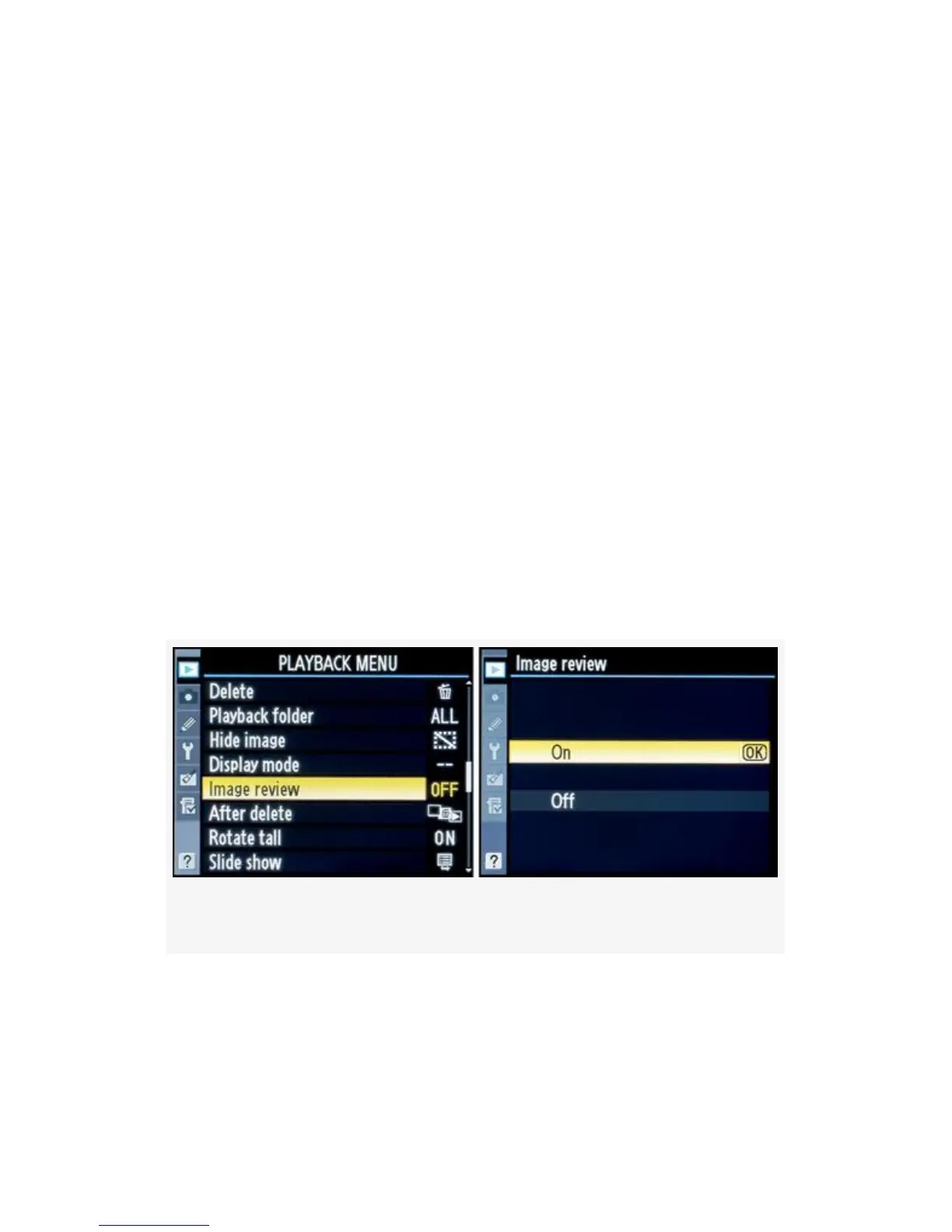
Image Review
(User’s Manual: D300S page 251; D300 page 251)
Image review does exactly what it says; it shows you an
image you’ve just taken on your camera’s Monitor. With this
function turned On, you’ll see each picture you take just after
you take it. You can “review” the image for quality and
usefulness.
With Image review set to Off, you won’t see each picture
unless you press the Playback button afterward. This saves
battery life. However, the camera’s battery is long-lived since
the D300(S) does not use a lot of power. If you prefer to
review, or “chimp”, each image after you take it, then you’ll
need to set this feature to On.
Figure 2-25. Image review screens
You can control how long each image is displayed on the
Monitor before it shuts off by adjusting Custom setting C4 –
Monitor off delay > Image review. This custom Image review
time out can be adjusted to display pictures from 4 seconds to
71



 To Next Page