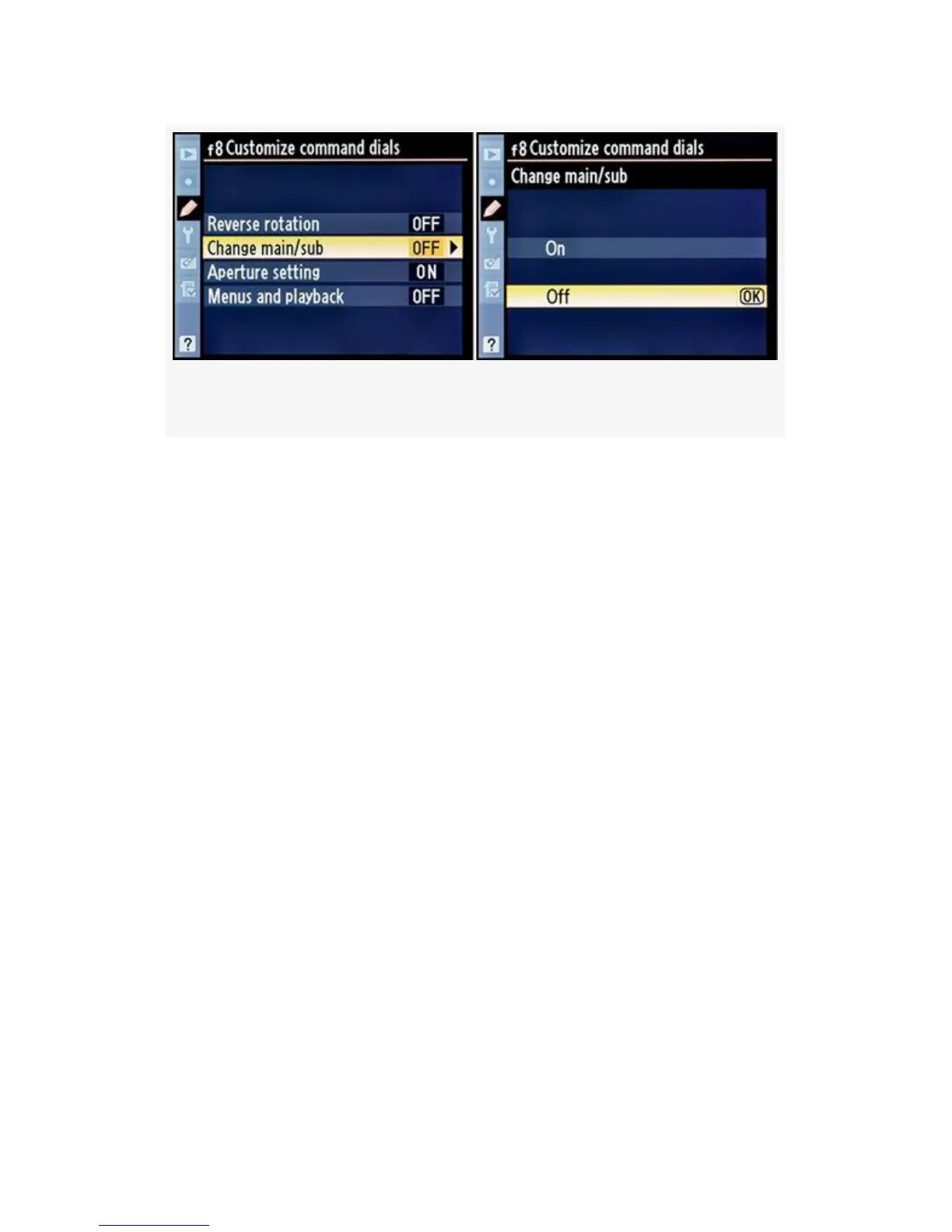
Figure 4-77. Customize command dials (Change main/sub)
1. Select On or Off from the list (see Figure 4-77, image 2).
2. Press the OK button to lock in the setting.
My Recommendation: I leave the Command dials set to
factory default (Off). I’ve been using Nikons for too many
years to change Command dial functionality now!
Aperture setting
There are two selections that allow you to modify how the
camera treats CPU lenses that have aperture rings on the lens
(non-G lenses):
▪ Sub-command dial – This is the factory default setting.
The aperture is set using the Sub-command dial.
▪ Aperture ring – This setting allows those with older
non-G type lenses with a CPU to use the lenses’ aperture
ring to adjust the aperture instead of using the
Sub-command dial. The EV increments will only display
in 1 EV steps when this is active.
413



 To Next Page