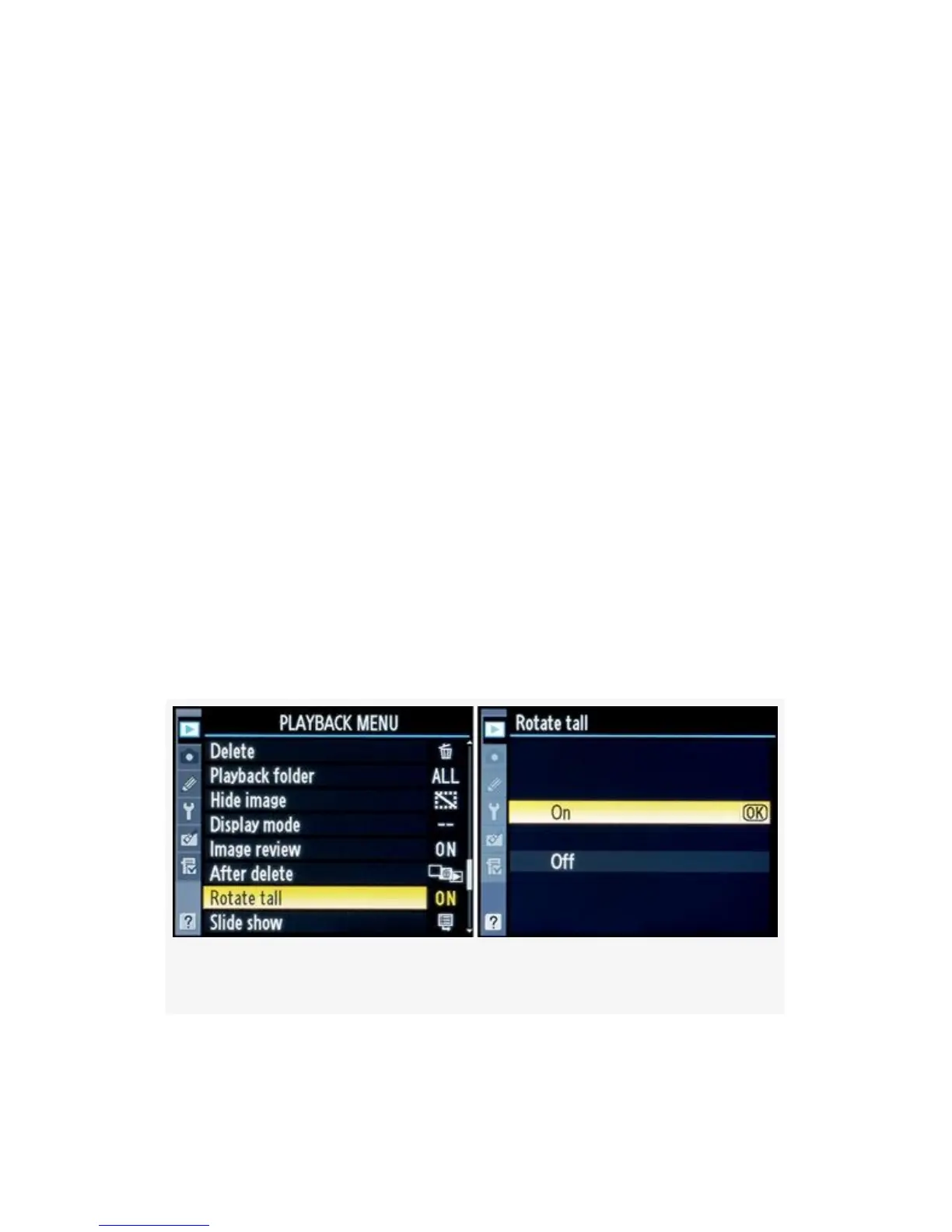
Rotate Tall
(User’s Manual: D300S page 251; D300 page 251)
When you shoot a portrait-orientation (vertical) image, with
the camera turned sideways, the image can later be viewed as
a horizontal image lying on its side or as a smaller, upright
(tall) image on the camera’s horizontal (wide) Monitor.
If you view the image immediately after taking it, the
camera’s software assumes that you are still holding the
camera in the rotated position, and the image will be
displayed correctly for that angle. Later, if you are reviewing
the image with the camera’s playback functionality and have
Rotate tall set to On, the image will be displayed as an
upright, vertical image that is smaller in size so that it will fit
on the horizontal Monitor. You can zoom in to see sharpness
detail, if needed.
Figure 2-27. Rotate tall screens
77



 To Next Page