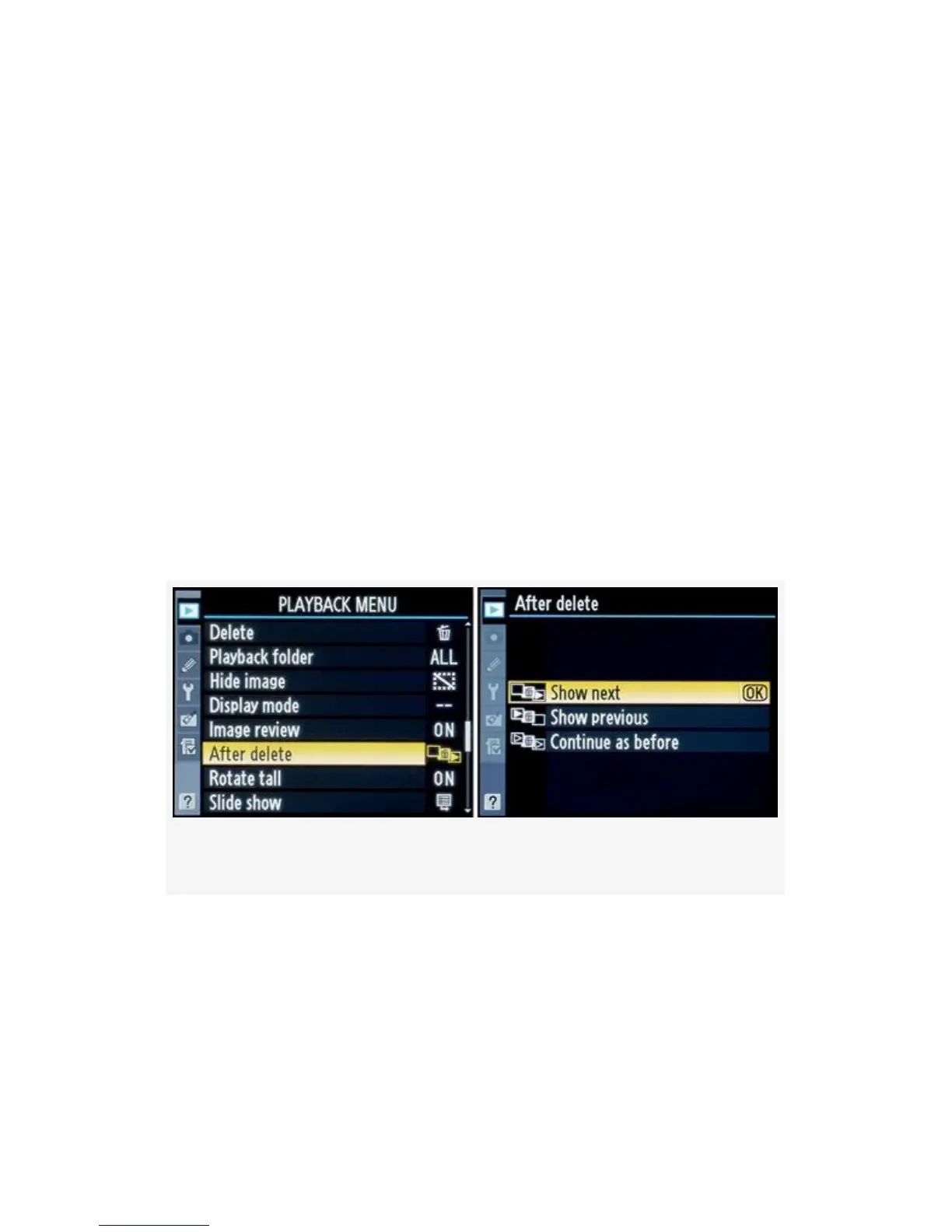
After Delete
(User’s Manual: D300S page 251; D300 page 251)
If you delete an image during playback, one of your other
images will display on the camera’s Monitor. The After delete
function lets you select which image is displayed after you
delete an image. The camera can display the next image in
line or the previous image, or it can detect which direction
you were scrolling—forward or backward—and let that
determine which image shows after you delete another.
The three selections on the After delete menu are Show next,
Show previous, and Continue as before (see Figure 2-26):
Figure 2-26. After delete screens
Show next – If you delete an image and it wasn’t the last
image on the memory card, the camera will display the next
image on the Monitor. If you delete the last image on the
card, the previous image will be displayed. Show next is the
factory default behavior of the D300(S) since most people
74



 To Next Page