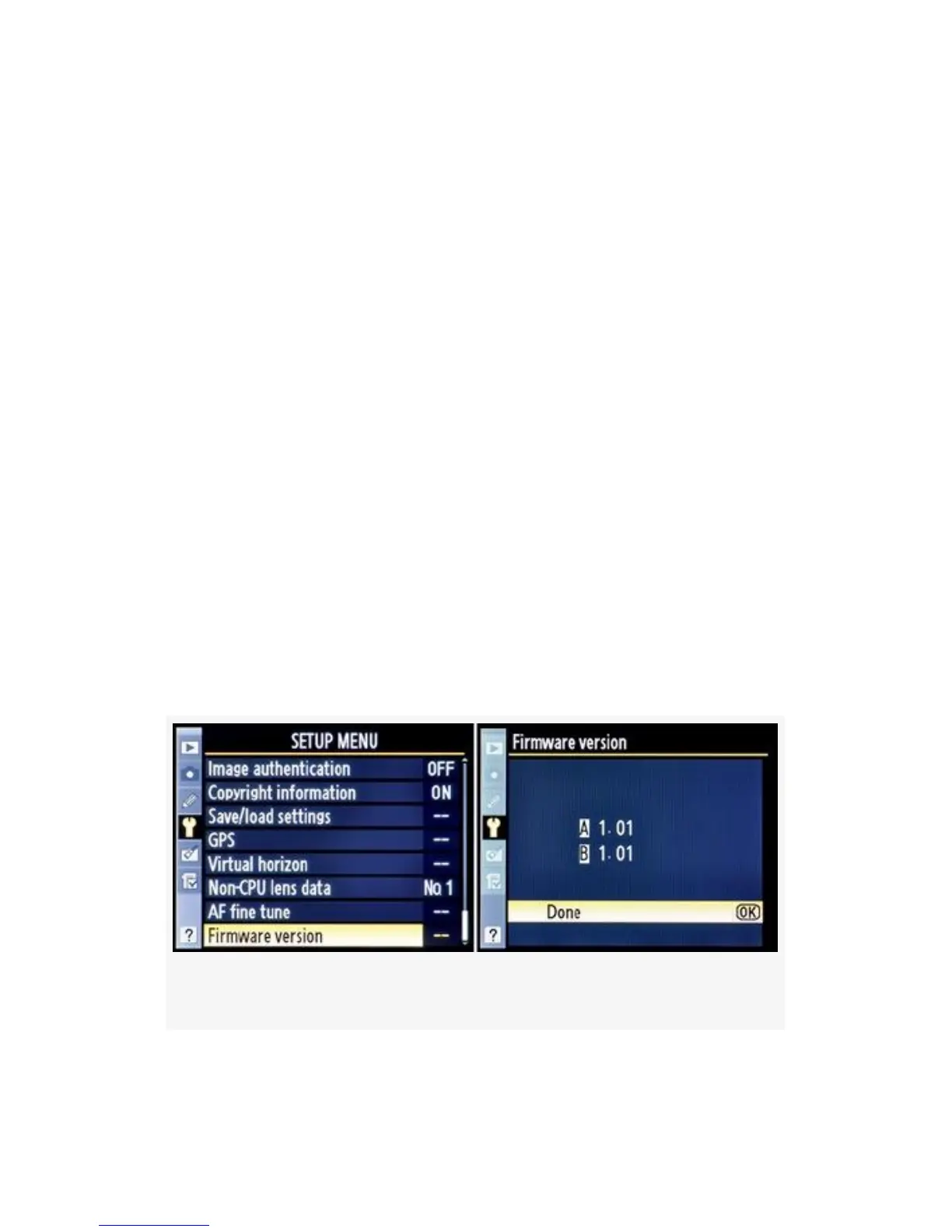
Firmware Version
(User’s Manual – D300S page 314; D300 page 328)
Firmware version is a simple informational screen, like the
Battery info screen. It informs you which version of the
camera’s operating system (firmware) you are running.
Figure 5-46 shows the firmware version after I updated from
1.00. FIG 24B shows the screens while I was doing an update
from version 1.00 to 1.01 on my D300S.
Here are the screens and steps to see the Firmware version
(see Figure 5-46):
1. Choose Firmware version from the Setup Menu and
scroll to the right.
2. Examine the update version. When Done, press the OK
button.
Figure 5-46. Firmware version screens
522



 To Next Page