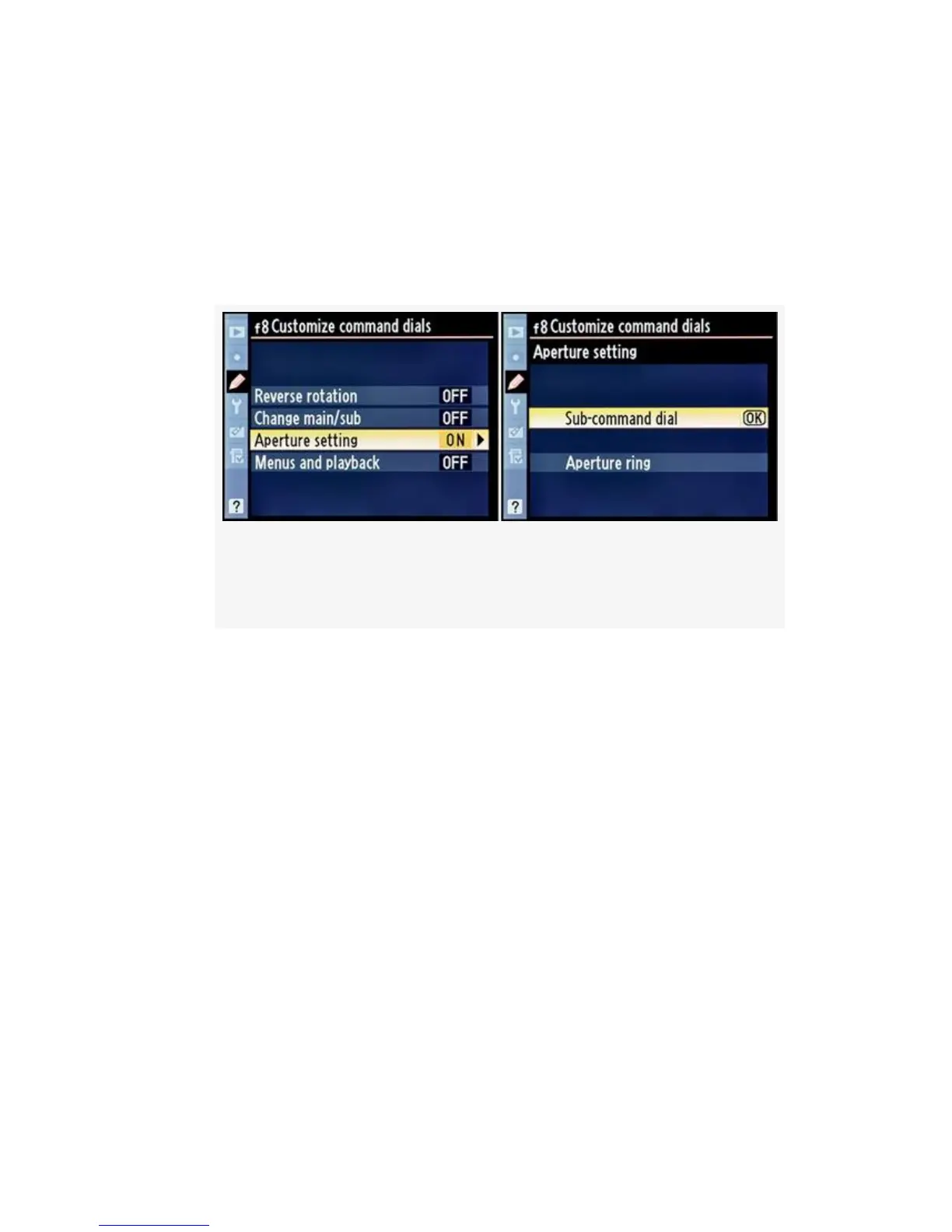
Here are the screens and steps to change the style of Aperture
setting (see Figure 4-78):
1. Continuing from Figure 4-75, image 3, select Aperture
setting and then scroll to the right (see Figure 4-78,
image 1).
Figure 4-78. Customize command dials (Aperture
setting)
2. Select Sub-command dial or Aperture ring from the list
(Figure 4-78, image 2).
3. Press the OK button to lock in the setting.
Note: When a non-CPU lens is used, the aperture ring must
always be used to set the aperture instead of the
Sub-command dial. If you are using a G-type lens with no
aperture ring, you clearly can’t set the aperture with a
non-existent aperture ring, so the camera ignores this setting.
Live view mode is not available when you change Aperture
setting to Aperture ring!
My Recommendation: I leave Aperture setting set to
Sub-command dial. I have some older AF Nikkors that I still
like using, so I keep them locked at their smallest aperture
settings and use the Sub-command dial to change their
414



 To Next Page