change how the D300(S) captures the image. If you are
shooting in RAW mode, the D300(S) does not apply these
settings to the image but stores them with the image so that
you can later change them in-computer.
Let’s examine each of the Picture Controls, and then we’ll
look at how to select them.
Examining Picture Controls
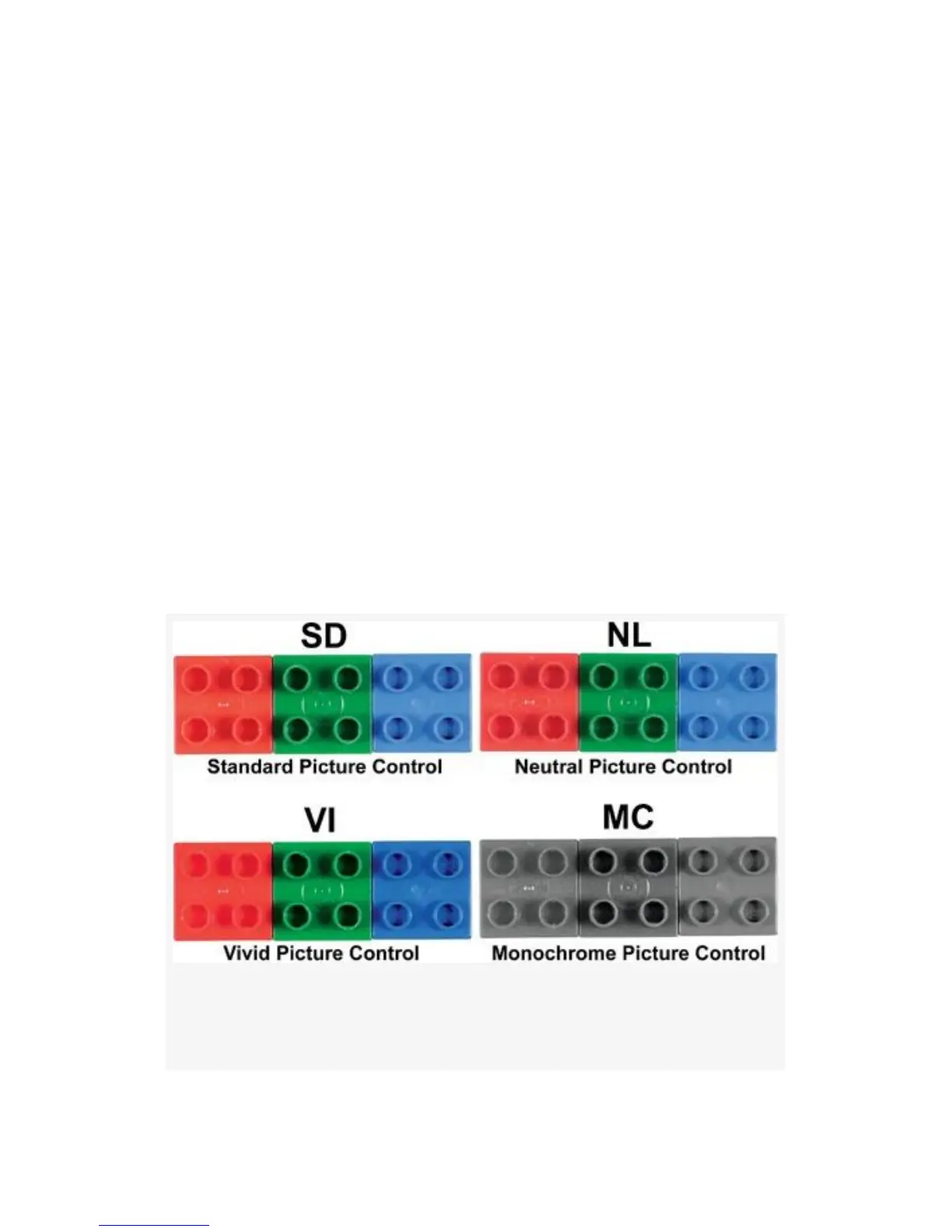
Figure 3-21 provides a look at the differences in color
saturation and shadow with the various controls. Due to
limitations in offset printing, it may be hard to see the
variations. Saturation and Contrast depth increases within
these Picture Control choices, in this order: NL (low) > SD
(medium) > VI (high).
Figure 3-21. Sample color with various Nikon Picture
Controls
161



 To Next Page