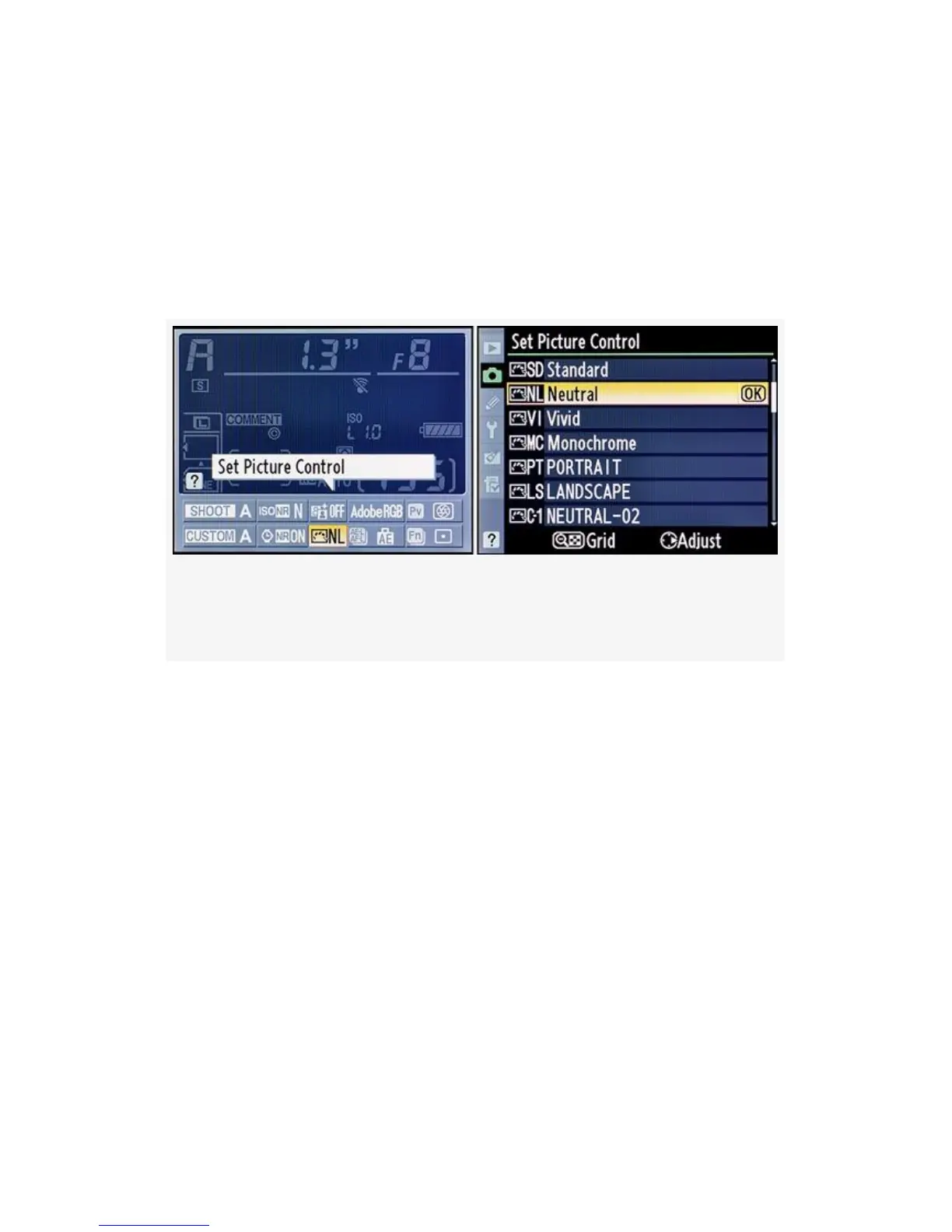
As shown in Figure 3-27, there is an alternate way to access
the Set Picture Control menu screens in the D300S. You can
use the Information display edit screen by pressing the Info
button twice, then scrolling to the Set Picture Control position
and pressing the OK button. This opens directly into the Set
Picture Control screen for your convenience.
Figure 3-27. D300S Info. display edit screen – Set Picture
Control
173



 To Next Page