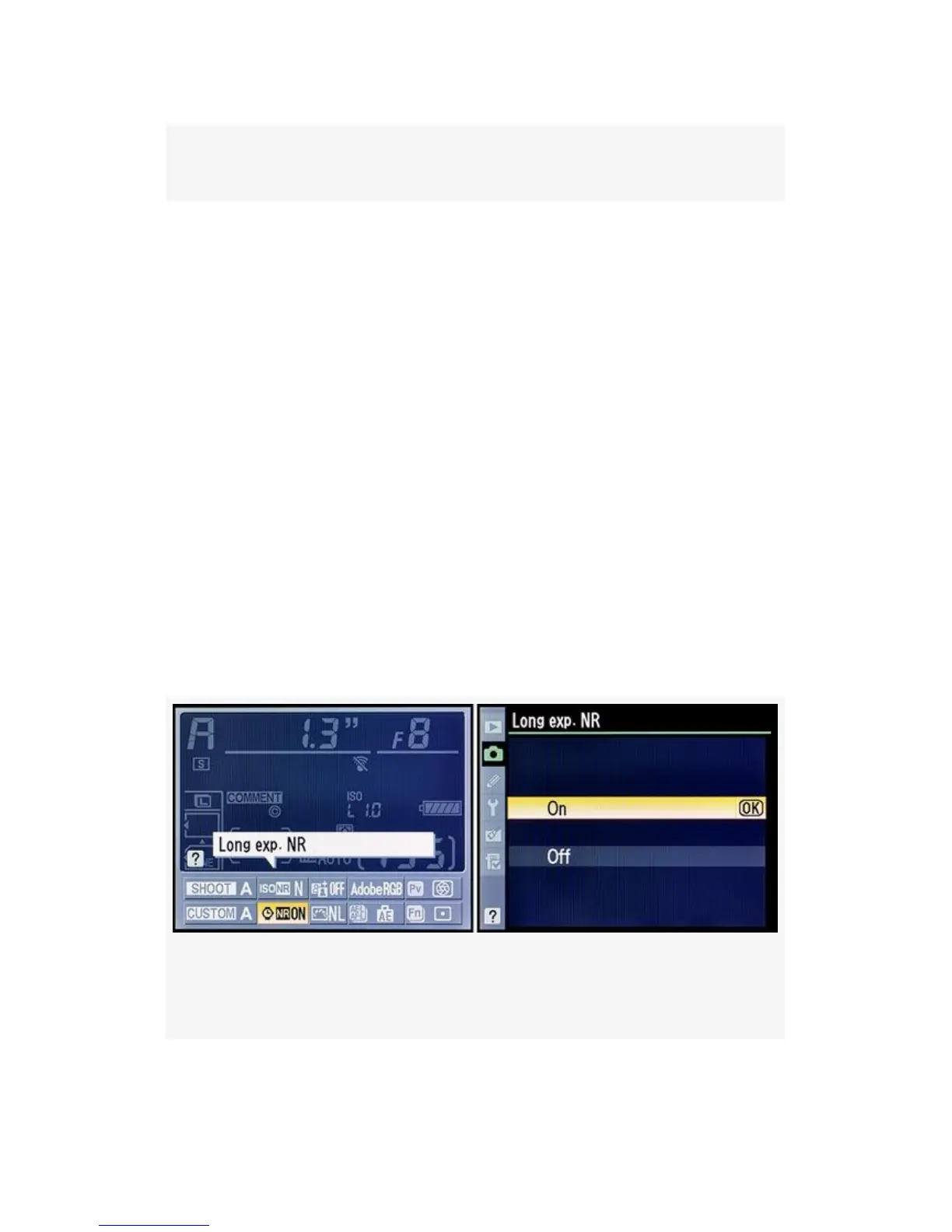
Figure 3-43. Enabling or disabling Long exp. NR
Here are the steps to choose a Long exp. NR setting. See the
screens in Figure 3-43 or Figure 3-44. The Information edit
display screen for the D300S only is shown in Figure 3-44.
1. Choose Long exp. NR from the Shooting Menu and
scroll to the right.
2. Select either On or Off.
3. Press the OK button to save your setting.
The D300S allows you to access the Long exp. NR setting
quickly by using the Information display edit screen.
Press the Info button twice, select the Long exp. NR position,
press the OK button, and then use steps 2 and 3 above.
Figure 3-44’s second screen is the same as Figure 3-43’s
second screen.
Figure 3-44. D300S Info. display edit screen – Long exp.
NR
202



 To Next Page