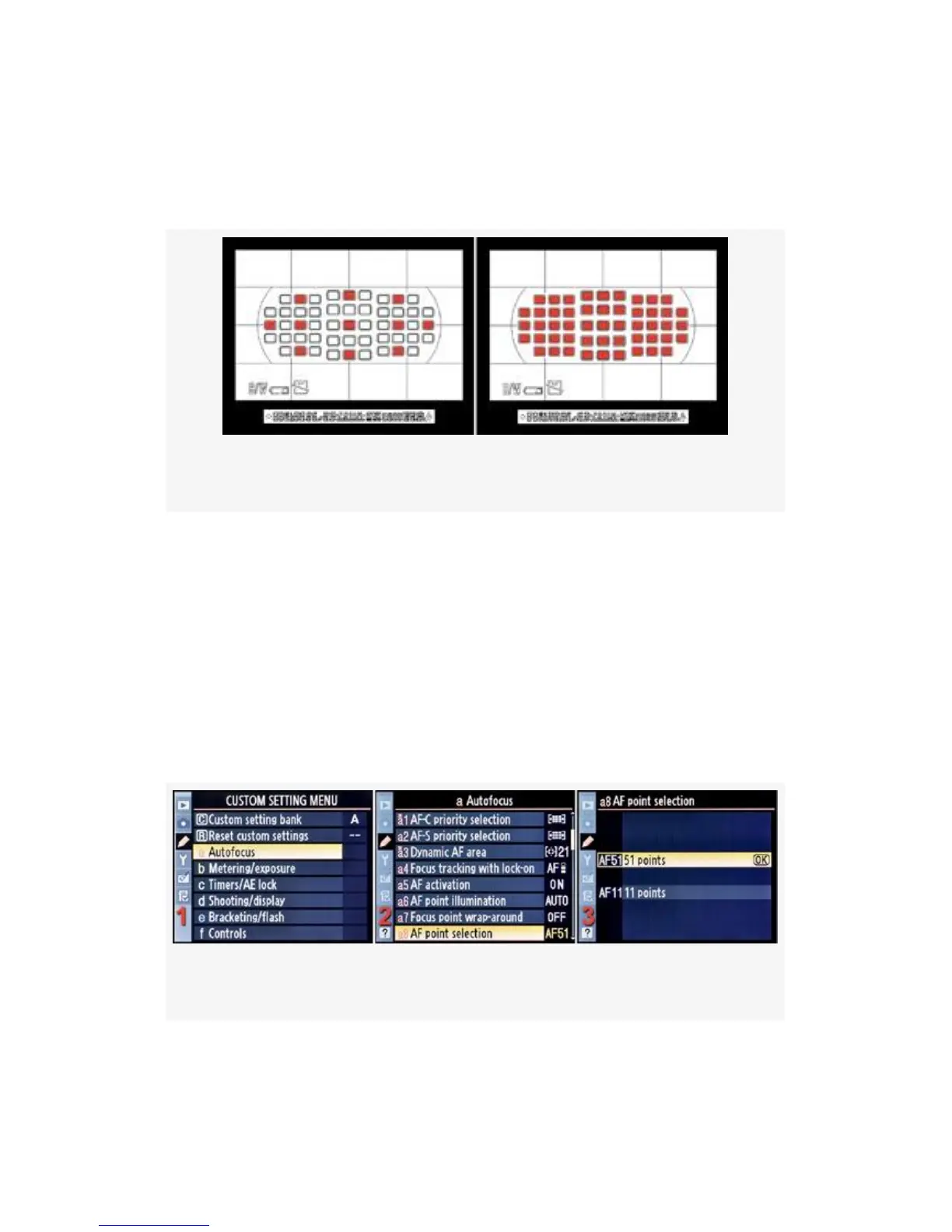
Dynamic-area AF modes. This means that you cannot choose
“in-between” sensors as selected AF points, so you have a
smaller choice of sensors to start autofocus.
Figure 4-13. 11 AF points vs. 51 AF points
When using Auto-area AF, the camera does not allow you to
move the AF points. So this function does not affect the
camera when Auto-area AF is selected.
If you are unhappy when scrolling through 51 points, change
it to 11. You can always change it back!
Here are the screens and steps to select one of the AF point
selection settings (see Figure 4-14):
Figure 4-14. AF point selection
1. Select a Autofocus from the Custom Setting Menu and
scroll to the right (see Figure 4-14, image 1).
277



 To Next Page