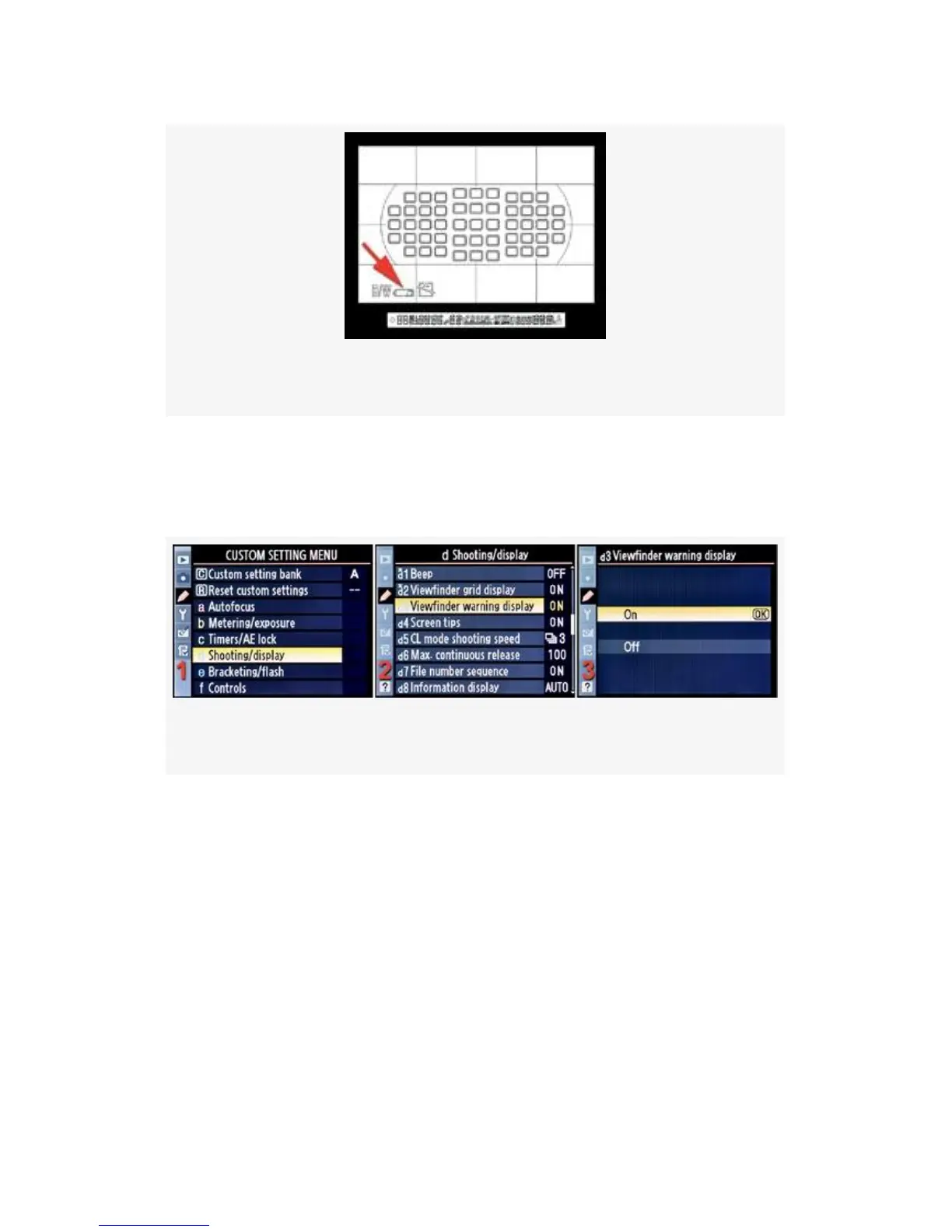
Figure 4-33. Low battery warning
However, if the low-battery Viewfinder warning bugs you,
just turn it off! Here are the screens and steps used to turn
Viewfinder warning display on or off (see Figure 4-34):
Figure 4-34. Viewfinder warning display configuration
1. Select d Shooting/display from the Custom Setting Menu
and scroll to the right (see Figure 4-34, image 1).
2. Highlight Viewfinder warning display and scroll to the
right (see Figure 4-34, image 2).
3. Choose one of the two choices on the list. In
Figure 4-34, image 3, On has been selected.
4. Press the OK button to lock in the setting.
321



 To Next Page