(User’s Manual – D300S page 278; D300 page 285)
LCD illumination is a simple setting that allows you to set
how the illumination of the Control panel LCD backlight
works. When it’s on, the Control panel lights up in green.
Here are the two choices and how they work:
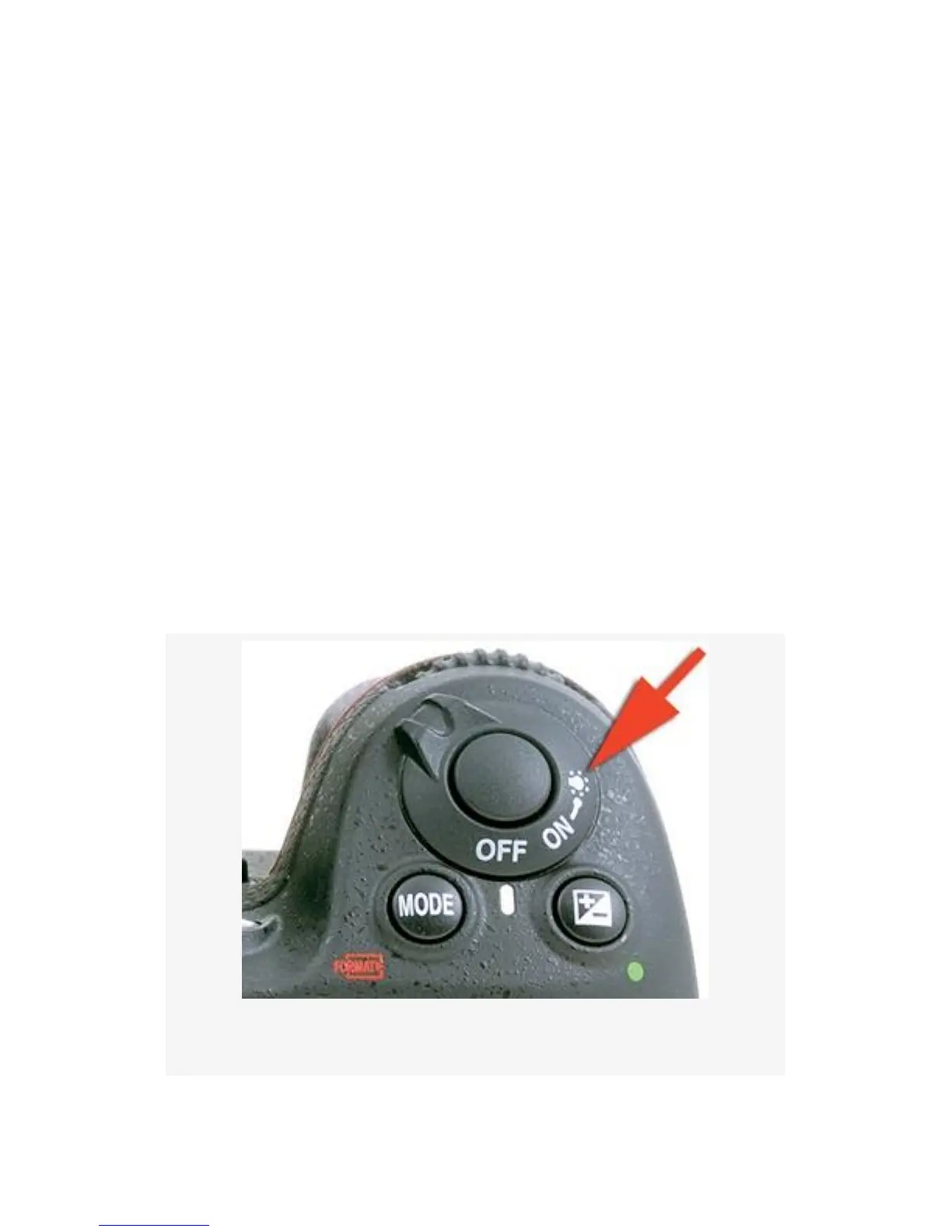
▪ Off – If you leave LCD illumination set to Off, the
Control panel will not turn on its backlight unless you
tell it to with the “backlight on” setting on the ring
surrounding the Shutter-release button. If you use your
shutter finger to pull the Power switch all the way to the
right, the Control panel will light up (see Figure 4-43).
▪ On – This setting makes the Control panel illumination
come on anytime the exposure meter is active. If you are
shooting a lot in the dark and need to refer to the Control
panel often, then switch this setting to On.
Figure 4-43. LCD illumination
337



 To Next Page