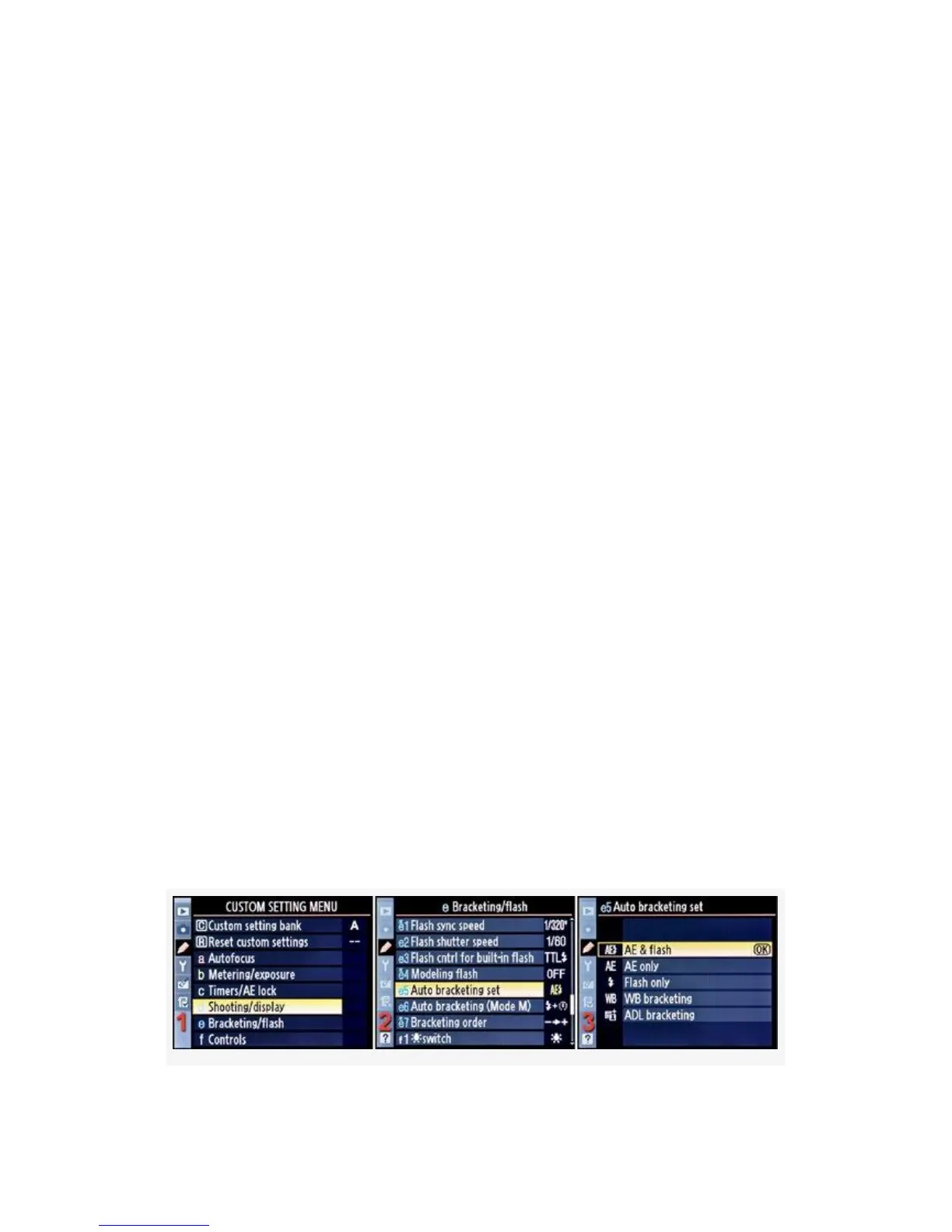
Let’s start by reviewing the five types of bracketing on the
D300S and the four on the D300. I’ll explain how to use
bracketing in an upcoming section:
▪ AE & flash – When you set up a session for bracketing,
the camera will cause any type of normal picture you
take to be bracketed, whether standard exposures, or
using flash. See how to bracket in the next section.
▪ AE only – Your bracketing settings will affect only the
exposure system and not the flash.
▪ Flash only – Your bracketing settings will affect only
the flash system and not the exposure.
▪ WB bracketing – White balance bracketing is described
in more detail in the chapter titled Chapter 10. It works
the same as exposure and flash bracketing, except it is
designed for bracketing color in “mired” values instead
of light in EV step values.
▪ ADL bracketing (D300S only) – In this case you are
bracketing Active D-Lighting (ADL) in up to five
separate exposures. Each consecutive exposure uses the
next higher level of Active D-Lighting.
Here are the screens and steps used to select an Auto
bracketing set type (see Figure 4-55):
363



 To Next Page