WB Bracketing
You can also do WB bracketing (white balance) in a way
similar to flash or exposure bracketing, using the controls
shown in Figure 4-56.
If you want to bracket your camera’s white balance, you must
set Custom setting e5 > Auto bracketing set to WB bracketing
(see Figure 4-55). This means that AE or flash bracketing will
not work during the time that Custom setting e5 is set to WB
bracketing.
It may be a good idea to review the previous
section—Exposure Bracketing (AE and Flash
Combination)—if you’ve not read it yet, since WB
bracketing is so similar. WB bracketing does not work when
your camera is in RAW mode.
Use Figure 4-55 as the reference screens to select WB
bracketing, and then use these steps to bracket the white
balance:
1. Set Custom setting e5 to WB bracketing (see earlier
Figure 4-55, image 3).
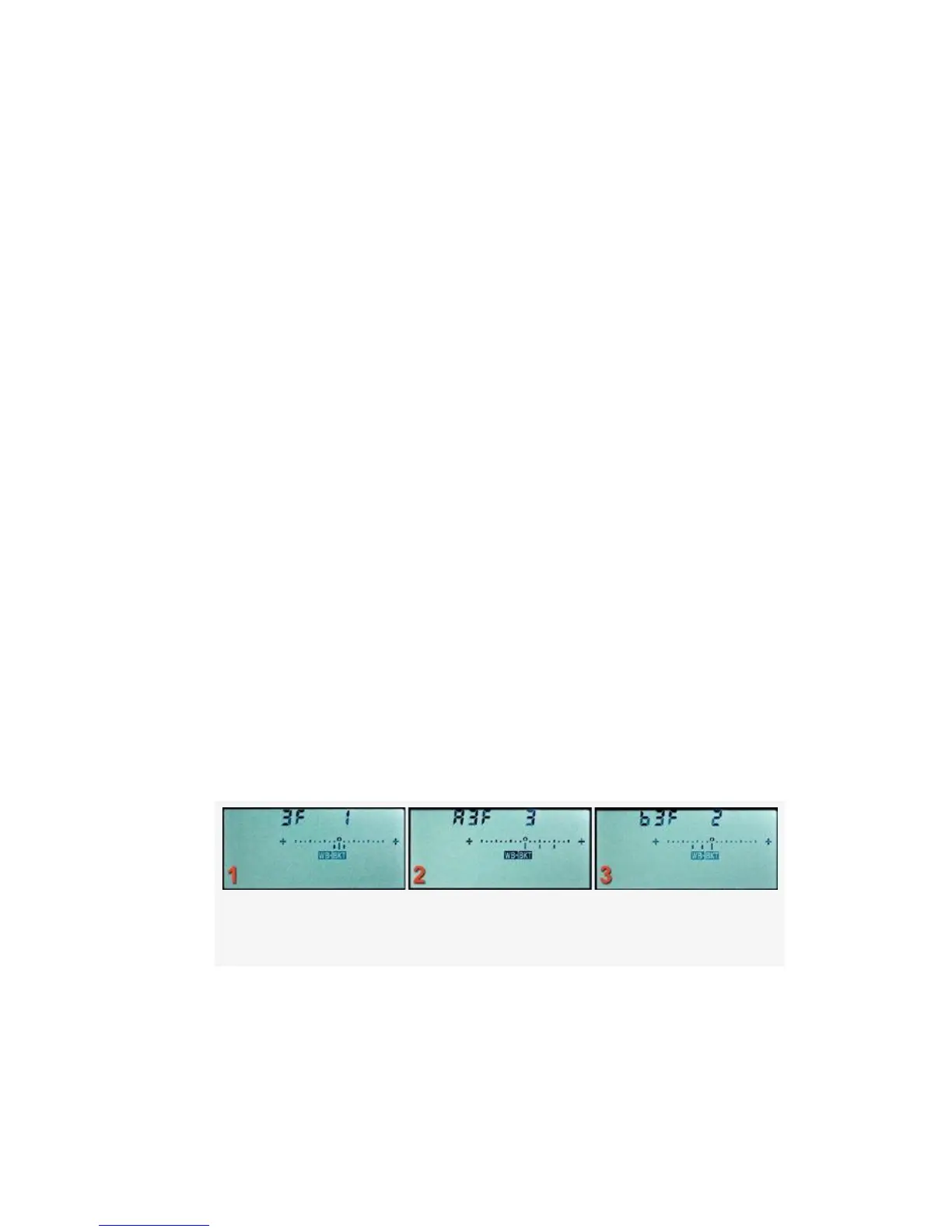
Figure 4-59. Auto bracketing (WB)
2. Look for the WB-BKT symbols to appear on the Control
panel (see Figure 4-59). Choose the number of shots in
the bracket (3F, A3F, or b3F) by pressing and holding
the Fn (FUNC.) button while turning the Main command
370



 To Next Page