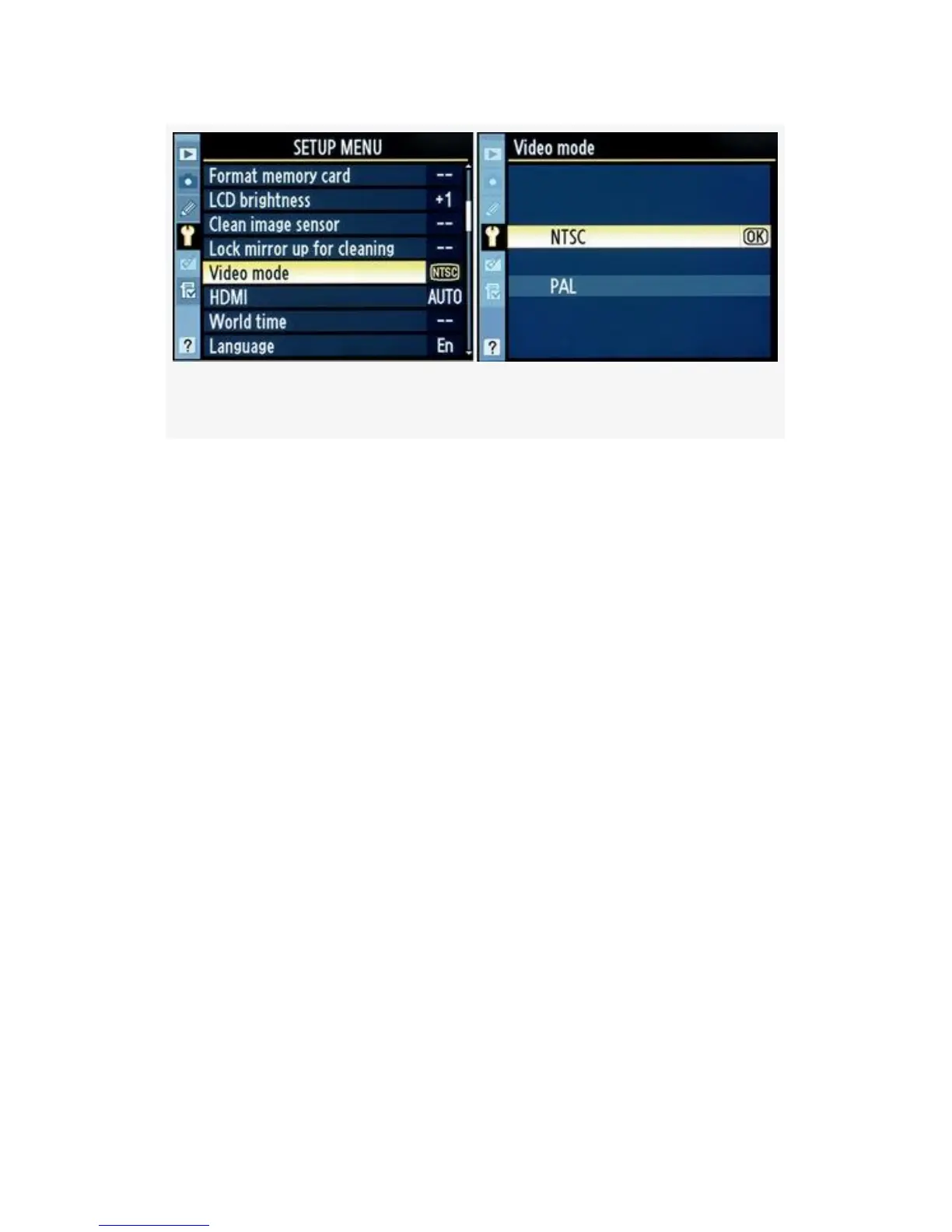
Figure 5-10. Video mode selections
In Figure 5-10 are the screens and following are the steps
used to select a Video mode:
1. Select Video mode from the Shooting Menu and scroll to
the right.
2. Choose NTSC or PAL from the menu shown in
Figure 5-10, image 2, and then scroll to the right.
3. Press the OK button to choose the standard.
My Recommendation: You’ll need to refer to the manual of
your television, VCR, or other device to determine what
video standard it uses. In the United States and many other
areas of the world, the NTSC mode is commonly used. Many
European countries use PAL. It won’t blow up the device or
camera if you use the wrong mode. If one doesn’t work, try
the other.
449



 To Next Page