▪ Off – If Auto image rotation is turned Off, the vertical
image will be displayed as a horizontal image lying on
its side in your computer software. The top of the image
will be on the left or right according to how you held the
hand grip—up or down—when you took the picture. The
camera does not record orientation information with the
image. It will display as a horizontal image, even if you
have set the Playback Menu > Rotate tall function set to
On.
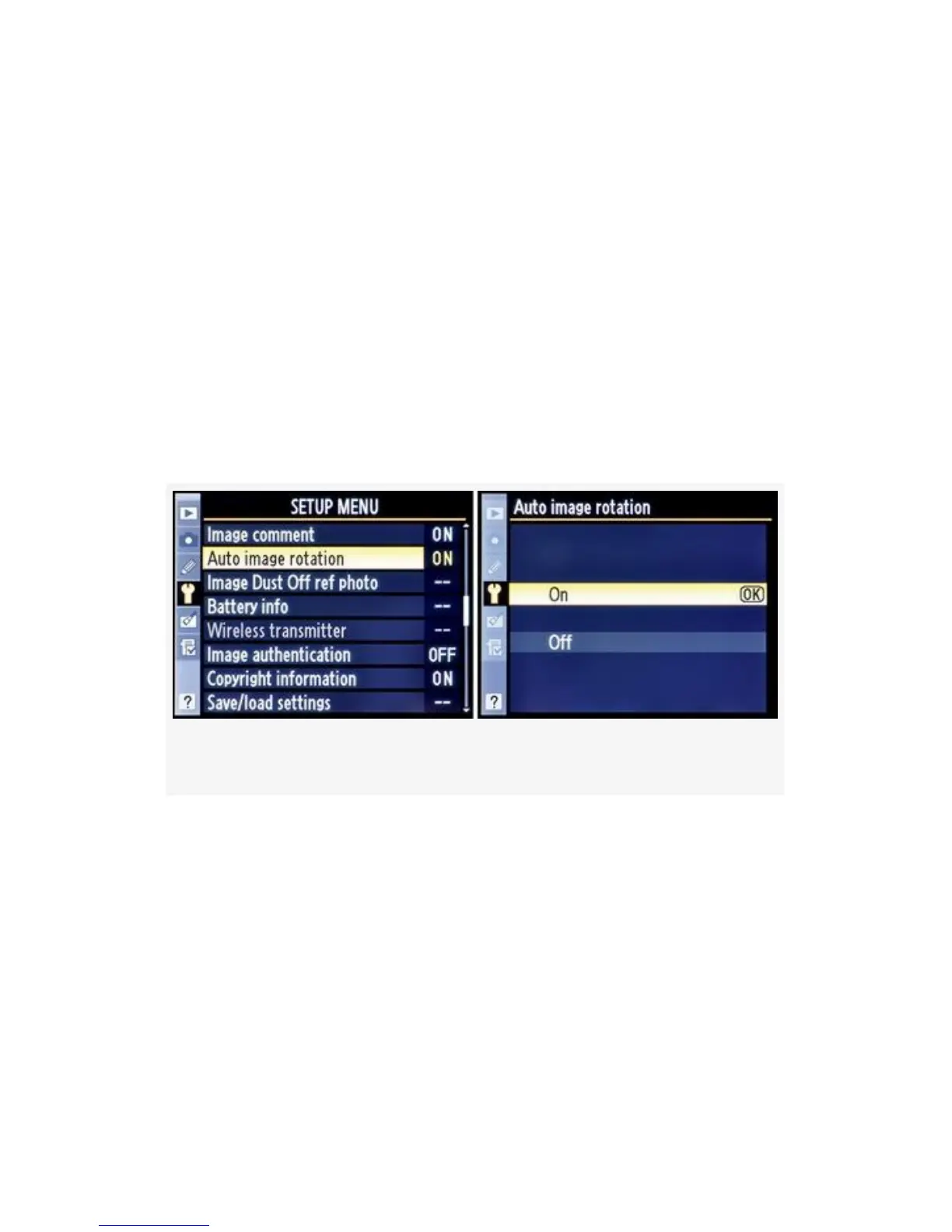
Here are the screens and steps used to set the Auto image
rotation function (see Figure 5-20):
Figure 5-20. Auto image rotation
1. Select Auto image rotation from the Setup Menu and
scroll to the right.
2. Choose On or Off and press the OK button to lock in
your selection.
If you’re shooting in Continuous frame advance mode (CL or
CH), the position in which you hold your camera for the first
shot sets the direction the images are displayed.
466



 To Next Page