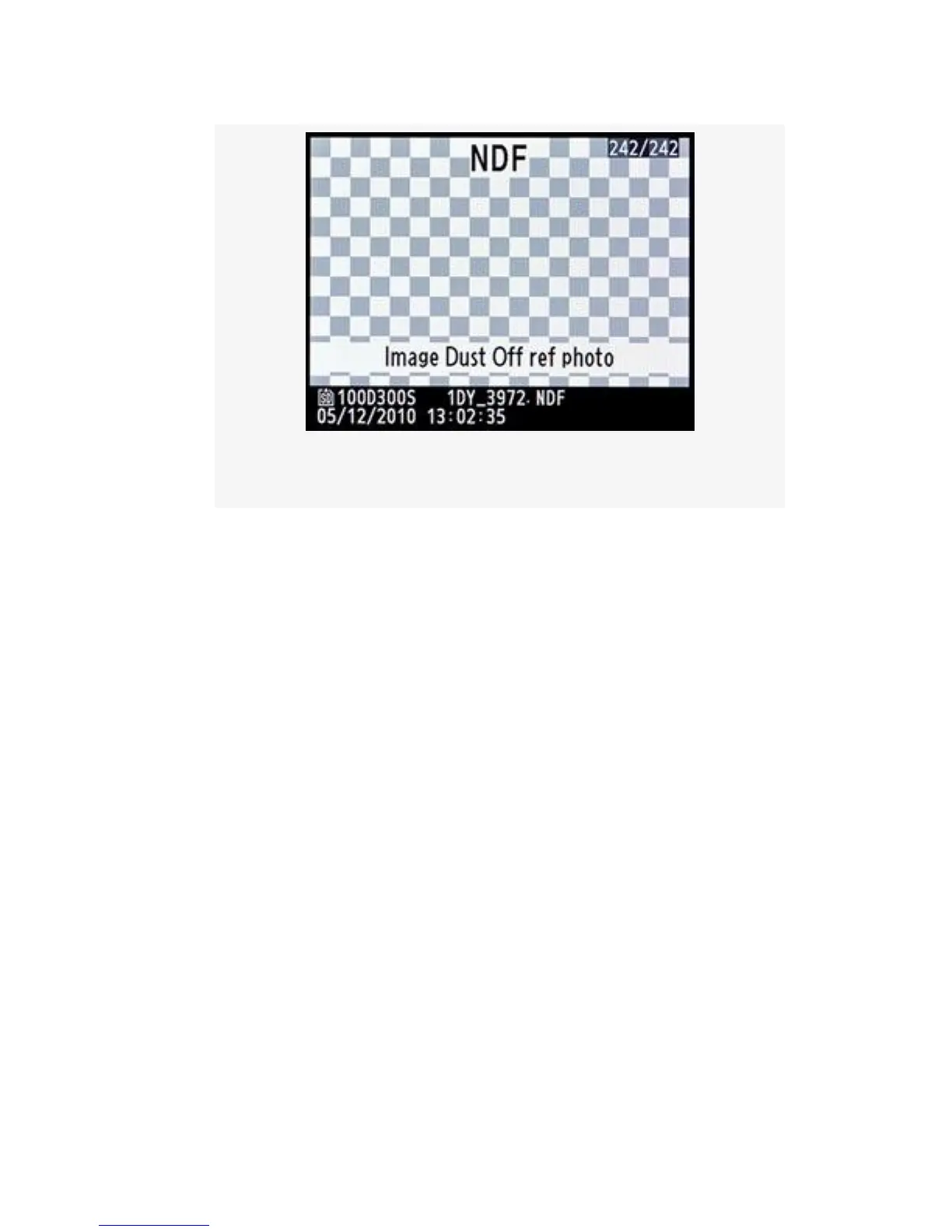
Figure 5-24. Dust Off ref photo
You cannot display the Image Dust Off ref photo on your
computer. It will not open in Capture NX2 or any other
graphics program that I tried. It is only used as a reference by
Capture NX2 when it’s time to clean images.
Where to Store the Reference Photo – Copy the .NDF file
from your camera’s memory card to the computer folder
containing the images that have dust spots on them and for
which you created this Image Dust Off ref photo. You can
now use Nikon Capture NX2 to remove the dust spot from all
the images covered by this Image Dust Off ref photo.
That process is beyond the scope of this book, but there are
many good Nikon Capture NX2 books on the market that will
explain it well.
White or Gray Card Tips – Remember, all your camera
needs to create an Image Dust Off ref photo is a good bright
look at its imaging sensor so that it can map the dirt spots into
a .NDF file (ref photo file).
476



 To Next Page