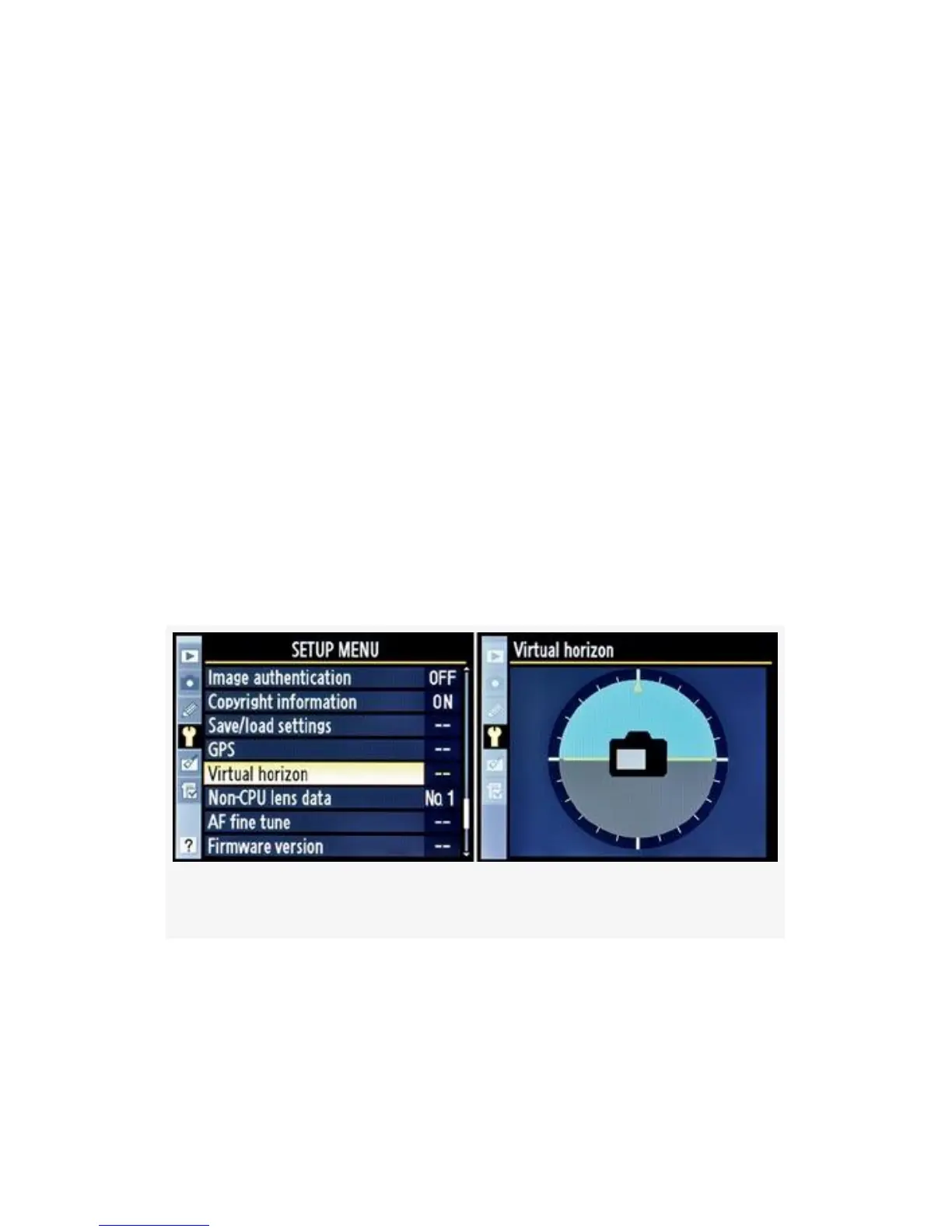
Virtual Horizon (D300S only)
(User’s Manual – D300S page 311)
The Virtual horizon is a new feature for the Nikon D300S
camera only. This particular selection is not for live
picture-taking use, however. All it does is bring up the Virtual
horizon indicator on the camera’s Monitor.
You can use it to help level your camera on a tripod or other
stable shooting base.
The Live View and D-Movie modes have a smaller version of
this Virtual horizon that you can see right through for live
usage. Here are the steps to use the Virtual horizon (see the
screens in Figure 5-37):
Figure 5-37. Virtual horizon indicator
1. Choose Virtual horizon from the Setup Menu and scroll
to the right.
505



 To Next Page