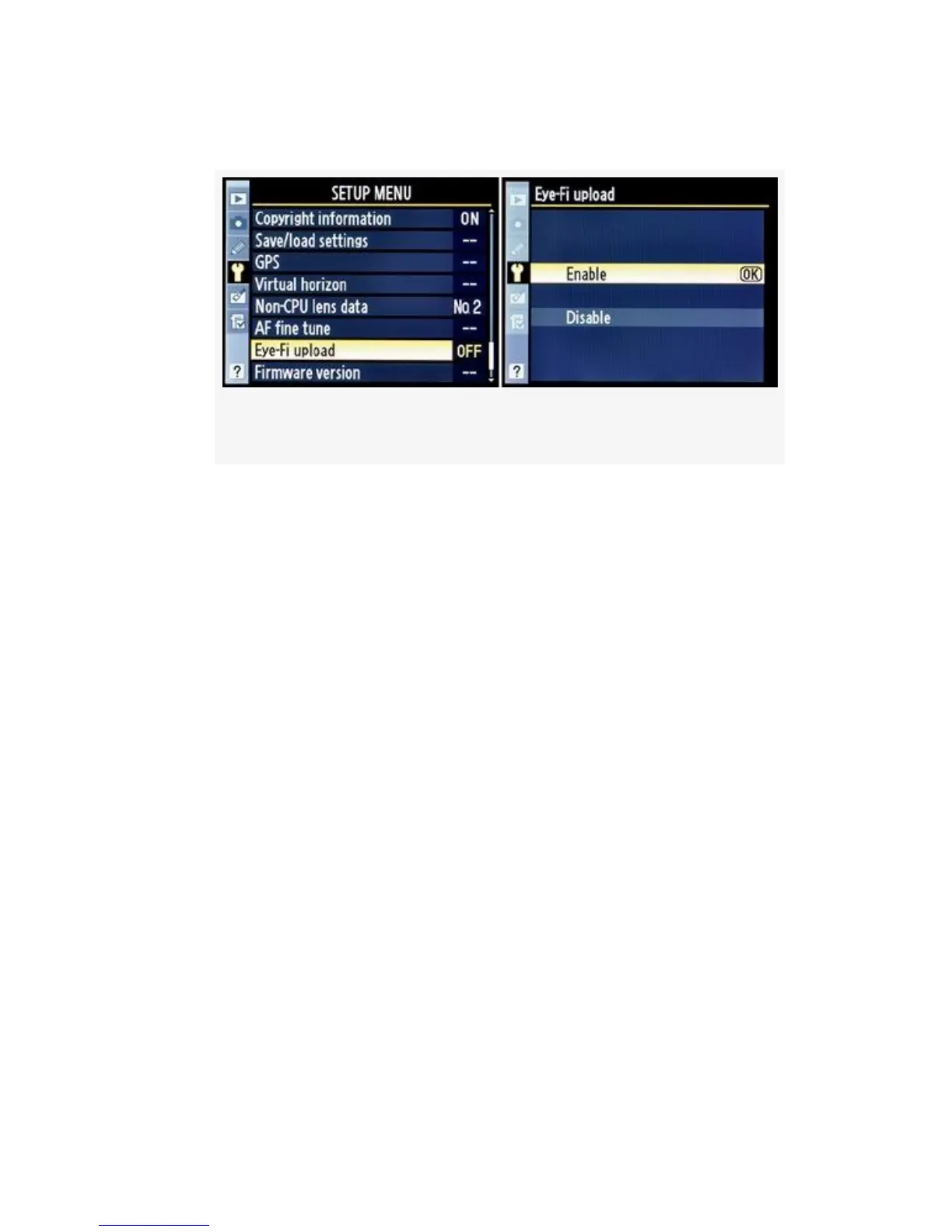
2. Select Enable or Disable from the Eye-Fi upload screen.
Figure 5-45. Eye-Fi Enable or Disable screens
3. Press the OK button to lock in the setting.
Unless you are currently shooting images for transfer, I
wouldn’t leave the Eye-Fi upload feature enabled. Why waste
battery life out in the woods where there are no wireless
networks? To make it really convenient to access the Eye-Fi
upload function for quick enabling—when needed only—I
simply added it to My Menu in the D300S. We’ll examine
how to do that in an upcoming chapter.
You may download additional information on using an Eye-Fi
card from this book’s downloadable resources on the Web:
http://rockynook.com/NikonD300S.
My Recommendation: I wanted to buy a nice Nikon WT-4
transmitter until I saw the price. Whew! I think I’d rather buy
that AF-S Nikkor 200-400mm F/2.8 ED VR lens I crave
mightily. So, instead, I bought an Eye-Fi card for about
one-eighth of the price. I don’t have the large wireless range
and multiple modes the powerful WT-4 transmitter offers, but
I can shoot an event within 50–90 feet of my notebook
computer and have immediate Ad Hoc file transfer wirelessly.
520



 To Next Page