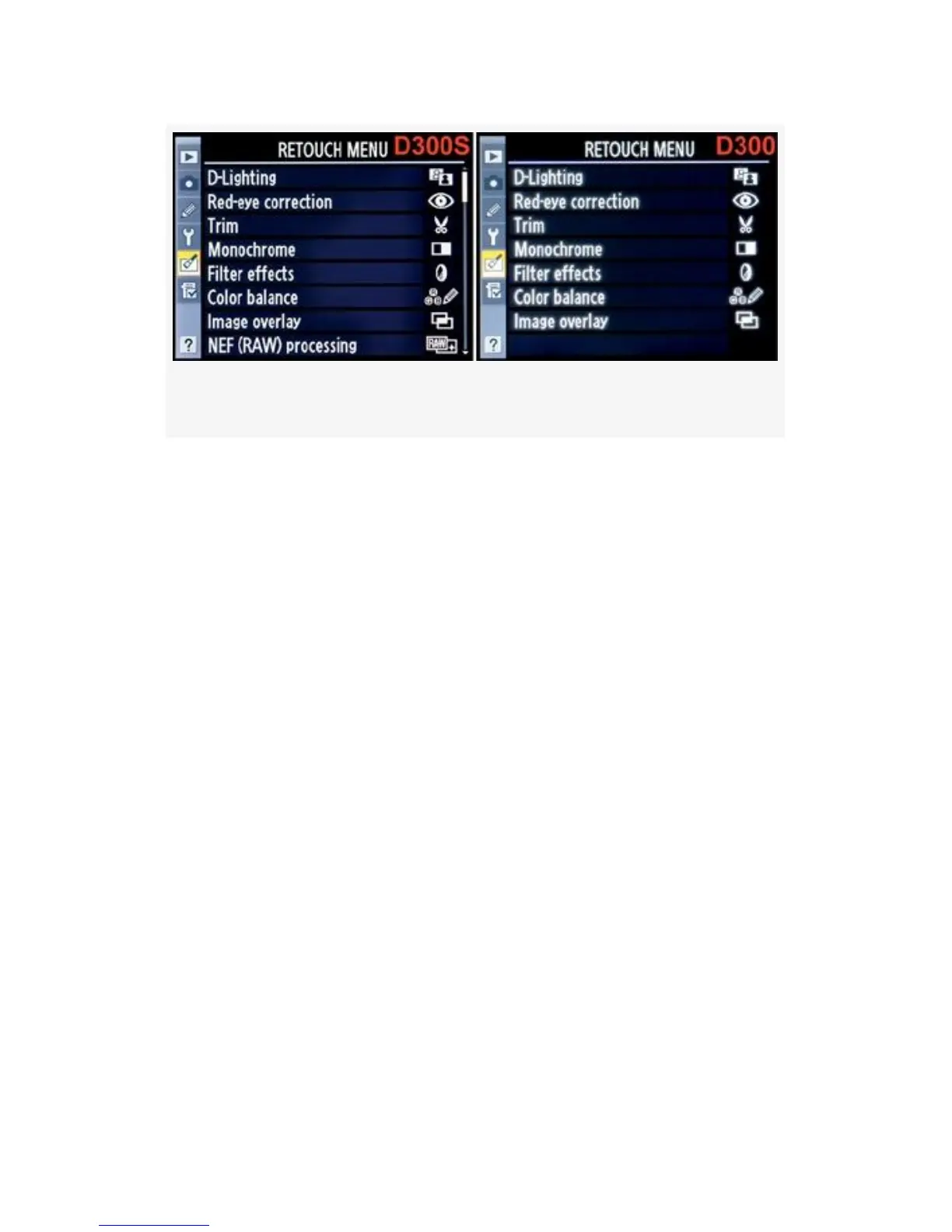
Figure 6-1. Retouch Menu for D300S and D300
It’s the fifth menu down the menu selection bar, just below
the Setup Menu.
When you use Retouch Menu items, the D300(S) does not
overwrite your original file but always creates a JPEG file
with the next available image number. The retouched image
will be numbered as the last image on the memory card. If
you have 100 images on your card and you are retouching
image number DSC_0047, the resulting new JPEG image will
have the number DSC_0101—or is now the 101st image. The
D300(S) looked to see how many images were on the
memory card (100) and then added the retouched image like it
was a brand-new exposure, assigning it the next available
image number.
There are two methods for accessing the Retouch Menu. You
can use the Retouch Menu directly to choose an image to
work with, or you can display an image in Playback mode and
press the OK button to open the Retouch Menu. They work
basically the same, except that the Playback Retouch Menu
leaves out the step of choosing the image (since there is
already an image on the screen) and it has fewer retouch
530



 To Next Page