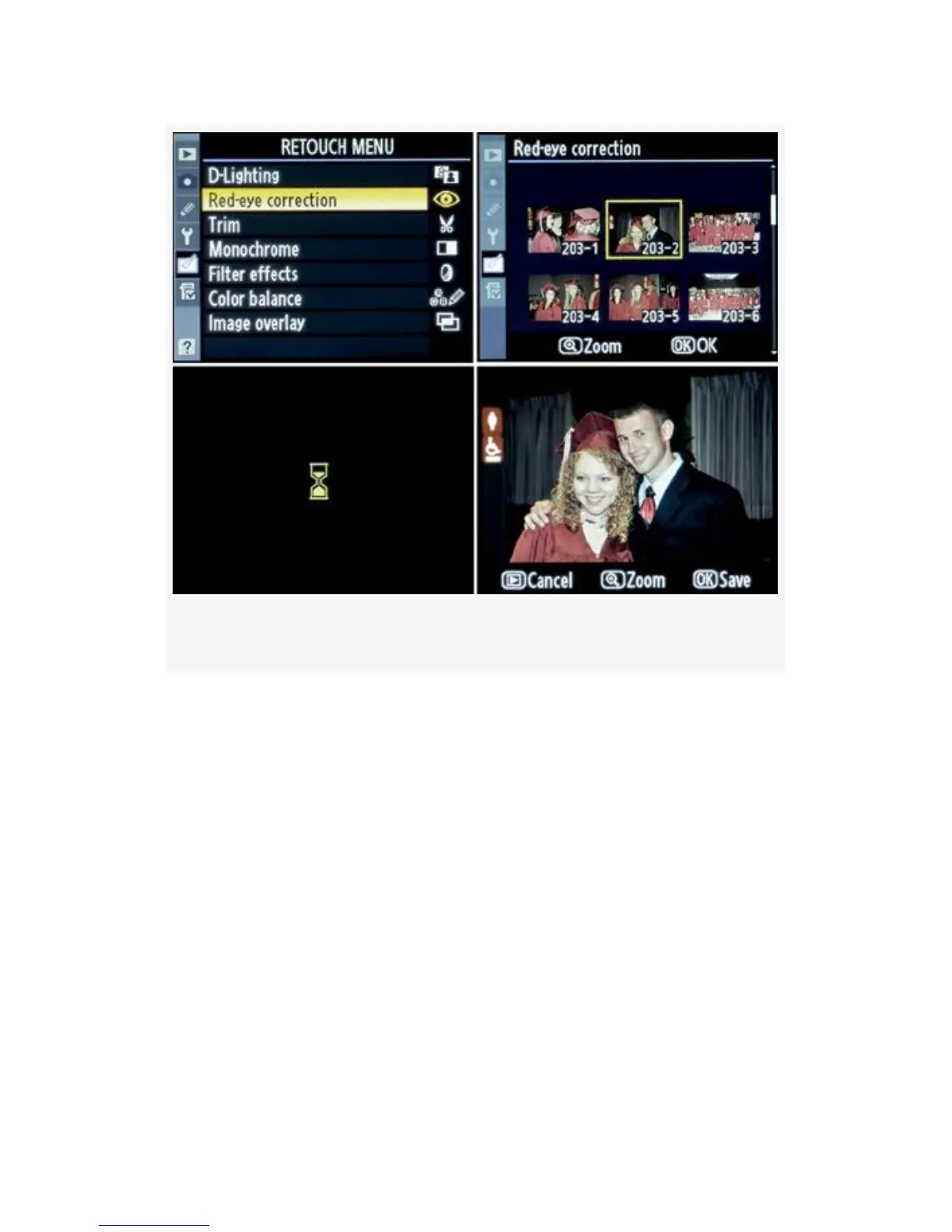
Figure 6-4. Red-eye correction screens
If you try to run Red-eye correction on an image for which
flash was not used, the camera will inform you, Cannot select
this file.
Here are the screens and steps to execute the Red-eye
correction function on an image (see Figure 6-4):
1. Select Red-eye correction from the Retouch Menu and
scroll to the right (see Figure 6-4, image 1).
2. Select the image you want to modify (see Figure 6-4,
image 2).
3. Press the OK button to execute Red-eye correction
routines. You’ll see an hourglass on your screen for 3 to
5 seconds (see Figure 6-4, image 3).
535



 To Next Page