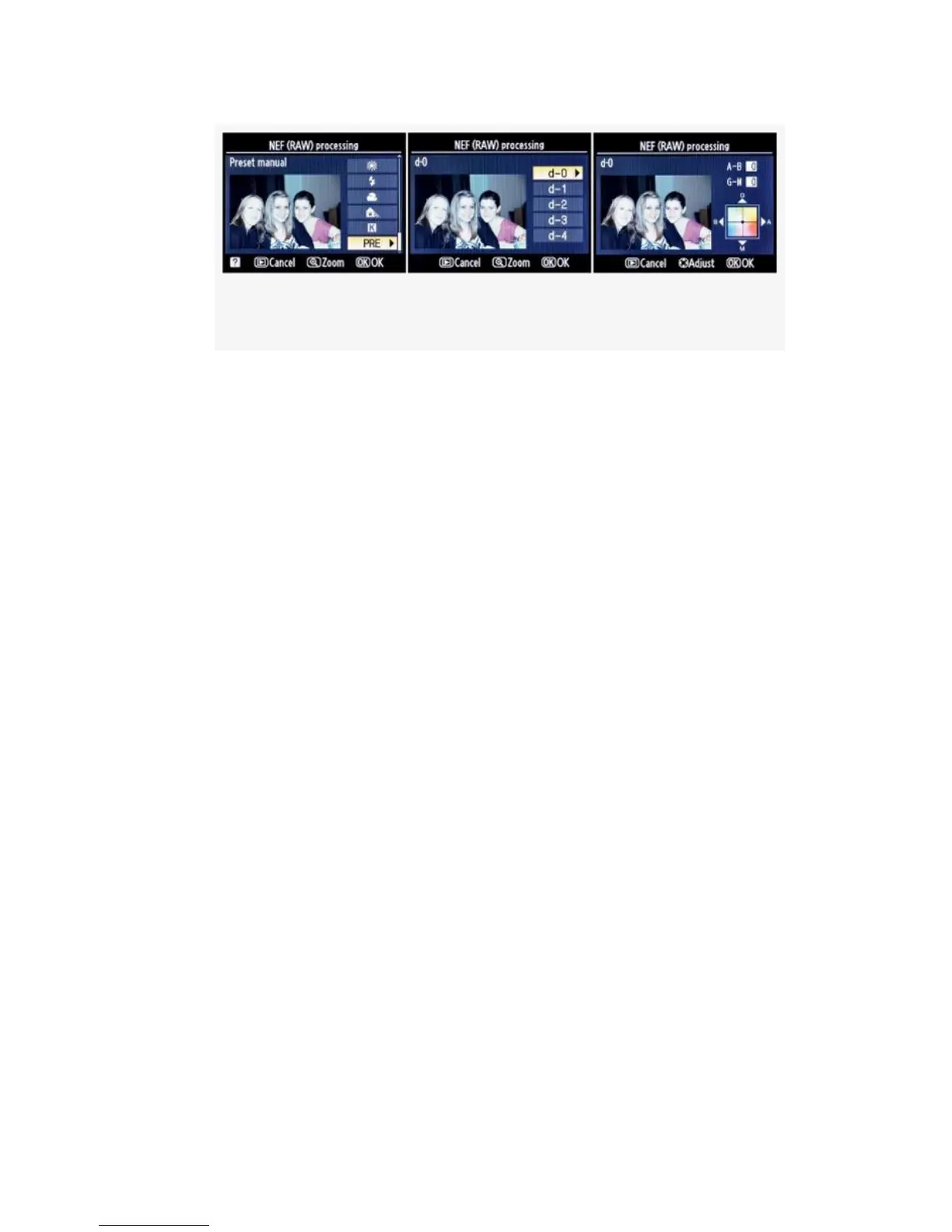
Figure 6-16. White balance – PRE or Preset manual
5. Select one of the White balance settings for your new
JPEG (see Figure 6-13-Figure 6-16). You can choose
from AUTO, Incandescent, Fluorescent, Direct sunlight,
Flash, Cloudy, Shade, K-Choose color temp., or PRE –
Preset manual (from a previous ambient light white
balance reading). Please review the chapter titled
Chapter 10 for detailed information on each of these
selections.
There are some variations from Figure 6-13’s basic
screens when you choose Fluorescent, K, or PRE. Each
of these settings has an additional screen of choices* that
you must select from. The three screens are shown in
Figure 6-14, Figure 6-15, and Figure 6-16. Here are
explanations:
* Fluorescent (see Figure 6-14) – You must choose from
an additional screen of fluorescent types. There are
seven of them, with names like Sodium-vapor,
Warm-white, Cool-white, etc. Each has a number
assigned to it. Figure 6-14, image 2, shows Cool-white
fluorescent, which is number 4 on the list of seven
fluorescent types. Afterward you’ll move to the
fine-tuning screen.
552



 To Next Page