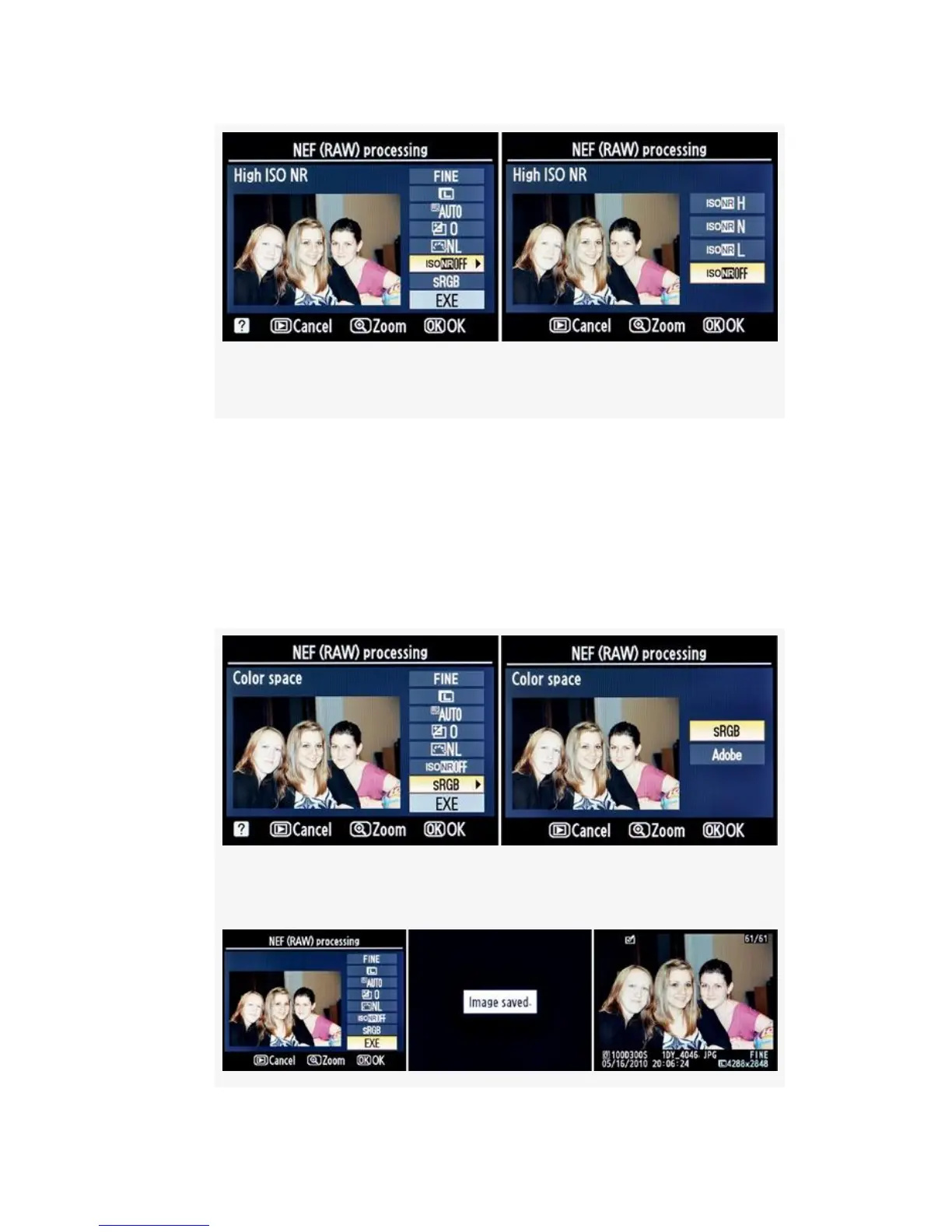
Figure 6-19. High ISO noise reduction
9. Color space lets you choose one of the camera’s two
color space settings (see Figure 6-20). You can select
from Adobe or sRGB. Adobe is the same as Adobe
RGB. Choose one and press the OK button to return to
the main NEF (RAW) processing configuration screen.
You can cancel the operation with the Playback button.
Figure 6-20. Color space
556



 To Next Page